Forum Replies Created
-
AuthorPosts
-
 BRONZE Member
Strange.
After a factory reset I am having now the same problem again. No radio anymore. And no update. I have changed DNS to 8.8.8.8 and still not working. I think that the B&O server is down and not working.
Any suggestions?About the USB-drive. I’ve had some trouble with it and after using a 16 GB USB-drive Sandisk Cruser Blade it works.
Using Kingston 64 GB USB ditn’t work. It wasn’t reading it. Even after a factory reset.
An other problem is. When you add new music to the USB-drive it will not recognise the new added music until I reset the Encore to factoryreset.
Hello Paul,
You need to replace the cassette deck’s drive belt. It is not an easy job, as the plastic covers are prone to breaking during disassembly.You will need isopropanol to remove the residue from the old belt, as well as a new belt. Danish Sound Parts is one of the few suppliers that stocks the correct belt. I would only undertake this if you really intend to play cassettes.
I have tryed al lot of glue. But this one does every time the trick for me.

Have you managed to put it into service mode to restore the factory settings yet? It requires a specific key combination to do this. Go to **Settings**, press **<** twice, then **GO**; next, select **Maintenance** and press **GO**.
Select **RESET TO FACTORY DEFAULTS** and press **GO**.It’s a fantastic project. That’s why I bought a Beosound 5 and Beomaster 5 in non-working condition, intending to convert them into a 5C. So far, I’ve managed to get the Beomaster 5 up and running. But now that I see these new developments, I think I’ll definitely go ahead and convert it into a Beosound 5C.
Mine is still working with on old Ipad 1 as a stand-alone.
Question: Witch version of VLC did you add to it?
In the end, the one I used to use the most, and to me the easiest and most efficient solution is the one with a 64 GB iPad 1 you can find for very cheap anywhere. It makes it standalone and easy to use. Add VLC and you got a mini Beovision including streaming from any computer on the network.
Jan.
Hi,
I happened to buy a Beomaster 5 and Beosound with the intention of converting them into a Beomaster 5c using a Raspberry Pi. To my surprise, I managed to restore the unit to its original condition.
The biggest challenge was accessing the service menu—I believe the sequence was < >< > go. After that, I was able to connect an old PS/2 keyboard and mouse to the USB port using a USB adapter. I managed to install older drivers via a USB stick. The system runs on Windows 95 Embedded (32-bit).Hi,
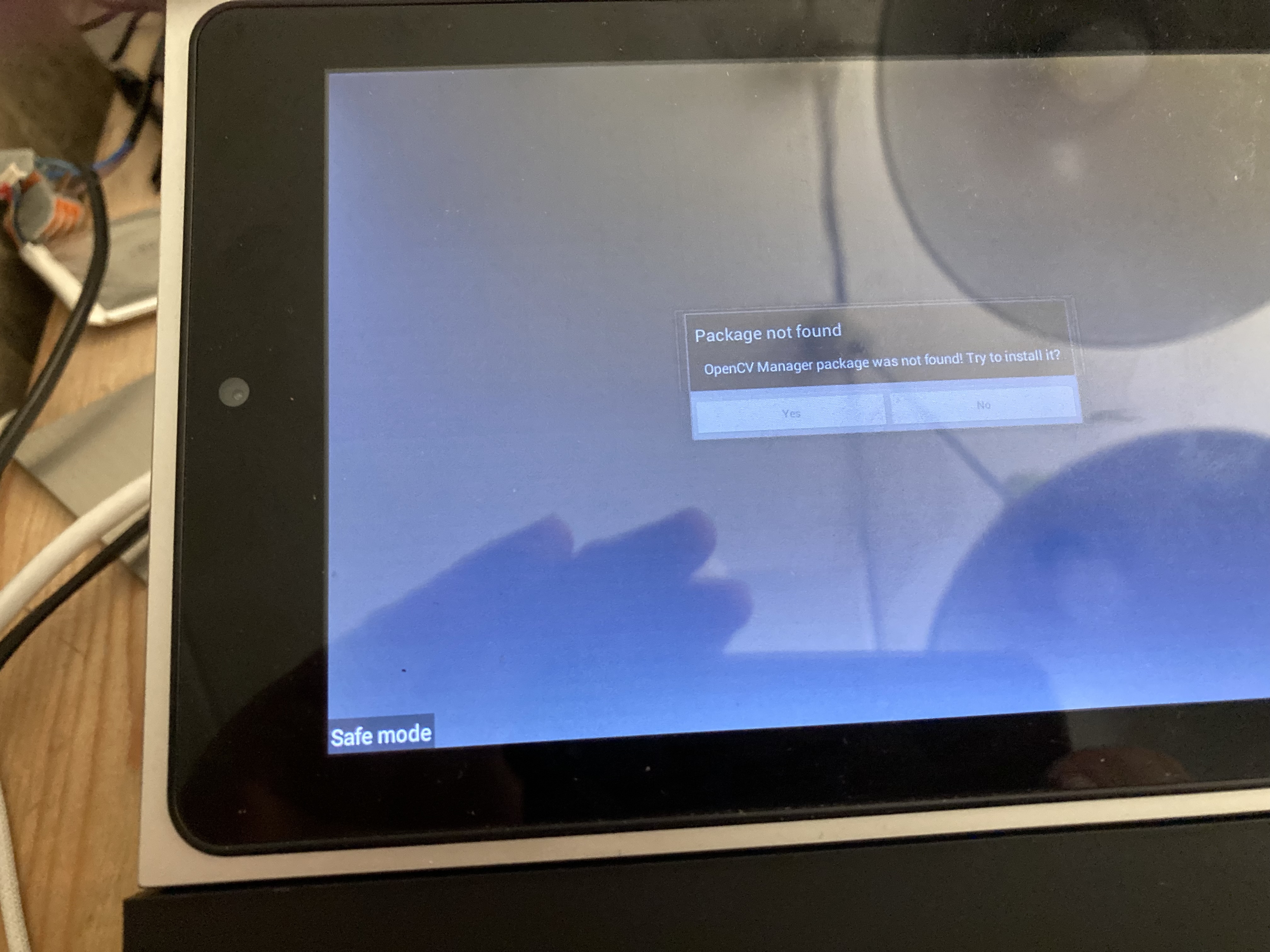
If you combine Beolab 6000 or 6002 speakers with a Beolab 2, you get plenty of bass and power. I used to have that setup. Unfortunately, my wife didn’t like having that square thing (the Beolab 2) in the living room, so I sold it again—just to keep the peace at home.The screen is working after a lot of tapping on Yes. But still no result. I think I’ll need the service tool to get it working again. I have sent a message to B&O support. Maybe they will respond.
Hello,
I currently own three Beosound Moments, and I am aware that support for them has ended. All of them are stuck in a loop, and I would like to get them working again so an enthusiast can give them a second life. Two of them proceed to the logo screen, after which the display starts flickering. One remains stuck in a loop at the logo. I believe I need the service tool to resolve this, but unfortunately, it is nowhere to be found. Can you help?
Regards, Jan Stegeman.I think you should remove the wooden cover and replace the battery. A new battery doesn’t cost much, and the replacement process is straightforward. It might just start working again—in which case you’d be in luck. Leave the wooden cover off for a moment to test it. If it still gets stuck in a loop, you can try resetting it using the buttons or by following the method described in this thread.
https://forum.beoworld.org/forums/topic/besound-moment-battery-replacement/
Hi,
I managed to get it into Safe Mode, but now the screen is flickering. See the photo. Does anyone have any ideas on what to do next? How to chose Yes? It’s the one where, after the boot logo appears and some color shows up, the screen starts flickering.
Hi, I recently managed to acquire 3 Beosound Moments that are no longer working.
Number 1 keeps restarting repeatedly after the logo appears.
Numbers 2 and 3 continue after the logo, but then the screen starts flickering. I have already removed the backs of the tablets to connect the reset+GRD and Volume+GRD using two screwdrivers. Unfortunately, no result yet. The base station is visible in the B&O app when connected with a UTP cable. The software is up to date.
The next step is to replace the battery and see if that is the cause. I am trying to repair these Beosound Moments and save them for a second life.
Any other suggestions?After some searching and looking at an old forum https://archivedforum2.beoworld.org/forums/p/8411/74135.aspx, I was able to add AirPlay to the Beomaster 5, and to my surprise. It works when I set the Beosound 5 to A-aux and connect via my iPhone to play music via Spotify using AirPlay on the Beomaster 5.
After installing the program shairport4w.exe (specifically the version in the last post) and then separately installing Bonjour (https://support.apple.com/nl-nl/106380) via a USB stick, it works.
Now I just need to see if I can replace Windows Media Player with vlc player download windows xp 32 bit.I enjoy getting started with this.
It’s working again. I probably pressed the standby button on the Beo 4 remote for too long out of impatience. The radio works and comes out of standby again after disconnecting the power.
Regards Jan.I recently managed to purchase a Beomaster 5 and Beosound 5 for a project to convert them into a Beocenter 5C.
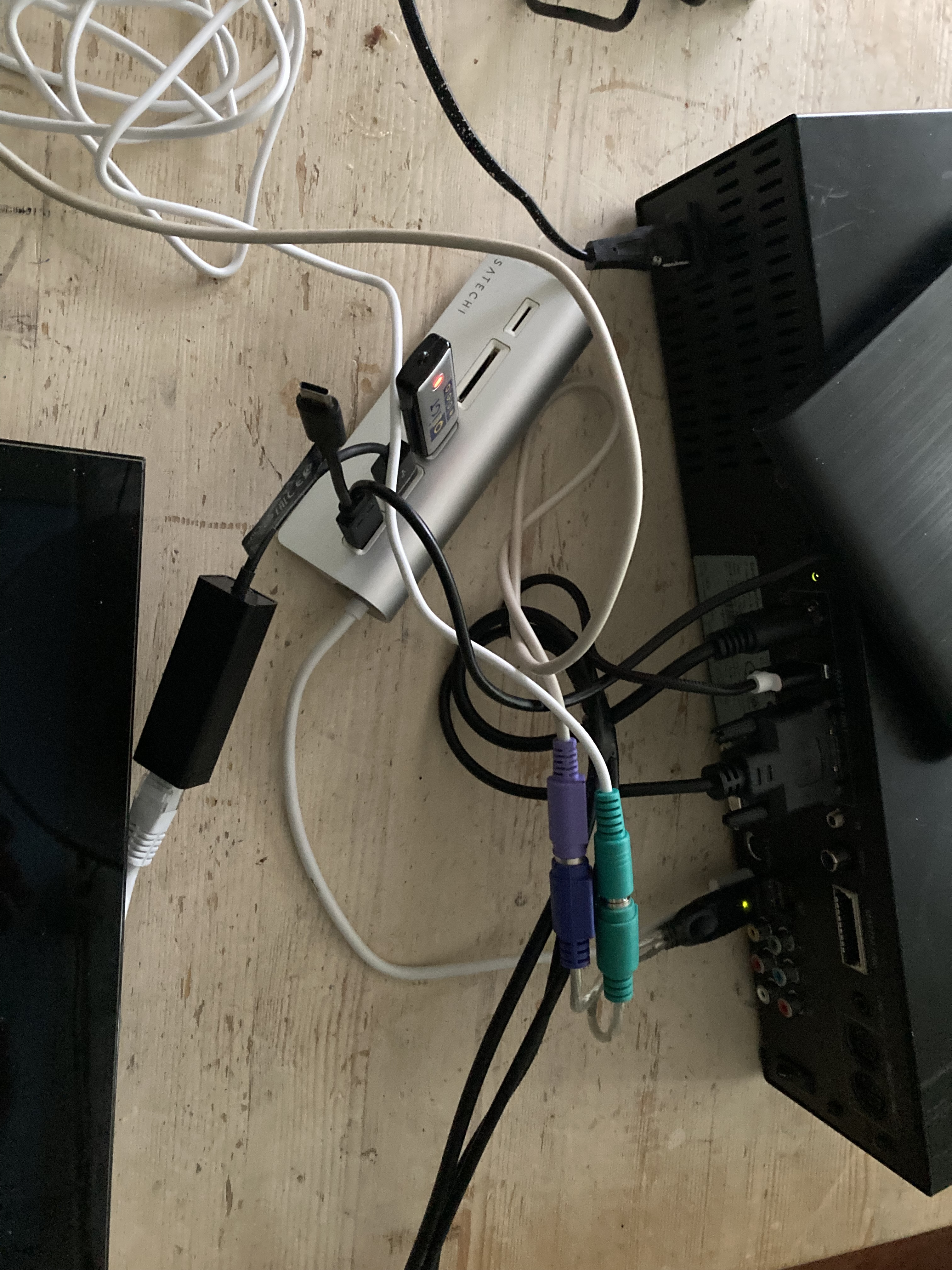
I already have a working Beosound 5 Encore connected to a Beogram 4500 CD player and a Beogram 4500 turntable. I stream directly to the Beolabs 8000 via an old Almando Stereo and an old Apple Airport Express. Initially.I managed to get it working without the conversion. First, I reset it to factory settings after searching for an old PS2 keyboard and mouse in the box, along with a USB-to-USB adapter. The LAN connection wasn’t working, and the top USB port wasn’t functioning properly. With the help of a USB hub, I was able to connect a USB-to-LAN adapter. I found the drivers and got them working via a USB stick through the Service menu. Only then could I update it. After that, I connected a USB CD player (costs €15.00) to rip CDs. It didn’t work at first, because I had to go back to the service menu to configure Windows Media Player. Ripping works, but it doesn’t add tags to the tracks. So all CDs are unknown, and so are the tracks. So unfortunately, CD ripping doesn’t add much value.
Via my Macbook, I was able to access the Beomaster share to upload ripped CDs via Music on the Macbook and add an image of the cover to the ripped CD folder under the name folder.jpg.
So far it works, except of course that Spotify doesn’t work anymore.
I am going to do the following things as well. Open the case of the Beomaster 5 to clean it and see why the LAN and top USB ports are no longer fully functional. I also found a USB expansion that I believe can be connected directly to the motherboard for 2 extra USB ports. I also have a Behringer UAC202 to see if it still works for connecting a Beogram turntable.In short, a fun project to be working on. If it doesn’t work out, I can always convert it to a Beomaster 5C.
Groet, JanAn update. The network output and the top USB output are no longer fully functional. With the help of a USB hub, I was able to connect a USB to LAN cable. I was able to update the driver using a Windows XP driver via a USB stick. I have now been able to update the software to the latest version.
The next step is to open the Beomaster 5, clean it internally, and see why the UTP and USB connections aren’t working. It’s nice to get this older B&O working again before I switch to the Beosound 5C with a Raspberry Pi 5.
Thanks for your reply. After I managed to reset it to factory settings, it did work. Using a UTP cable still isn’t working, because I can’t get the table stand off to connect it. Now another problem. It stays in standby mode, and the only way is to disconnect the power again. They remain fun B&O products to work with. Regards, Jan.
After another attempt to get it working, I’m giving up. It only starts up when an external CD player is connected via USB. I don’t know why either.
No internet connection despite connecting it via a UTP cable. Updating drivers, I was able to set the IP address to a static IP address via the service menu. It did’t work.
I think the motherboard is broken after all these years. Unfortunately, my old laptop with Windows 7 isn’t connecting either.
In the coming months, I’m going to convert this Beomaster 5 into a Beomaster 5C and see if it’s worth the effort considering the investments in a Raspberry Pi and more.In the meantime, I’m using my Beosound 5 Encore, with a Beogram 4500 CD and a Beogram 4500 turntable connected to it. With an old B&O switch.
I recently swapped the Beocenter 2 for a Beosound Encore, hence the separate Beogram 4500 CD. In combination with an Almando Powerlink Switch Stereo, Apple Airport Express (for streaming music), and Beolabs 8000, everything I want works.
Groet, Jan.Hi,
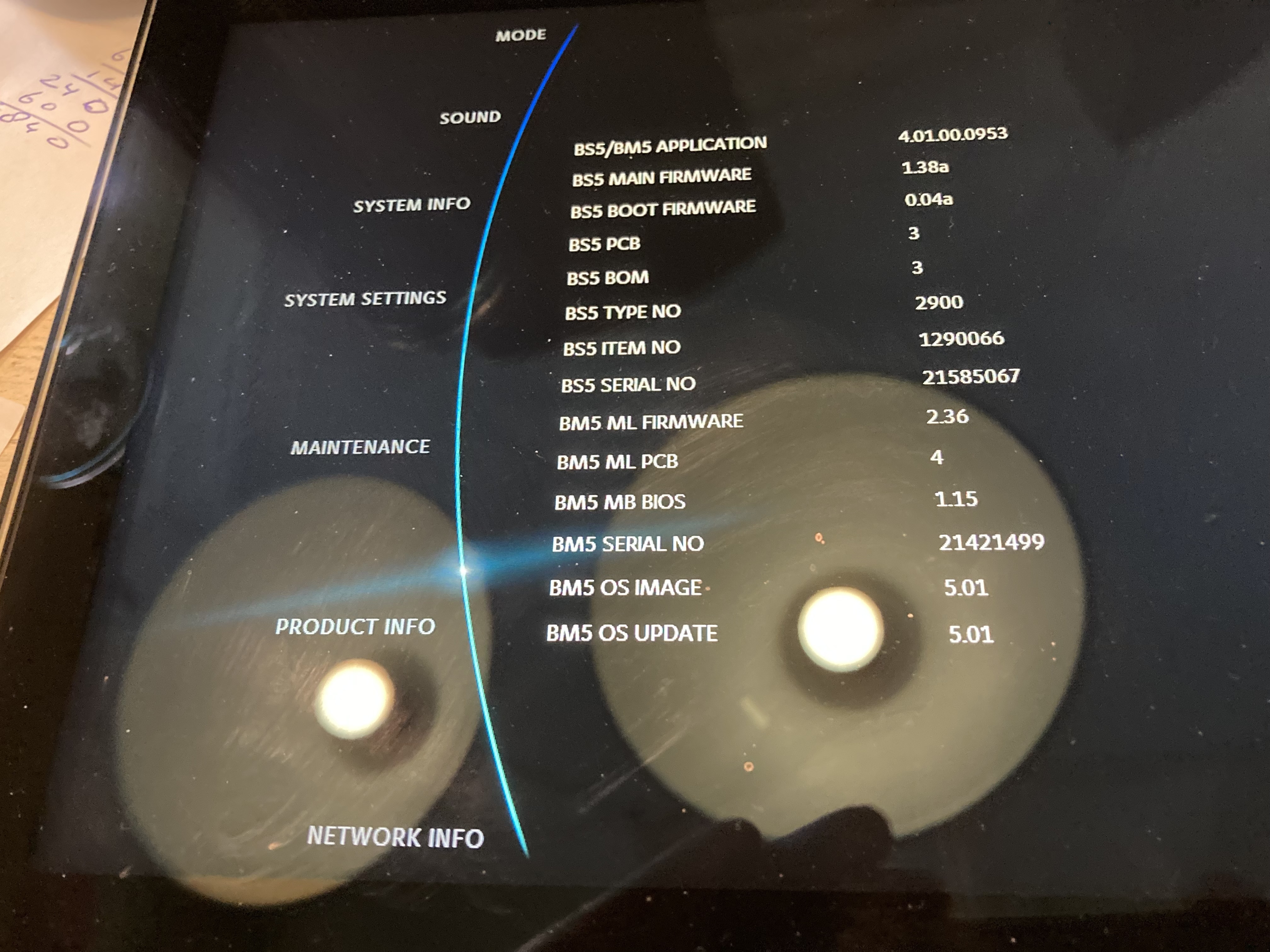
I have a Beomaster 5 and a Beosound 5. Recieved second hand and the network settings didn’t work. I managed to add an USB-CD-player by USB for ripping and it worked. When entering the service mode and choosing the wheel to Network Info the system froose and had to be manualy restarted. I needed old old ps2 keyboard and a ps2 to usb-adaptor to enter the service mode.
After I did a recovery the network not working and CD-player also not working anymore. Ofcourse I have the original software (Embedded XP) back.
Can I with this servertool (witch I maneged to download) update the systeem and the BIOS. Just before I decide to change the harddrive to a 2GB SSD?
I bought this set to change it to https://beosound5c.com/ But till now on it’s still working on an old motherboard and Windows XP I will give it a try before I will rip out the motherboard and make it a Beosound 5c.
Groet, Jan.
-
This reply was modified 5 months, 1 week ago by

-
This reply was modified 5 months, 1 week ago by
-
AuthorPosts