






Home › Forums › Product Discussion & Questions › BeoMaster › Beosound 5 / Beomaster 5 Service Tool
Tagged: beomaster 5, HDD clone, ServiceTool
- This topic has 38 replies, 15 voices, and was last updated 1 month, 2 weeks ago by
 AVN.
AVN.

-
AuthorPosts
-
20 July 2025 at 20:37 #67417
 MadskpGOLD Member
A way to test the BS4 is to set it in opt 1 and connect it to your Bl3500 and see if that will work together
Location: Denmark
20 July 2025 at 20:56 #67422I got it working – it must be my ML wiring, which is a bit complicated behind all the furniture! I connected the Beosound 4 direct to the Beosystem 3 with an ML cable, and they work fine together in Opt.0 and Opt.2 respoectively.
So, if I sort out my ML cabling and junction boxes, I think I should be able to have the Beosound 5 in the ML network too, as an A.Slave.
I’ll miss being able to control my Beogram 9500 by remote, but I think the BS4 and BS5 look good together, so I think I’ll connect the BG9500 to the BS4 using my phone stage. I have a phono stage that can also be switched between phono and another aux line level input, so I think I’ll plug my old Chromecast Audio into that too, then I can use that for Deezer (rather than Spotify – I use Deezer because I also have a BS Moment).
Too late tonight to do all the wiring, but I’ll let you know if it works when I try it!
Location: Liverpool
My B&O Icons:
 21 July 2025 at 07:05 #67446MadskpGOLD Member
Before you tidy the wirering to much you might want to check how the BS4 and BS5 behave togheter with the overlapping commands
Location: Denmark
21 July 2025 at 14:41 #67483MadskpGOLD MemberJust did a little test with my Beossound 5 (AM = NO), Beocenter 2 (opt. 0) and Beocenter 6-23 Tv (opt. 2).
This seems to work, although the first time I selected N.music I had to activate it manually on the BS5 buttons after I had activated the source with the remote (which did activate the BC2, BC6 and got the picture showing on the BS5). The controls might not be optimal, and as mentioned earlier I have yet to see an official setup guide for this combination, so might not be a fully supported scenario.
One issue that came up while testing, and might only be related to a failure in my system: at one point the music started to be scratching like a bad radio signal and after that I never got the music playing again, although still having full control of the BS5 with the remote.
Location: Denmark
21 July 2025 at 18:34 #67510Excellent – it’s working!
First I tried the Beosound 4 in Opt.1 and the Beosound 5 set so it was not the Audio Master, and I connected a pair of my Beolabs direct to the Beosound 4. That worked fine.
I then connected the Beosystem 3 into the same ML network via a junction box, changed the Beosound 4 to Opt.0, and the Beosystem 3 remained in Opt.2. It all works fine, and I’m also impressed with the fact that my Beosound 4 display show the metadata for the digital music that is playing.
I’ve also figured out how to get 2-way communication between the Beosound 5 and my Beo6 remote. It only worked briefly before it ran the battery down, but it worked!
So, I cannot use the Beosound 5 for Spotify as that only works if it is an Audio Master, but that’s fine – I can live without that. I wouldn’t mind getting N.Radio working but I have still not figured out how to get the BS5 connected online, even though it is successfully connected into my home network (wired). I’ll figure it out eventually though.
As ever, thanks for all the invaluable help, Madskp.
Location: Liverpool
My B&O Icons:
21 July 2025 at 20:23 #67522MadskpGOLD MemberAs ever, thanks for all the invaluable help, Madskp.
You are welcome, and glad to hear that it worked for you. I also became a little wiser about how this integration of the BS5 with an other audiomaster works. Till now I have thought of the option of Audimaster = 0 as the same as a link room, but it seems to be the way to integrate it with an other audiomaster, but you will loose the possibility for Spotify and A.AUX sources on it.
Location: Denmark
14 August 2025 at 11:05 #68768Uwe BoetelMemberHello, I just found my way to BeoWorld forum and I would like to download BM5 ServiceTool but somehow it does not work:
clicking on the download link I am redirected to Microsoft OneDrive an then there ist a dead end.
So far I always could download into my local downloads folder, but somehow this does not work here.
I already have an older BM5 servicetool and want to clone the HDD and seek advice how to connect the old (leave installed in the original mounted place?) and the new HDD (connect via splitter cable and power to SATA 2 on mainboard?).
Thank you for Your attention
Uwe Bötel
Location: Flensburg, Germany
Favourite Product: BeoMaster5
Signature: : )
My B&O Icons:
14 August 2025 at 11:23 #68771SaltineSurferBRONZE MemberIs spotify working again on the beosound 5? I thought it died many years ago
Location: Eastbourne, UK
22 August 2025 at 17:09 #69014Aleksander LundBRONZE MemberIs this link still active ? i get an error when trying to access
3 September 2025 at 10:38 #69333Joris AllewijnBRONZE MemberHi there,
Could it be possible that the link you’ve included is not available anymore? I’d like to see if it would be possible to change the HD for an SSD on my Beomaster 5?
greetz,
Joris
Location: Netherlands
Favourite Product: Beosound 5
My B&O Icons:
11 September 2025 at 19:37 #69552Joris AllewijnBRONZE MemberHi B&O lovers,
Is it still possible to obtain the Service Tool for BeoSound 5 / Beomaster 5? I.ve tried several links but they all are not available anymore.
Much obliged,
Joris
Location: Netherlands
Favourite Product: Beosound 5
My B&O Icons:
12 September 2025 at 19:46 #69580I downloaded the file from this thread before the file was deleted. I’m no expert in file sharing but I found this one called TransferNow and I think it works. I’m pretty sure the zipped folder you can download from this link will give you everything you need (it worked for me, anyway).
The link is valid for 7 days: https://www.transfernow.net/dl/20250912XYoEXA2c
Location: Liverpool
My B&O Icons:
25 October 2025 at 08:34 #70656Behrad MoiniBRONZE MemberHello friends
live recently bought a SSD 3D band from aliexpress and it has destroyed my beomaster 5
the reset switch does not work anymore I need to shorten the pins for a reset
servicetoom can’t clone HDD it stops at 100 % at beomaster 5 recovery step
I Can use another hdd with software i stalker on it but I want to have it working as it did
I also noticed that under servicetool the version was not existing under ml5 and I could not install it by updating it it was updating for hours without ending
I believe something want wrong in bios anyone know what to do how tonreset bios or anything
Attachments:
You must be logged in to view attached files.2 November 2025 at 19:29 #70876Joris AllewijnBRONZE MemberHi Rendboell,
I was able to download the servicetool from your link. https://1drv.ms/u/c/5f5793d1aa0888fc/EcnGOaw5kr1BhGEJEEOwiZoBwb_SF5vQD8VQ5auhdmMYjw?e=M6Q5mqThank you.
But: in my downloadmap I could not unpack the files. McAfee has put it in quarantine because of treat: Tool-renew-pass.
What should I do?
Thanks for helping me in this.
greetz,
Joris
Location: Netherlands
Favourite Product: Beosound 5
My B&O Icons:
17 May 2026 at 17:36 #123641Hi,
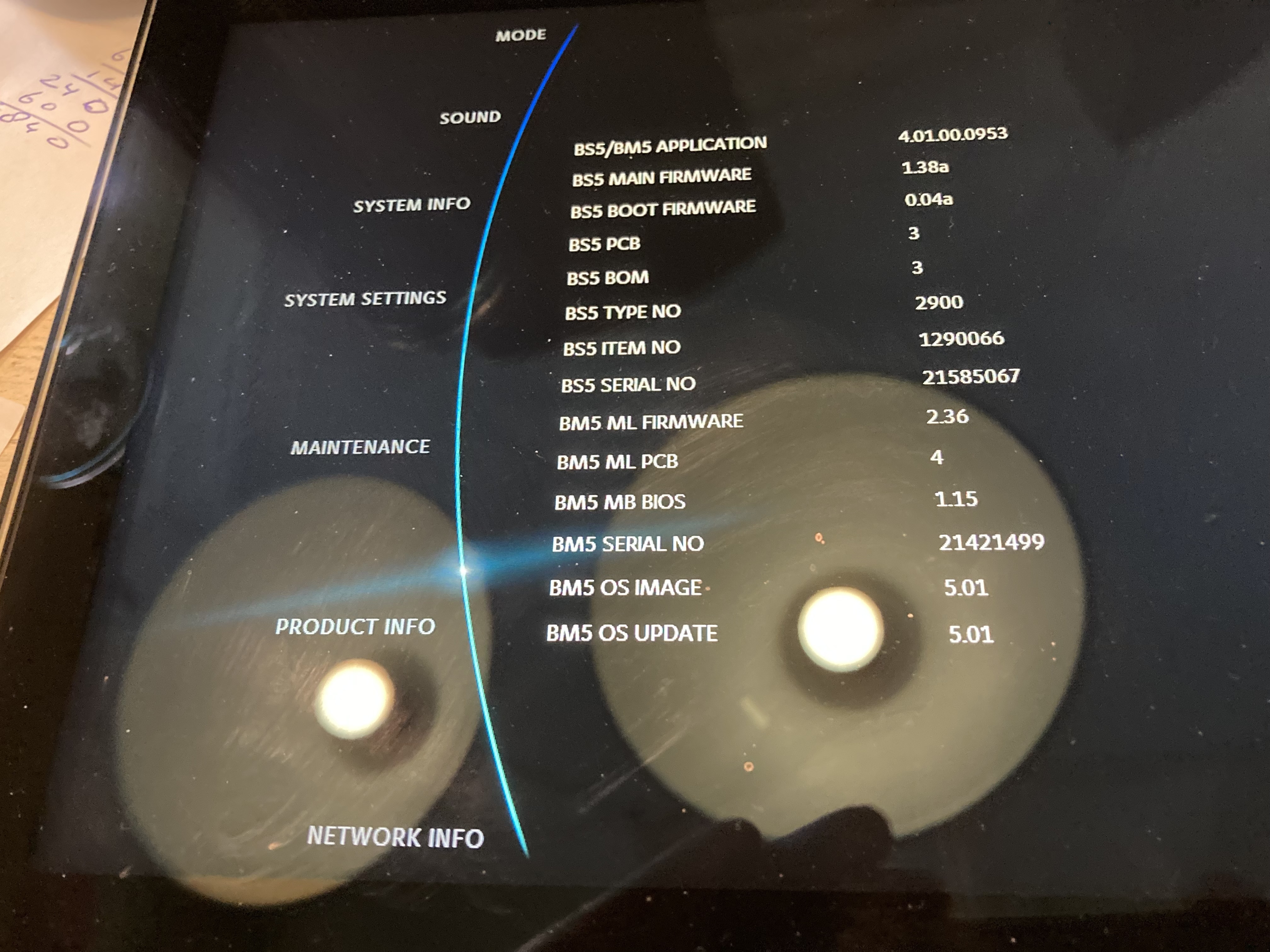
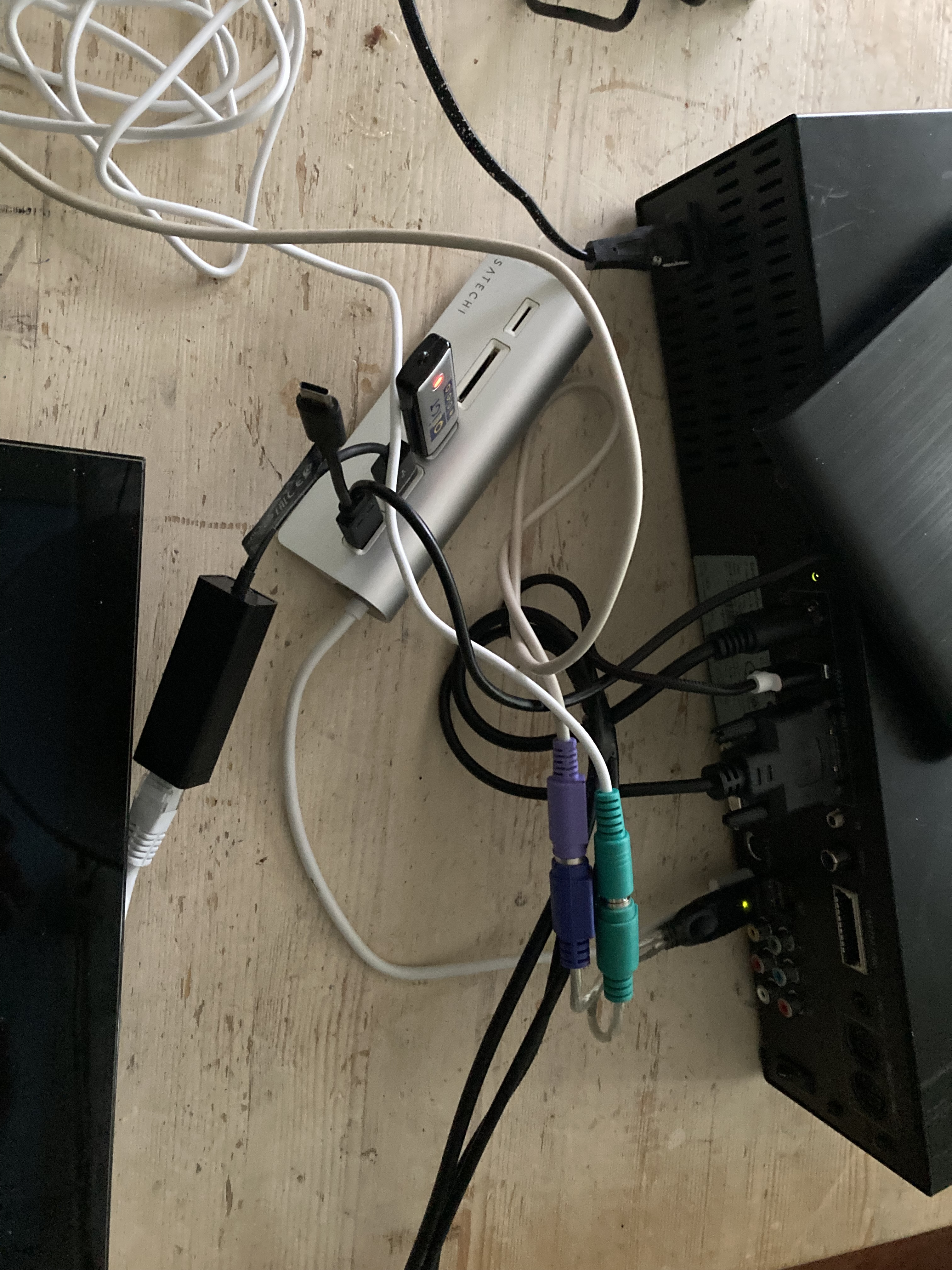
I have a Beomaster 5 and a Beosound 5. Recieved second hand and the network settings didn’t work. I managed to add an USB-CD-player by USB for ripping and it worked. When entering the service mode and choosing the wheel to Network Info the system froose and had to be manualy restarted. I needed old old ps2 keyboard and a ps2 to usb-adaptor to enter the service mode.
After I did a recovery the network not working and CD-player also not working anymore. Ofcourse I have the original software (Embedded XP) back.
Can I with this servertool (witch I maneged to download) update the systeem and the BIOS. Just before I decide to change the harddrive to a 2GB SSD?
I bought this set to change it to https://beosound5c.com/ But till now on it’s still working on an old motherboard and Windows XP I will give it a try before I will rip out the motherboard and make it a Beosound 5c.
Groet, Jan.
-
This reply was modified 5 months, 1 week ago by
18 May 2026 at 22:41 #123654After another attempt to get it working, I’m giving up. It only starts up when an external CD player is connected via USB. I don’t know why either.
No internet connection despite connecting it via a UTP cable. Updating drivers, I was able to set the IP address to a static IP address via the service menu. It did’t work.
I think the motherboard is broken after all these years. Unfortunately, my old laptop with Windows 7 isn’t connecting either.
In the coming months, I’m going to convert this Beomaster 5 into a Beomaster 5C and see if it’s worth the effort considering the investments in a Raspberry Pi and more.In the meantime, I’m using my Beosound 5 Encore, with a Beogram 4500 CD and a Beogram 4500 turntable connected to it. With an old B&O switch.
I recently swapped the Beocenter 2 for a Beosound Encore, hence the separate Beogram 4500 CD. In combination with an Almando Powerlink Switch Stereo, Apple Airport Express (for streaming music), and Beolabs 8000, everything I want works.
Groet, Jan.19 May 2026 at 08:46 #123656SaltineSurferBRONZE MemberWhich recovery process did you use? The built in windows XP recovery tool may have messed it up if that is what you ran.
When you accessed the network page did you have the ethernet connected to your router?
I recently managed to upgrade mine to SSD and install the O/S fresh on it using the service tools. It’s made an improvement to boot times.
I was looking at the 5c project the other day – it looks very impressive.
Location: Eastbourne, UK
20 May 2026 at 18:20 #123676An update. The network output and the top USB output are no longer fully functional. With the help of a USB hub, I was able to connect a USB to LAN cable. I was able to update the driver using a Windows XP driver via a USB stick. I have now been able to update the software to the latest version.
The next step is to open the Beomaster 5, clean it internally, and see why the UTP and USB connections aren’t working. It’s nice to get this older B&O working again before I switch to the Beosound 5C with a Raspberry Pi 5.
12 September 2026 at 10:08 #125514AVNBRONZE MemberHi All,
I followed the instructions to clone SSD with correct alignment:
(B) Install Beomaster 5 on a 1 TB SSD drive WD Blue NAND 1TB with 1MB alignment for SSD drives and resized partitions.
I got stuck with the following instructions:
(5) When Hirens Boot CD is loaded: Open Command Prompt in Hirens Boot CD. Find it in Programs -> Other.
(6) When Command Prompt is loaded. Move to the root of the USB drive by typing cd /e e: (you may need
to use cd.. to go to the root of the d drive before typing the command)
(7) Type this to install BM5: ghost32.exe -align=1mb -sze1=f -sze2=f -sze3=890000M -sze4=fQuestion: When I load Hirens Boot CD USB, I get a few options. One is to start Windows XP mini. When I start that I can start the command prompt, but when I type in the : ghost32.exe -align=1mb -sze1=f -sze2=f -sze3=890000M -sze4=f
It returns an error, program not found. When I go to the directory with the programs and change the line into:
ghost32.cmd -align=1mb -sze1=f -sze2=f -sze3=890000M -sze4=f
Norton Ghost starts, but when I install Image700.GHO, alignment of the SSD partitions is very strange and the drive returns errors after a while.
Please help, it seems I forget a step.
Thanks,
Andre.-
This reply was modified 1 month, 2 weeks ago by AVN.
Favourite Product: Beomaster 6000 4CH
-
This reply was modified 5 months, 1 week ago by
-
AuthorPosts



- You must be logged in to reply to this topic.