Forum Replies Created
-
AuthorPosts
-
 Moderator
Great result – thanks for letting us know and fingers crossed that the system behaves from now on!?
Location: Warwickshire, UK
My B&O Icons:

There’s no volume control on the pre-amp output, so you’ll need to find another solution. (EDIT: Actually there is volume control of pre-amp – I was thinking of line- out! Hence this should be useable for Beolabs))
Have a read of the second part of Steve’s response here: https://forum.beoworld.org/forums/topic/beomaster-3000-naar-powerlink/#post-5835
You could use the speaker 2 sockets (via attenuator) for the Beolabs. Be aware that the BeoCenter’s ‘Mute’ control would only work for the speaker 1 pair in such a setup, and does not mute the ‘pre-amp’ output.
I am sure that Steve will be along in a minute to confirm the correct cables!
Location: Warwickshire, UK
My B&O Icons:
Looking forward plenty of “unboxing” vids!
Some of the stuff has been in boxes for 12 years (and 6 house moves!), so it will indeed be exciting to find out what’s there. When UK house prices plummet ‘?’ and I can afford to buy my ‘forever house’, I look forward to getting everything out and working out where to put it. ?
Location: Warwickshire, UK
My B&O Icons:
Boot up time on my BV10-32 for RADIO (from BS9000 over ML – BS9000 A.OPT 0 in mainroom and BV10-32 in V.OPT 6 in linkroom) is 7 seconds. Boot up time BV10-32 for direct TV (with an old PUC connected HD Dreambox, Sat receiver) is 17 seconds. Boot up time on my BV7-40 with built in Beo HD Satreceiver is 38 sec. – with Dreambox on the same BV 17 sec. Hope this helps Stefan
Thanks for that stefan – very useful to know! 7 seconds is not too bad at all.
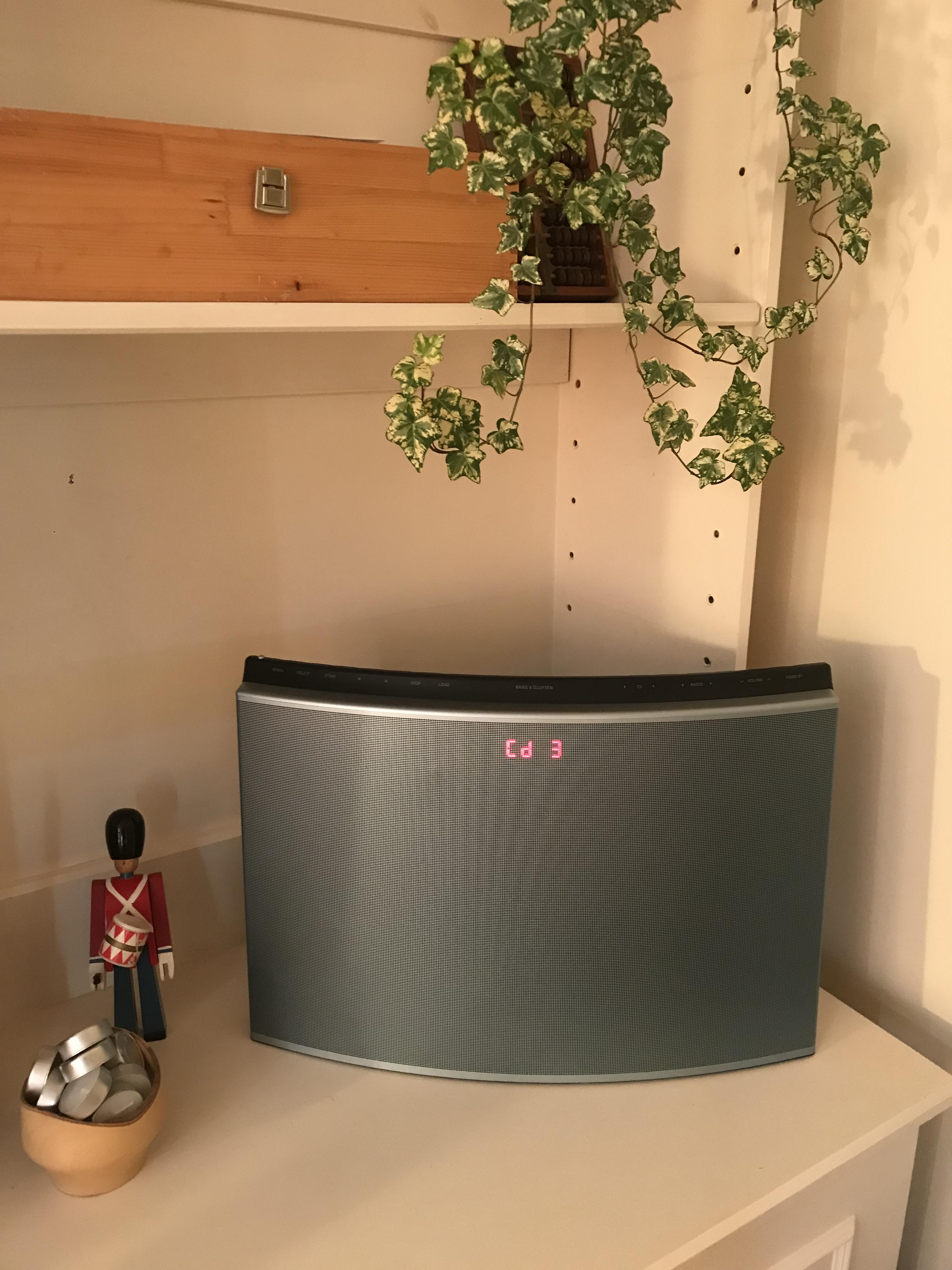
However, I decided to go an alternative route and got hold of a BeoSound 1 (with FM radio and CD) to solve my ‘instant’ radio requirement. It’s more than adequate for the current living room.
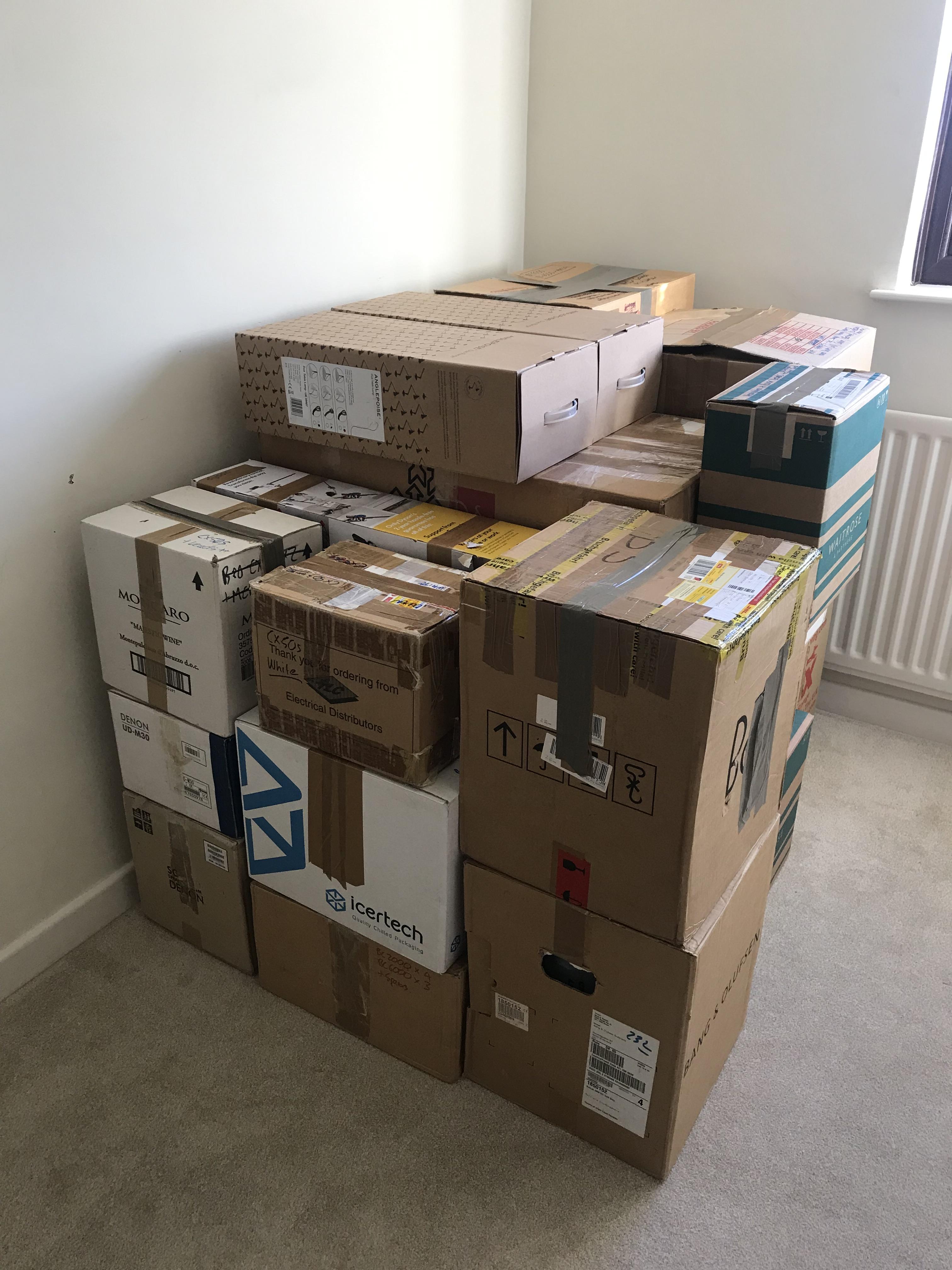
Prior to getting the BeoSound I was going to do some experimenting with ML cable, a BeoLink1611 and my BeoCenter 2300, but my B&O collection is currently in these boxes which aren’t labelled too well. I suspect the 1611 converter is in the box in the far corner! Far easier to buy something new!

PS: Since that photo was taken there are more (non-B&O) boxes on top and alongside!
Location: Warwickshire, UK
My B&O Icons:
Can’t compete with matador for stunning scenery and location, but I just got hold of this to solve my lack of FM radio in the living room:
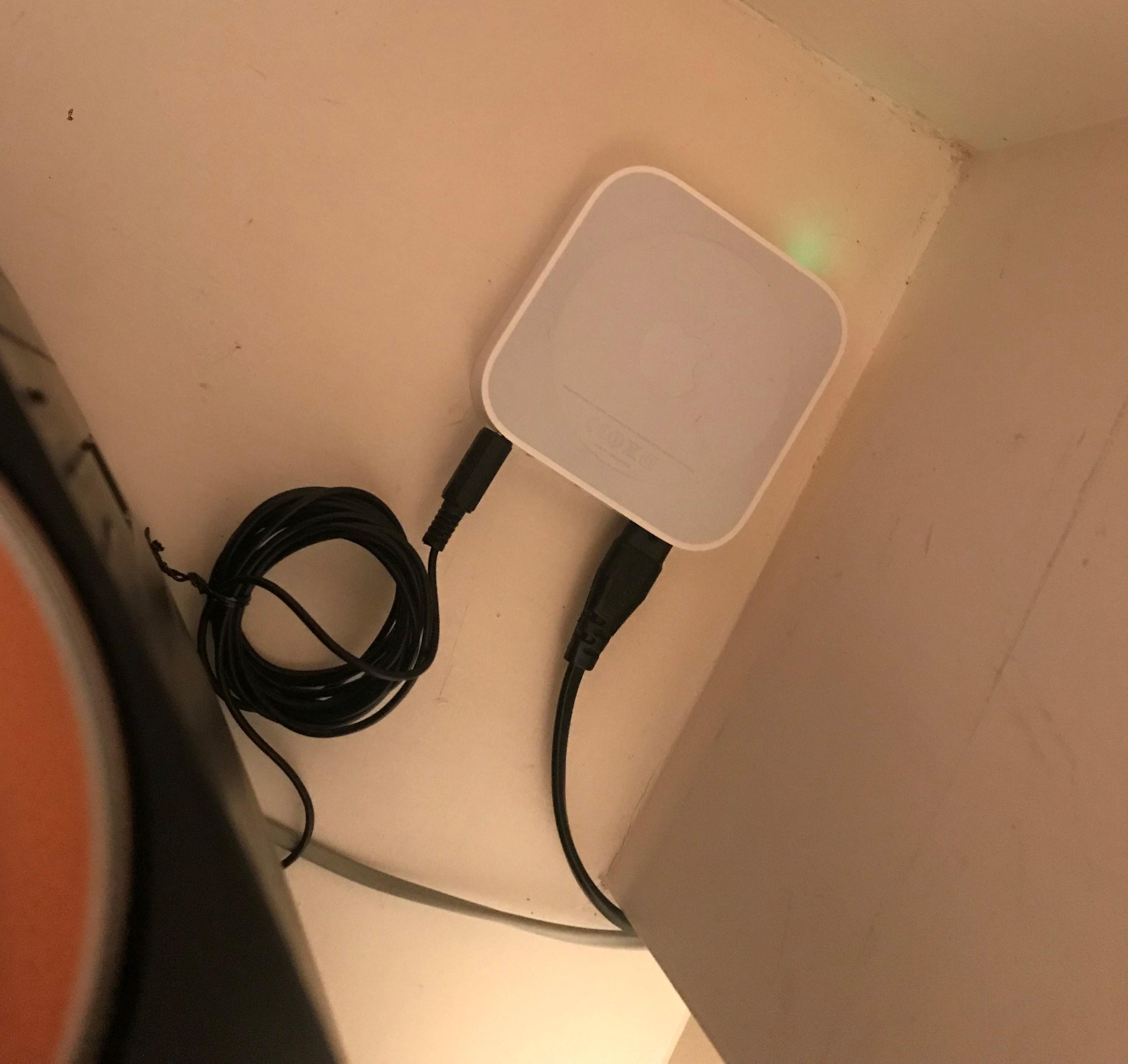
And added the ubiquitous AE to bring it into the 20th century ?

Location: Warwickshire, UK
My B&O Icons:
As MM said above. But the MCL2A does indeed get power from the Audiomaster over the MCL cable. Pin 2 (pink) provides 7.5 to 8.5 V. This is also the extra pin in the left hand speaker connection at the audiomaster.
Location: Warwickshire, UK
My B&O Icons:
Main Web Site, then Products, then you will see User & Service Manuals at the bottom.
Or click here: https://beoworld.org/manuals.asp
Location: Warwickshire, UK
My B&O Icons:
Thanks Keith – that’s very useful to know. I think that I’ll look for another solution, perhaps add a Beosound 1 (original version) to my collection!
Location: Warwickshire, UK
My B&O Icons:
I use 2 x digital boxes, 1 for terrestrial french tv and the other for satellite english freesat tv, both these do not have anything programmed.
My UK Freesat box (Humax) used to ‘wake up’ at 0300hrs for SW updates (channel changes etc). I am not sure how you have it connected (hdmi or SCART), and anyway B&O don’t use hdmi CEC, but I suppose there is a small chance this could be related.
Otherwise I agree with MM that the Beo4 could well be the culprit. I had one that behaved in a similar manner – working normally and then changing channels some hours later! I tried cleaning it but eventually had to replace the contact foil.
Location: Warwickshire, UK
My B&O Icons:
But would that contol the tv?
Almost certainly yes – but I am not totally sure that it would turn the screen on – this may depend upon your option settings – are they in the same room?
Location: Warwickshire, UK
My B&O Icons:
Another possibility: If the TV has the DVB module fitted, and a recording device is connected (eg HDR), then a timer could have been set via the DVB’s Electronic Programme Guide.
Location: Warwickshire, UK
My B&O Icons:
Have you checked the timer settings in the BC2?
Location: Warwickshire, UK
My B&O Icons:
Great news! Well done for persevering!
Location: Warwickshire, UK
My B&O Icons:
In my experience a faulty RF chip just gives a ‘no signal’ message
Location: Warwickshire, UK
My B&O Icons:
Yes they can be temperamental – sometimes you just have to keep trying!
Maybe in the menu of your internet box you can disable the DECT? Perhaps there is interference between that and the PSTN?
Location: Warwickshire, UK
My B&O Icons:
and hope you’re able to get it back out once Moore.
Brilliant … made my evening! ??
Location: Warwickshire, UK
My B&O Icons:
Evening!
How frustrating!!! As the person who posted about connecting directly to a router I feel somewhat responsible!
Maybe try resetting the handset before then trying to register:
If a Mk1 (no INT button) press (dot) 7 000 9
If a Mk2 (with INT button) the Service Menu: 9#9#9*INT allows you to reset the handset.
Otherwise, try a reset followed by leaving the handset on the charging pyramid base. (Logically a PIN should only be required if the handset and PSTN are physically separated, hence worth a try!)
Location: Warwickshire, UK
My B&O Icons:
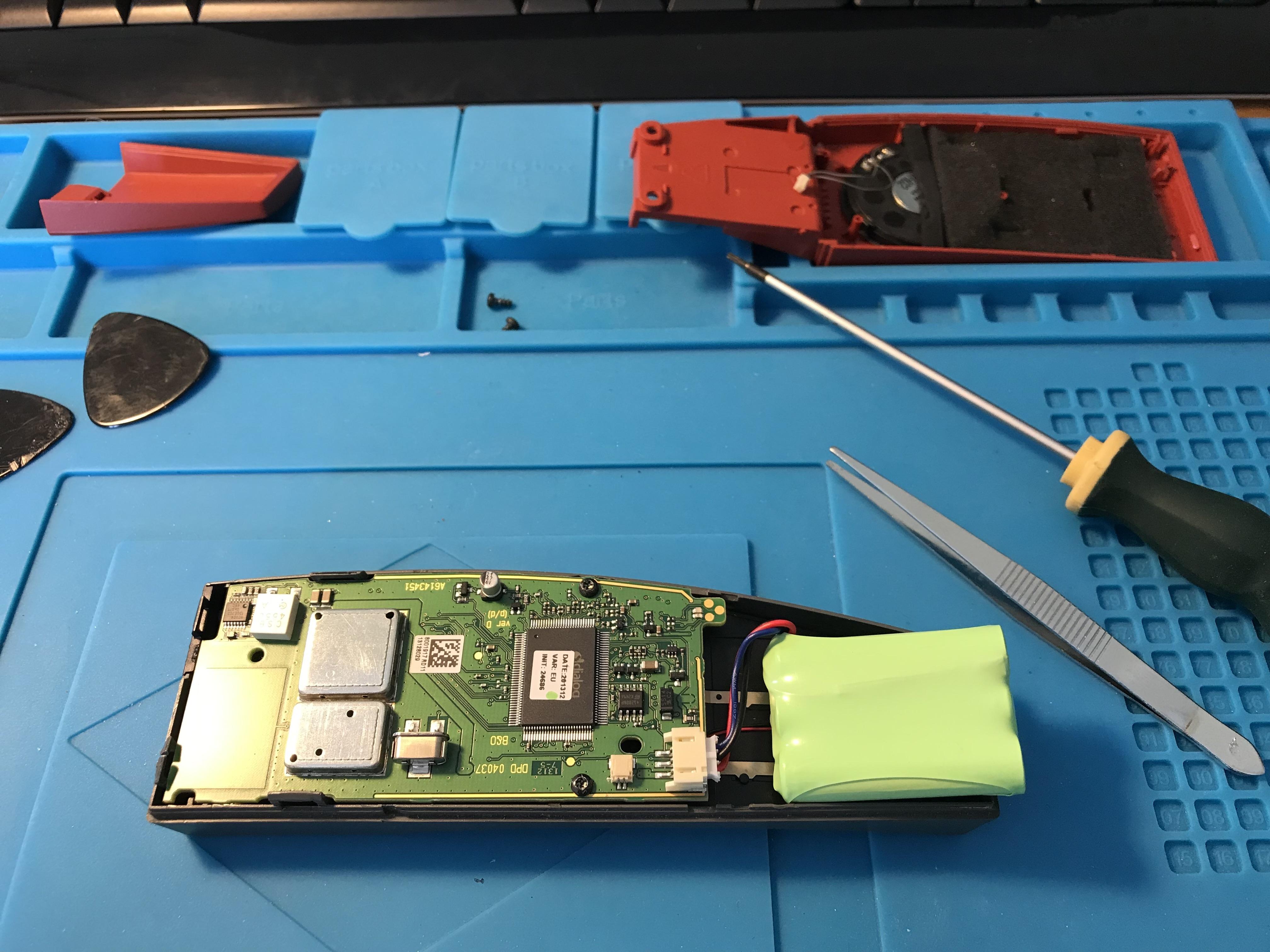
Hopefully fixing a Beocom 6000. The call answer and ‘C’ keys were only working intermittently, and then the phone would randomly shut down. I tried a new battery and a handset reset but to no avail.
Anyway, I have just taken the phone to pieces and reversed the little contact strip between the keyboard and PCB (it’s a bit like the screen connector in the Beo4) and now it all seems to be working!

Although I have spare BC6000s somewhere I needed to fix this one because it’s a Mk1 that has had the upgrade to a Mk2, hence has the right pins to charge correctly on my mk 1 pyramid base PSTN.
Location: Warwickshire, UK
My B&O Icons:
Sorry for reply in English!
Perhaps the Century is in A.OPT 0, where it does not respond to IR commands. To resolve this:
Turn the Century to standby/off.
On the Beo4, press the POWER (Red Dot) button and LIST together. Then press LIST until OPTION is shown, press GO (centre button), and then press LIST to show A.OPT. Then press 1. The power light on the device may blink to show that it has been accepted.Now try the remote.
Location: Warwickshire, UK
My B&O Icons:
According to the manual you store the sound level in the SOUND menu. Set the volume you require and then press GO (or PLAY, using BL1000).
EDIT: If you have a very old BL1000 remote it may not have a MENU button. If so, press SHIFT then TEXT to get MENU, then use up/down arrows to navigate.
Location: Warwickshire, UK
My B&O Icons:
-
AuthorPosts