Forum Replies Created
-
AuthorPosts
-
17 October 2026 at 11:00 in reply to: Beocord 5500: dark finish, label positions and prototype reference #125955
 GOLD Member
Hello Pawel,
I think I have seen once that prototype units of that era were indicated with a red label.
The bottom front panel does normally have indications “OPEN”, “BANG & OLUFSEN”, “BEOCORD 5500”, and “PLAY”. They are not on your deck, and I would have expected B&O to have applied these texts on fully built prototypes. Could someone just have painted it?
Regards,
Johan
-
This reply was modified 1 week, 3 days ago by

Location: Netherlands
My B&O Icons:
 10 October 2026 at 10:31 in reply to: Send Beo4 commands from Home Assistant through an IR proxy #125820
Hello cklit, thanks for sharing this with the forum!
I really like the idea to use still very well working older audio gear with today’s super-connected technology.
Regards,
Johan
Location: Netherlands
My B&O Icons:
7 October 2026 at 19:41 in reply to: Thumbs up for Danish sound parts (for MCP hinges and Beolink parts) #125788lausvi wrote:
I also replaced the keypad on one of my BL1000s along with the missing rubber feets (those also fit the MCPs!) and that really makes a big difference!
The feet also fit the A4 CD rack wave, well done, dksoundparts 👍!Thanks for the tip Rolf2, I just ordered new feet for my ‘new’ A4 too.
Regards, Johan
Location: Netherlands
My B&O Icons:
Hi Maikel, looking forward to receiving one of them :-).
Regards, Johan
Location: Netherlands
My B&O Icons:
Hi Victor, forum member Beobuddy (Utrecht Netherlands) could be contacted for this possibly.
Regards,
Johan
Location: Netherlands
My B&O Icons:
21 August 2026 at 15:14 in reply to: BGAdaptor – Control a Data Link source with Connected Audio #125137Hello cklit, wow supercool, and so small! Does it take power from the BeoGram?
This would also work with the Line-In of an M3 or M5?
Regards,
Johan
Location: Netherlands
My B&O Icons:
Hi Beofile7, that is so sad to hear. Often the BL50s get a lot of praise, it cannot be that every BL50 & Connect Core owner has this trouble right? Some forum members do use other devices to drive the BL50s and 90s though.
Is there not some way to escalate beyond your current contacts, I remember there was an option to ‘e-mail the CEO’ on the B&O website. See who responds?
I really hope your trouble will end soon and that you can enjoy the B&O experience as promised ‘High fidelity sound every time, our engineers ensure it.’.
Johan
Location: Netherlands
My B&O Icons:
16 August 2026 at 15:00 in reply to: Beosystem 3 from Beovision 9 still thinks monitor from BV9 is connected SOLVED #125024Hi Edwin, I do indeed let the LG handle the AppleTV 4K input directly, and use the BS3 for managing the audio (surround with BL8000s, BL6000s, a BL7-1 and a BL2).
Regards, Johan
Location: Netherlands
My B&O Icons:
16 August 2026 at 08:11 in reply to: Beosystem 3 from Beovision 9 still thinks monitor from BV9 is connected SOLVED #125010Hello again ethuijs, I checked those pages too in the menu of my BS3 and they look the same. As I have mine running with a (C9) LG oled for some years now, I trust there is no issue in there.
You write that the sound is an issue? I use the optical out of the TV, turn it into S/PDIF coaxial with a little converter, and feed that in one of the AV ports. See also this thread: https://forum.beoworld.org/forums/topic/beosystem-3-mk1-no-sound-via-s-pdif-av5-with-lg-tv/.
Location: Netherlands
My B&O Icons:
15 August 2026 at 20:35 in reply to: Beosystem 3 from Beovision 9 still thinks monitor from BV9 is connected SOLVED #125000Hi ethuijs, maybe explore the customer service menu?
‘Access to Customer Service Menu:
Press the MENU button on Beo4 to get into the “Set-up Menu”.
Place the cursor on ´OPTION´. Press the RED button and within 3 seconds press GO.
When you leave the service menu (ordinary menu operation), the unit returns to
its normal state.’
In there: ‘MONITOR AUTO DETECT can be enabled/disabled’.
Maybe this can help you further?
Keep us posted. Regards,
Johan
Location: Netherlands
My B&O Icons:
Hello Bob, instead of the XXXXXXX, you do use the serial number (that is printed on the label on your NL/ML converter), right? Just to be sure :-).
Location: Netherlands
My B&O Icons:
Hello Bob,
The NL/ML converter can be configured with any computer. You can access it like this (from the manual that you best get a copy of!).
‘Connection via an Internet Browser: Enter BLC- followed by the BeoLink Converter NL/ML serial number: [BLC-XXXXXXXX.local].’
Regards and good luck, Johan.
Location: Netherlands
My B&O Icons:
27 July 2026 at 18:33 in reply to: BeoVision 7 MK2 55 Chipped Front Glass During Transport . Repair Advice Needed #124712Hello Sebastian, that is a bummer!
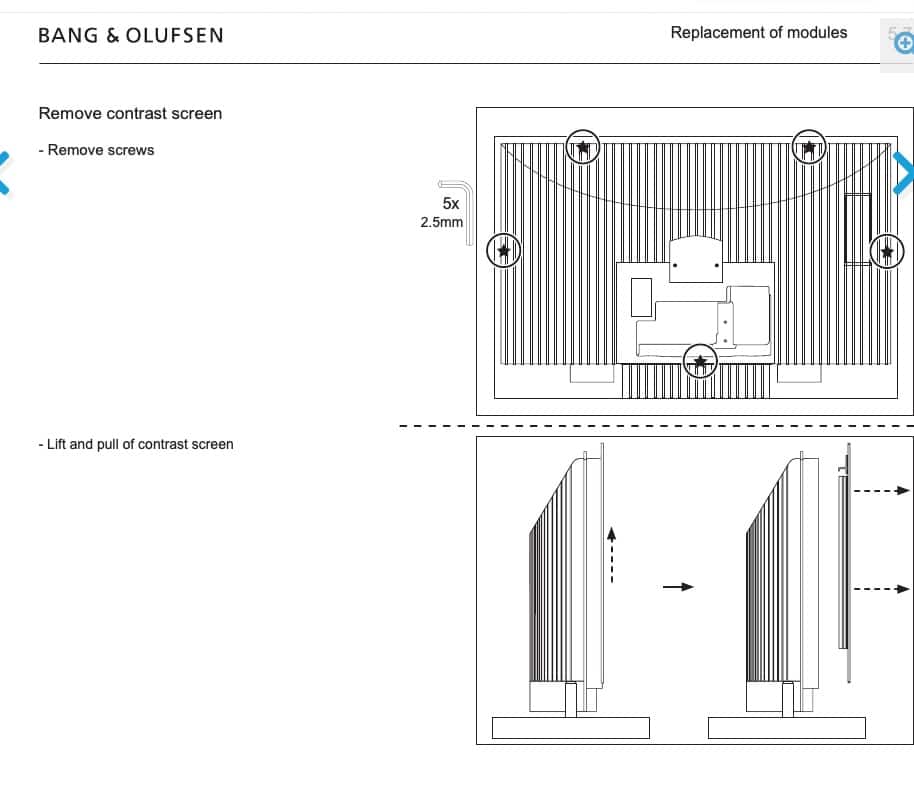
I found this for the BV 7-40:
Maybe it is the same method as for the 55?To repair you could maybe give it a go with some 2K black epoxy glue, though best is to find a replacement screen.Perhaps you can find a defective 7-55 for little money and repurpose the screen.Regards,JohanLocation: Netherlands
My B&O Icons:
Thanks for keeping us updated Regenpak! I find Penta’s displaying the source magical :-). Hope you can resolve.
Regards, Johan
Location: Netherlands
My B&O Icons:
Hello Glynn, nice plan!
The BeoVox Cona would be the period correct but least powerful (and tuneable) option. Elegant though.
If you need more power (with the BeoLab 19) and want to make things all B&O, you could use a (Beoconnect) Core, split the PowerLink out to the BeoLab 19 and a BeoLink Passive (to drive the two BeoVoxes).
Maybe this helps, regards,
Johan
-
This reply was modified 3 months, 3 weeks ago by
Location: Netherlands
My B&O Icons:
Thank YOU Mark.
Johan
Location: Netherlands
My B&O Icons:
Hi Tomi, I like those BV1 stands!
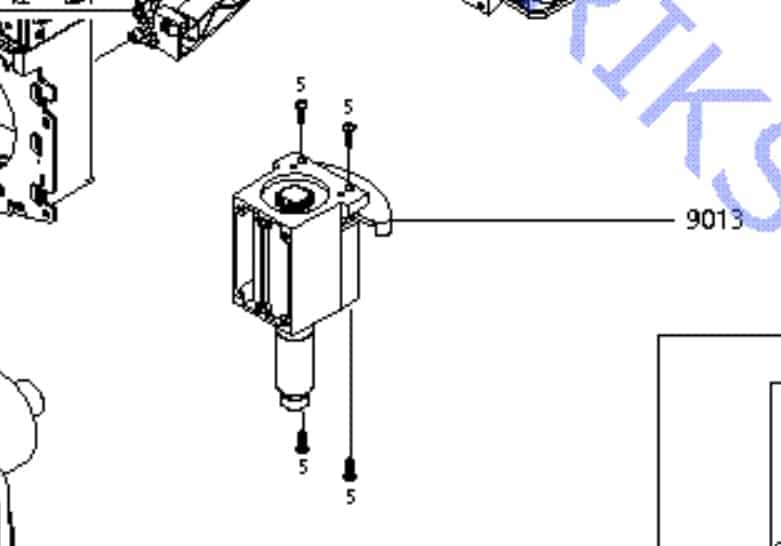
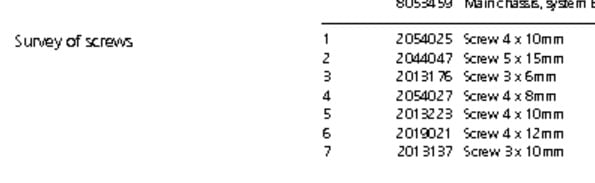
With a quick google: are these 4 screws? Two from above & two from below? Then they are M4 10mm long.
Regards,
Johan
Location: Netherlands
My B&O Icons:
Hi JETlef, you can try to contact Beobuddy (forum member) he has been specializing in BeoLab 5 repairs lately. He resides in Utrecht, NL, fyi.
Regards,
Johan
Location: Netherlands
My B&O Icons:
Hi T.W.G, looks like some inspiration from Denmark was taken indeed.
I will now play some Muse music on my 8000s very loudly to feel good again!
J.
Location: Netherlands
My B&O Icons:
That is impressive, super clean!
Welcome Shin.
Regards, Johan
Location: Netherlands
My B&O Icons:
-
This reply was modified 1 week, 3 days ago by
-
AuthorPosts