Generic selectors
Exact matches only
Search in title
Search in content
Post Type Selectors

Home Forums Product Discussion & Questions BeoSystem Beosystem 3 (DVI) to Samsung s95f tv

Viewing 4 posts - 1 through 4 (of 4 total)
  • Author
    Posts
  • #123223
    graham60
    SILVER Member

    How can I connect a Samsung s95f tv to my BS3 setup, I have a full setup dvd, overture, Humax free sat, speakers 8000’s 6000’s, 7.2 centre, and sub 2, so all I’m really looking at is replacing the Panasonic D9 50″ (DVI input), to a 55″ Samsung s95f 55″ tv.

    Any ideas or help really appreciated, Thanks in advance Graham

    #123229
    Tignum
    GOLD Member

    Hello Graham,

    When your BS3 has a DVI output, you will need a DVI to HDMI cable.

    Assuming your BS3 has a separate IR eye connected already now, your system might just work as before as the Samsung should start when an HDMI is detected (maybe have this confirmed by your dealer).

    Regards,

    Johan

    Location: Netherlands

    My B&O Icons:

    #123252
    graham60
    SILVER Member

    Thanks Johan

    And do you think my speaker setup will work the same way as using the BV4 panasonic panel.

    #123265
    Tignum
    GOLD Member

    Hello Graham,

    Yes, your speakers are connected to your BS3, they are not affected by a change in monitor.

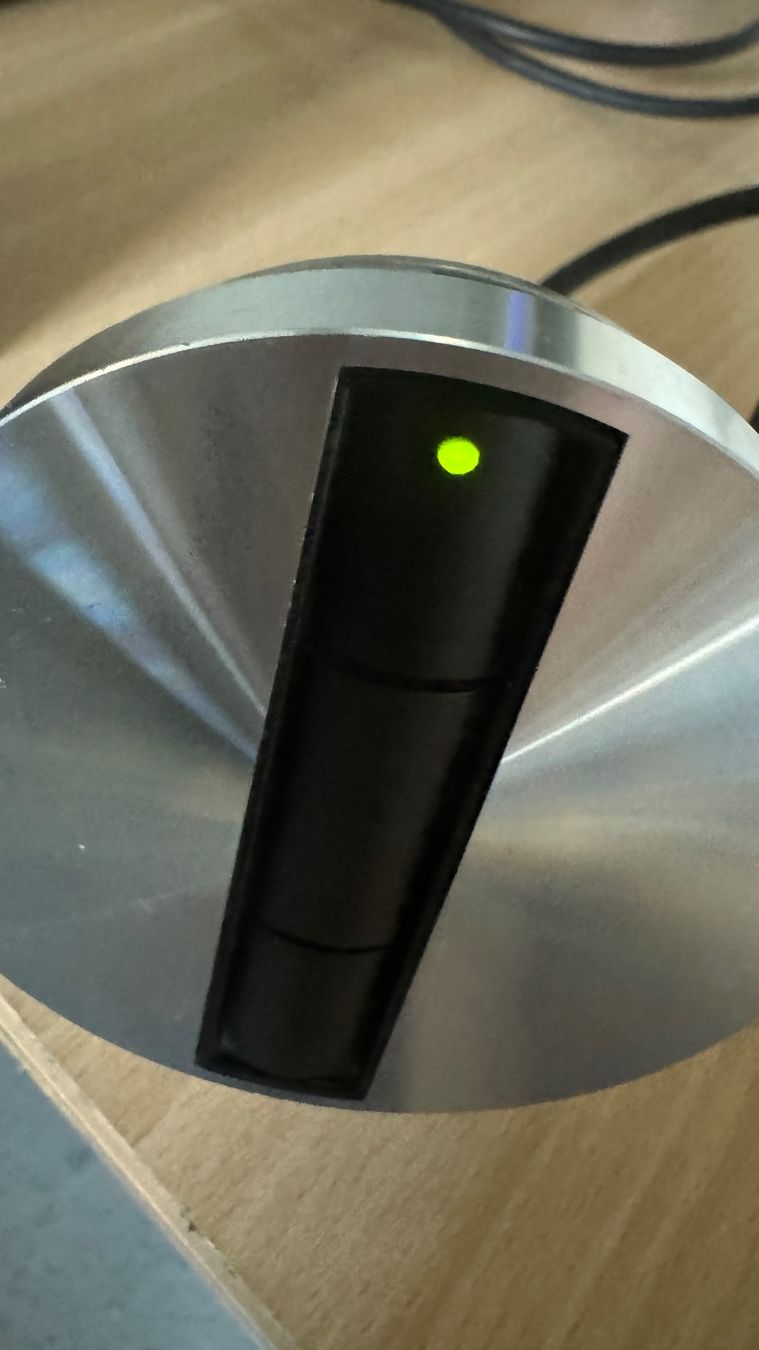
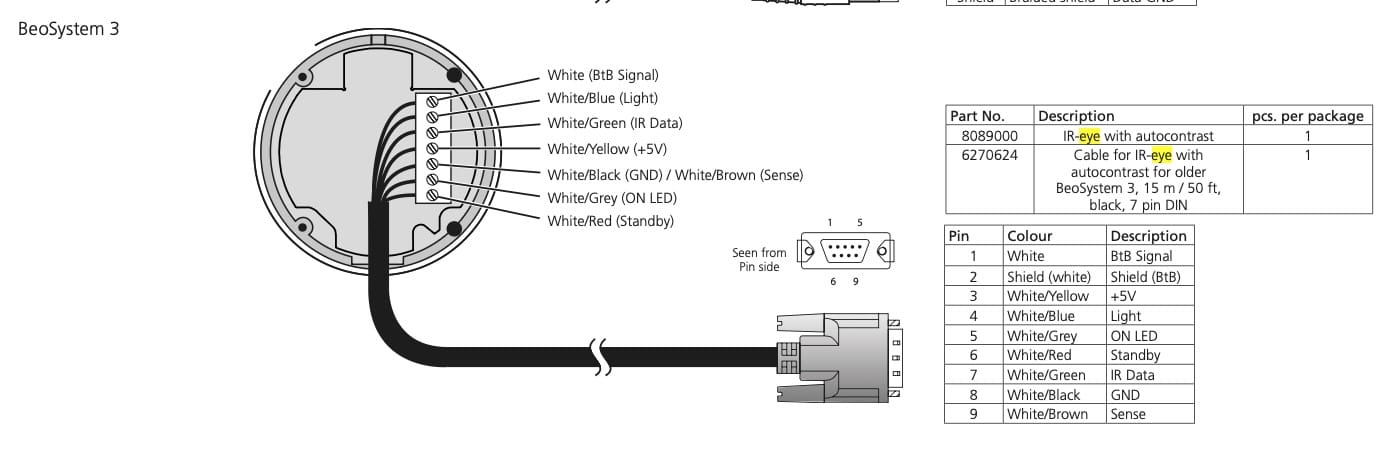
    But be aware that your BS3 needs to be able to respond to your remote control, by means of an IR receiver. I am not so familiar with BV4 screens but believe some have a an IR sensor on top, some not.

    If your current screen has one, like this:

    you will need a separate IR eye, like this:
    Is there not a possibility to source a modern 55 inch screen from a B&O dealer, who can help you get you up and running?
    Best of luck,
    Regards,
    Johan

    Location: Netherlands

    My B&O Icons:

Viewing 4 posts - 1 through 4 (of 4 total)
  • You must be logged in to reply to this topic.