Forum Replies Created
-
AuthorPosts
-
 BRONZE Member
Pretty annoying – especially, when you know that the Source List previously was pretty crippled.
This in one step backwards, again.
I did report that…..every beta tester should!I know that this is beta!
However, that should not have happened 😠
Hopefully they will get it sorted soon, otherweise you can roll back to the previous version…..or use the regular version.
Alternatively you can – as I prefer – use the BROne (at least for the BS Theatre)MM
Location: Flensborg————Danmark
What is this thread – B&O finance – about?
Klicking it does nothing?
MM
Location: Flensborg————Danmark
I have also seen that a couple of times.
MM
Location: Flensborg————Danmark
Pressing BB on the top bar will give acces to different viewsvincluding newest topics. Gues we just have to get used to new ways of doing things ?
Oh well, that is somewhat hidden there.
Does deserve a more obvious place imo.MM
Location: Flensborg————Danmark
There was some talk/links over on Discord/BeoTalk of someone in Germany who had developed a Masterlink/RJ45 “device” than could integrate older Masterlink Products via the current NL protocols for 100Euro or so.
I imagine the encore is not as well-developed as this little “professional but amateur” (or Amateur but professional) device this individual made and is now selling. As I own no ML products I was not really paying attention.but its out there for those that do.
There was a thread here end of 2023 – This one
MM
Location: Flensborg————Danmark
Hi at Multicare
It seems that my ‘problem’ with a dividing line/different colour in the posts, that I mentioned above, is solved.
The site looks kind of perfect now – so a big thank you from me for that ?Also I now find a button for starting a new topic right at the top – also thank you for that…..
…..so there is no excuse anymore for not starting a discussion/topic or just asking a question ?Keep up the good work
MM
Location: Flensborg————Danmark
Hi there!
Thanks for the hard work ?
How come I am a bronze member now?
Must I do something?Also my account says – “Registered: 2 years, 1 month ago”.
That is definitely not correct.MM
Hi,
I am working on correcting the registration date, I believe as with the previous forum it is set to when it was created and you registered.
I hope to transfer the dates form the archived forums.
With regards to your membership, it looks like it expired in February.
Well then that explains it – I just seem to remember, that – before the tranmission – it was posted that we should do nothing as regards to our membership, before being promted after the transmission.
Maybe I do not remember that correctly!
And will have to renew/pay.MM
Location: Flensborg————Danmark
The section with the Avatar etc and the section with the actual posting should be divided – at least with a line or have different colours.

Also I see no changes, when I change the colour scheme in the settings.
MM
Location: Flensborg————Danmark
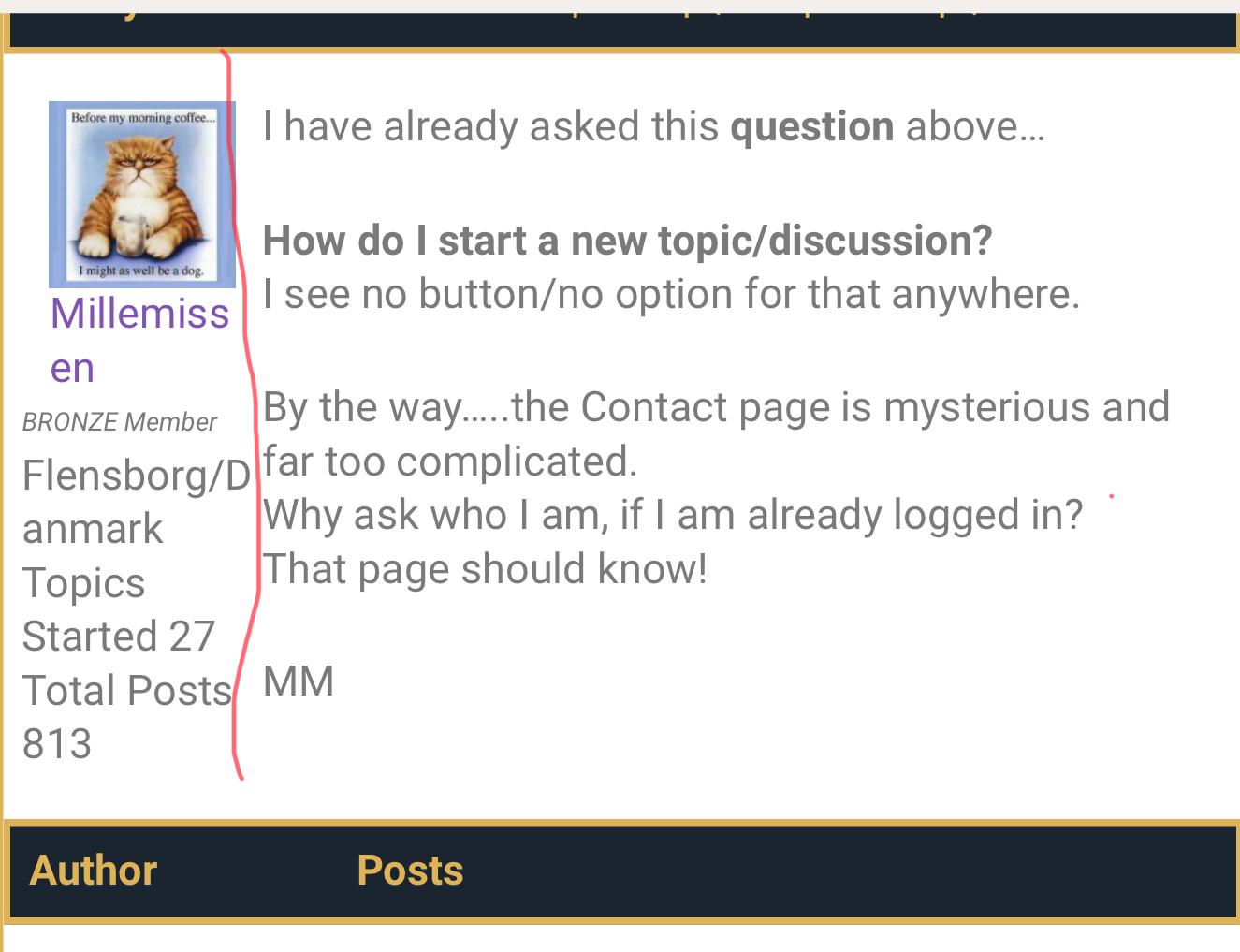
I have already asked this question above…
How do I start a new topic/discussion?
I see no button/no option for that anywhere.By the way…..the Contact page is mysterious and far too complicated.
Why ask who I am, if I am already logged in?
That page should know!MM
Location: Flensborg————Danmark
Hi there!
Thanks for the hard work ?
How come I am a bronze member now?
Must I do something?Also my account says – “Registered: 2 years, 1 month ago”.
That is definitely not correct.MM
Location: Flensborg————Danmark
I had read that too.
However that ‘just’ describes the current state.
I guess that a broader use is a case of engineering….
…..and whether they will want to do so or not.We’ll see!
Personally I am covered by the NL/ML Converter to pipe sound from my old Audiomaster/CD into the NL devices in my setup.
Even if playback on my BS Theatre can not be initiated from the BST – only by ‘joining’.It would be a missed opportunity for B&O not to offer this broader, even if it was just for the thousands of BS 9000’s out there.
MM
Location: Flensborg————Danmark
It essencially is a small box, that connects a ML product – in this case the BS9000c – to the USB-C port of a Mozart-based product – in this case the BL28’s – (and some sw).
It makes it possible to listen to and to control the sources of the 9000c – first of all the CD’s – with the Bang & Olufsen app/remote.
There is – apart from the mentioning on the website for the 9000c/28’s combo – little said from B&O about it….you get that in the package.
I (and others) would find it very strange, if this box would only be sold as part of the 200 piece 9000c/28 combo.
There are several use cases, where this could help integrating old ML Beosounds with e.g. the BS Theatre…….not just with the thousands of BS9000, that are still out there doing their job, but also…..
Please note!
I have no further knowledge or insight – my thoughts are solely based on how it is described to work with the 9000c on the website.
Untill now there is no user guide or alike for it in the Costumer Support section there.My best advice would be to ask a dealer about it and if this will be available generally. This way we could let B&O know that we would like to buy it seperately.
I indeed, would like to have one ?
MM
Location: Flensborg————Danmark
Why must it be so difficult to find a button for starting a new thread ?
MM
Location: Flensborg————Danmark
Why do we get these weird popup messages (‘forum is going offline’ etc etc) announcing a tranmission.
This has been going on for days now.
More information please!Even weirder is that I can write this message despite the forum not working :-0
MM
Location: Flensborg————Danmark
15 April 2024 at 09:25 in reply to: Beolab 50: Ideal BS 9000 and Beoconnect Core Setup Advice #54275With all respect…..
….I do not see the sense in dedicating a set of 50’s to music only.
The 50’s were build to do both music and video – they have the input and configuration options for both.May seem a bit radical, but I would move the 50’s to right/left of the Avant, connect them there via PL and let them be fronts.
If you install the NL/ML Converter in the setup (and integrate the BS9000 with the Avant), you can have easy access to the CD player and the turntable – you can have a dedicated Listening Group with the 50’s for that.
Also you can listen to it from elsewhere in the house as well.Note! If you do not want the tv to be active for the 9000, you can keep your current 9000/Core combination with line connection directly to the 50’s.
The other inputs on the 50’s can be used as of now – actually you’d only need the USB /Nucleus….or alternatively the BC Core.
As I understand it, you – in your case – would have to free up the PL currently used for the 17’s.
But they would do a much better job as surround speakers (on either side of the sofa facing the tv) and they can easily be connected via WiSA.
The 18’s in the back should then – if not already – be configured as rears.A classical 7.1 setup so to say, but with the unique B&O option of using the 50’s directly for just music listening.
This would give you an improved listening experience for movies, for music concerts and for multichannel music (from Apple Music/Tidal on e.g. ATV4K or from Blu-ray discs) and it would not compromise the music listening standarts, you aim for.
MM
Location: Flensborg————Danmark
For me, it’s quite easy – I will buy the Beolab 18+19 if it works with a non-B&O-TV, otherwise I simply won’t buy B&O at all, and B&O just lost EUR 15,000 of turnover on me alone.
The easiest way to do this is to use this box
A solution that has been available for a while now…
…and definately works.
However you’d need a B&O Transmitter 1, if you want to connect wirelessly to the 18/19.MM
Location: Flensborg————Danmark
I have seen several different wooden BROnes in the HQ i Struer.
But they are just design studies, currently not meant for production.It might be that these dutch people have made their own.
Are there multiple of these for sale and what is the price?MM
Location: Flensborg————Danmark
Yes, the Essence MK2 is an ASE-based product.
(They refer to the Core, because the Core is a product current for sale).
And I can start e.g. a CD from my 6500 system via the app or the remote on my Essence boxes.Of course I can not know exactly, what the support answered/meant.
But when you refer to: “…..Theatre could activate the sources available on the Core”, I can tell you that that is wrong….
….or only half of the thruth.Sure, you can listen to a ML source (connected via the NL/ML setup), when correct set up.
But there is no integration like it was with the previous (ASE-based) tv solutions (BV11 etc).
It is a fact that many already have complained about!For time being the only way is to start the ML source on the ML device and then Join in via the Theatre.
I e.g. start my CD6500 manually and push ‘Lyt med’/‘Join’ on the Beoremote One, that is connected to the Theatre.Hope this helps.
MM
Location: Flensborg————Danmark
Since I understand danish and have watched the video, I can tell you that there is no explanation whatsoever how this products works.
It is merely mentioned, that it converts BT to IR.
There is very little told or shown about what is possible with this box, how it is connected etc etc.As far as I know the named dealer in DK is the only source.
By the way LBS-BO in Frederikshavn is not an official Bang & Olufsen dealer.
MM
Location: Flensborg————Danmark
-
AuthorPosts