Forum Replies Created
-
AuthorPosts
-
 MadskpGOLD Member
I will try with my other BLC 1611 later.
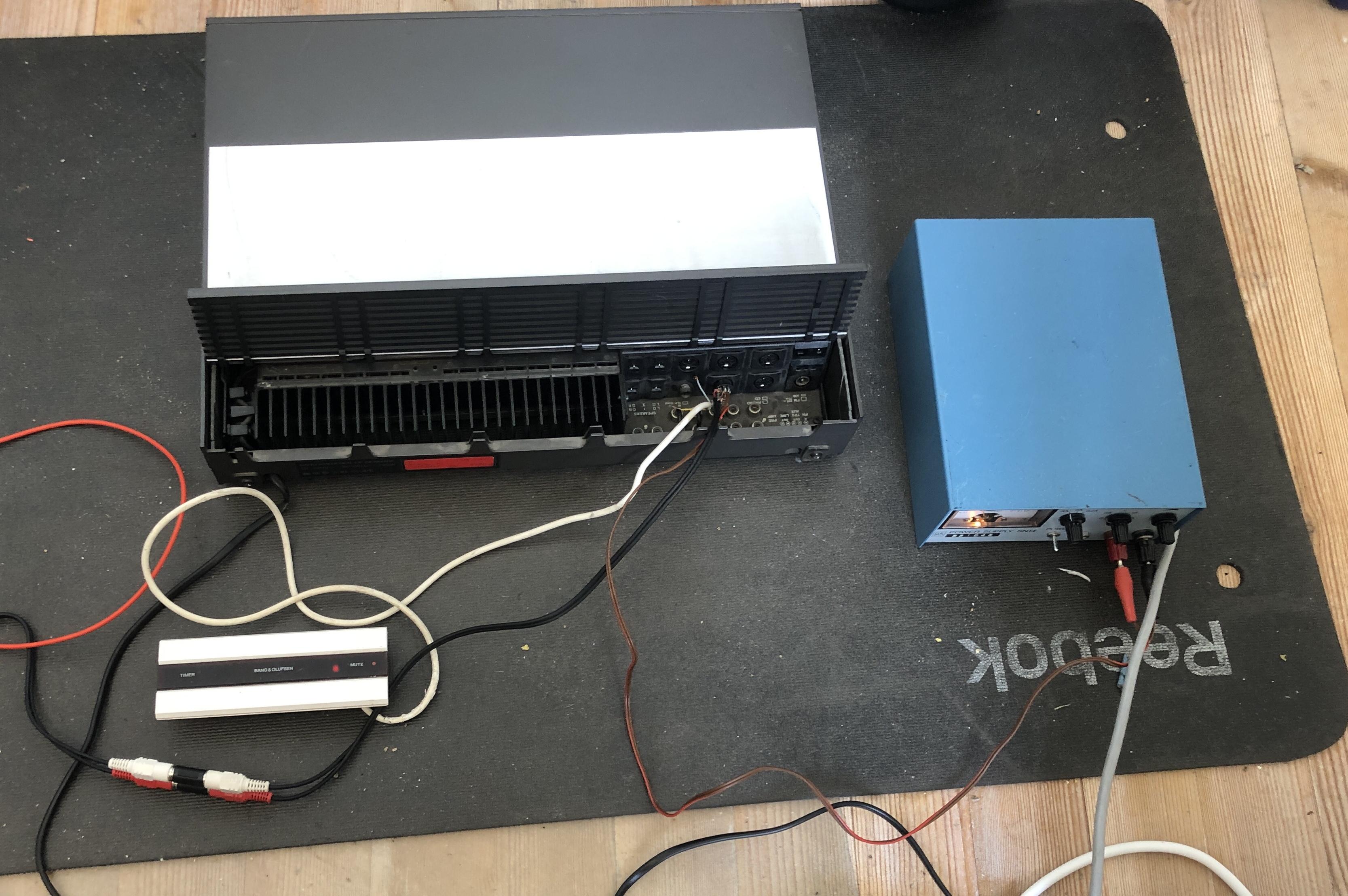
Just did a test with the other converter with the same result. Both converters are known to be working from all my other testing, so this point at the fault being in the BL3500. Also The problems with IR commands is also present with only power conencted
Location: Denmark
MadskpGOLD MemberOK so the BL3500 does’t respond to other IR commands than service commands.
I could change option settings at first, but now it will not respond to them either.
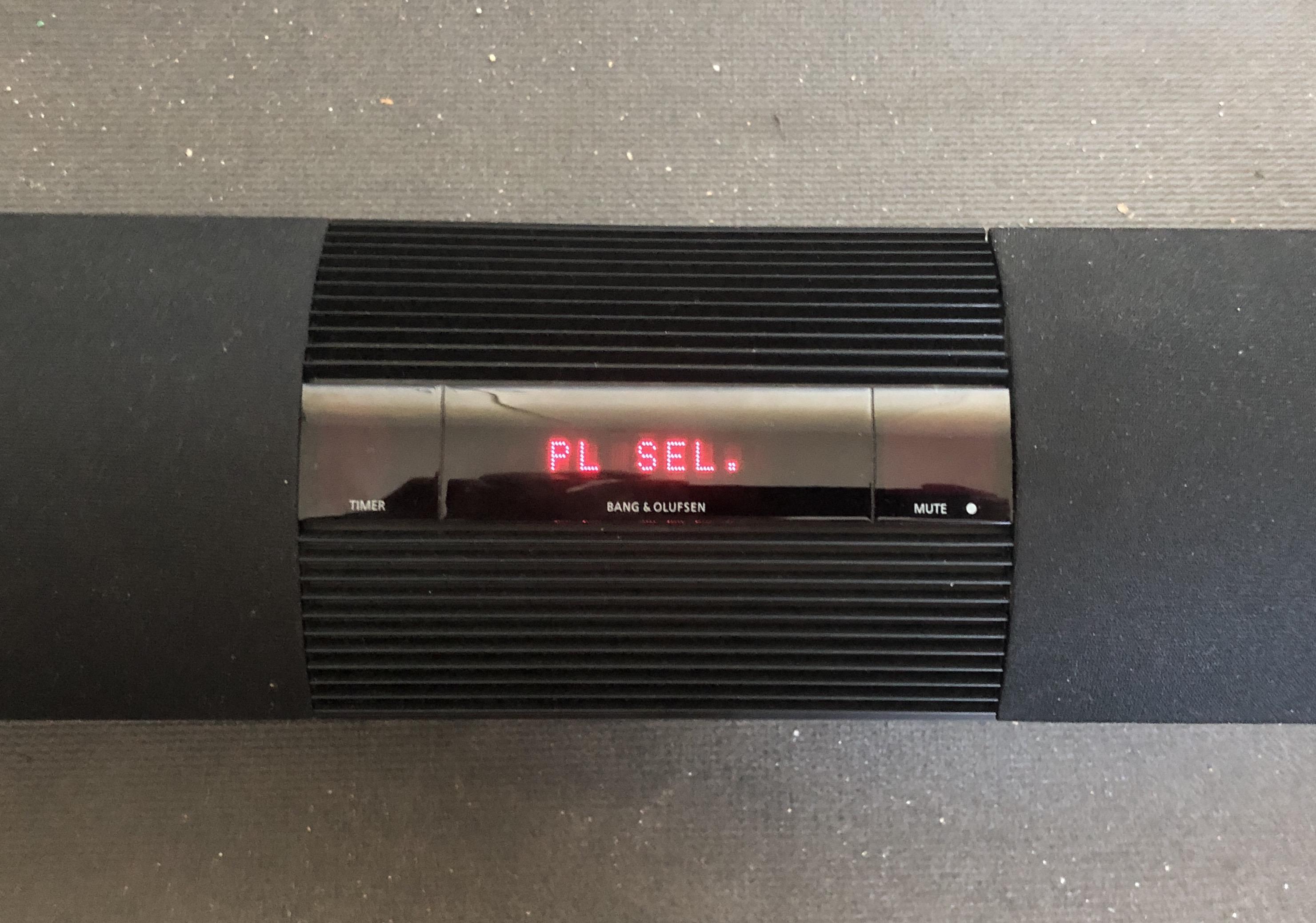
It plays fine from PL by using Menu, Menu, 0, 4, GO.
Trying the service commands Menu, 0, 2, Go when connected to BLC 1611 gives me an error 4 which is Masterlink collision.
I will try with my other BLC 1611 later.
Location: Denmark
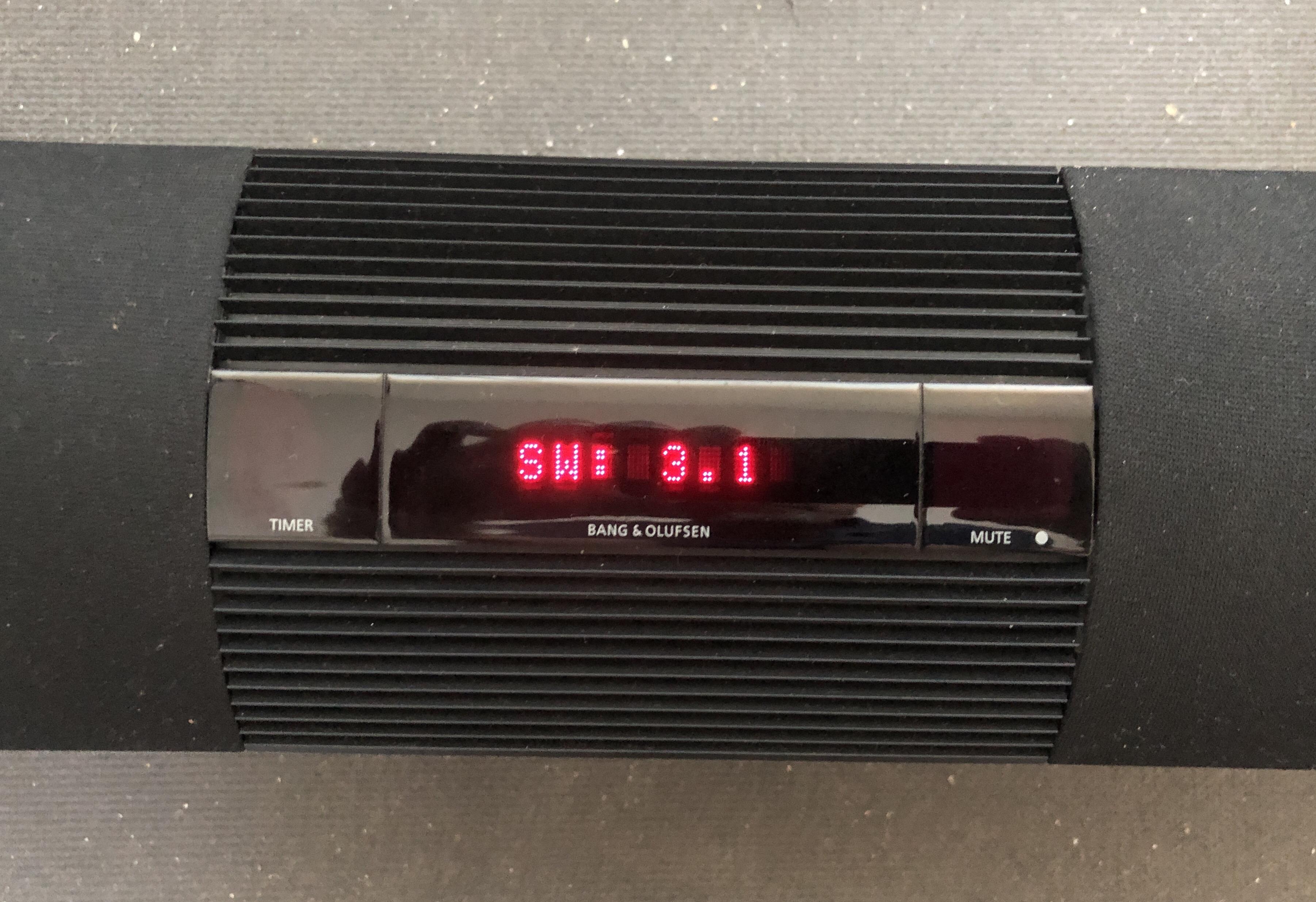
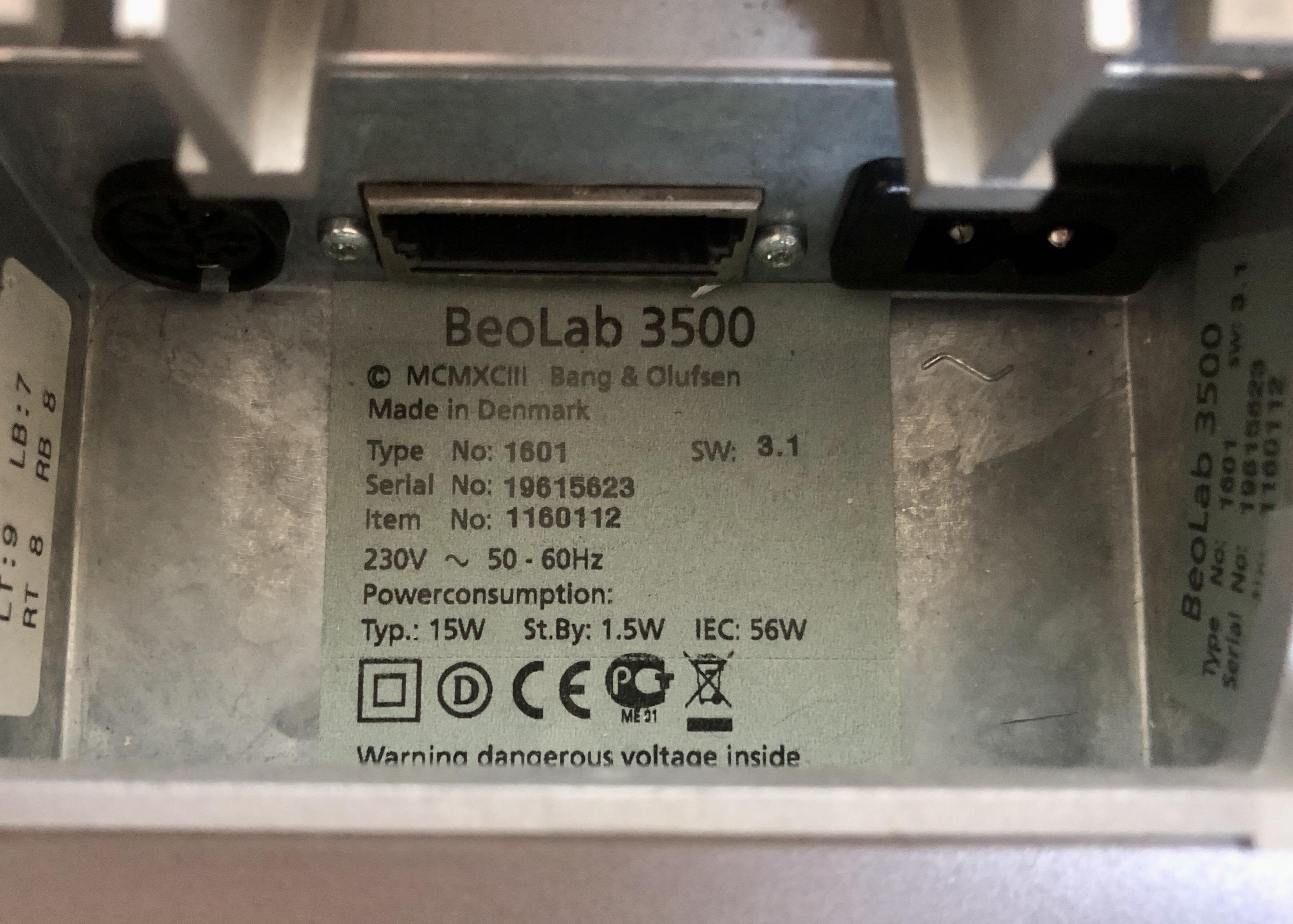
MadskpGOLD MemberYou said earlier that your BL3500 was SW1.2, so either you have upgraded it or got hold of another! I am looking forward to seeing further experiments and hopefully results!
Yes thats correct. But I was tempted to buy this one, and hopefully it will make us a little bit wiser.
First thing I’m planning to do is to open it up and cross check the pinout of the PL connecter, especially in regards to that internal connection called SP ON that is not on the MCL version.
To be continued…
Location: Denmark
MadskpGOLD MemberA little teaser post


Location: Denmark
MadskpGOLD MemberIs the P5 button located on another PCB like it is in a BM3000?
in that case I had similar trouble with a BM3000 where the problem was the soldered ribbon cable connections where they meet the PCB where there was one bad solder point, and one case where one of the wires going through the PCB was bent a little and short circiuted to one of the other pins
Location: Denmark
MadskpGOLD MemberBeovision LX2800 has a RS-232 serial interface for a printer in the form of a DIN socket at the rear of the cabinet. See page 18 (and 42) here: https://bnoservice.nl/handleidingen/beovision-lx-2800.pdf Martin
Wauw didn’t even think that something like that would have been built in. Guess many did not use this feature, but I must say that the manual is thorough regarding the setup including PIN outs and all.
Location: Denmark
MadskpGOLD MemberSetting the IR eye to option 1, and covering the BM5500’s IR eye full control is possible.
That’s very interesting. It maybe worth trying the MCL sensor connected directly to pin 6 of your Beocord 3500, or even a turntable!
yes that might be interesting to see if that works. Might also try the AAL connector on the BLC 1611 and see if an audio or video master on ML can be activated
Tried testing today with the IR eye connected to BC3500, BG2000 and BCL 1611 with the datalink pin moved to pin 7 for the BC3500.
The result for all 3 test’s are no response at all. Tried different option settings, all audio and video commands + play, stop, fw, rw. But to avail.
It makes sense that it worked for the BM5500 as the data wire would be connected to the same spot in a setup with a MCL2A. A possible use case for this setup could be as an extra IR eye in large or L shaped rooms.
Location: Denmark
MadskpGOLD MemberWouldn’t it be possible to transfer the display from a BEO4 with another defect, or are the different versions of the display?
Yes I have often swapped components between different versions of Beo4 to fix faults – they share most components (apart from main PCB and the keyboard/dome foil for the NAVI version). Trouble is that I cannot resist then buying new spares to fix the leftover broken donor ones – it’s like an addiction!
Ok great to know that it is possible, but sounds like it could end up being expensive if I end up having extra parts ?
Location: Denmark
MadskpGOLD MemberSetting the IR eye to option 1, and covering the BM5500’s IR eye full control is possible.
That’s very interesting. It maybe worth trying the MCL sensor connected directly to pin 6 of your Beocord 3500, or even a turntable!
yes that might be interesting to see if that works. Might also try the AAL connector on the BLC 1611 and see if an audio or video master on ML can be activated
Location: Denmark
MadskpGOLD MemberIf you are still awake and remotely (?) interested, I’ll let you spot the difference!
ABC instead of TEXT? Whatever ABC is?
Location: Denmark
MadskpGOLD MemberI just wanted to let you know that I am still following this thread with interest, although I am no closer to digging out the equipment to repeat your experiment with a BL1615. Our Grandson keeps coming to stay and taking up valuable space in my study/workshop! The recent BL1000 restoration had to take place spread across the kitchen surfaces whilst my wife was out – this gave the added bonus of trialling many different kitchen degreasers to clean parts of the remotes!
I know the feeling of limited space for experimenting, though I may have a little better space than you.
we’ll get to the 1615 when possible. I am looking at a pile (19) of 1610, 1614 and 1615 converters though, but not sure if I want to buy that many black boxes…
Location: Denmark
MadskpGOLD MemberOne more note to this test. The mute button on the MCL IR eye will also activate the BM5500 and set it in standby.
Location: Denmark
MadskpGOLD MemberThis may be drifting a little away from the passive, but still relevant for the use of the IR eyes.
As observed in another thread the datalink conenctions are shared between the AUX and speakerlink connectors at least in a BM5500.
On the The MCL2A IR data from the IR eye is connected directly to the datalink connection
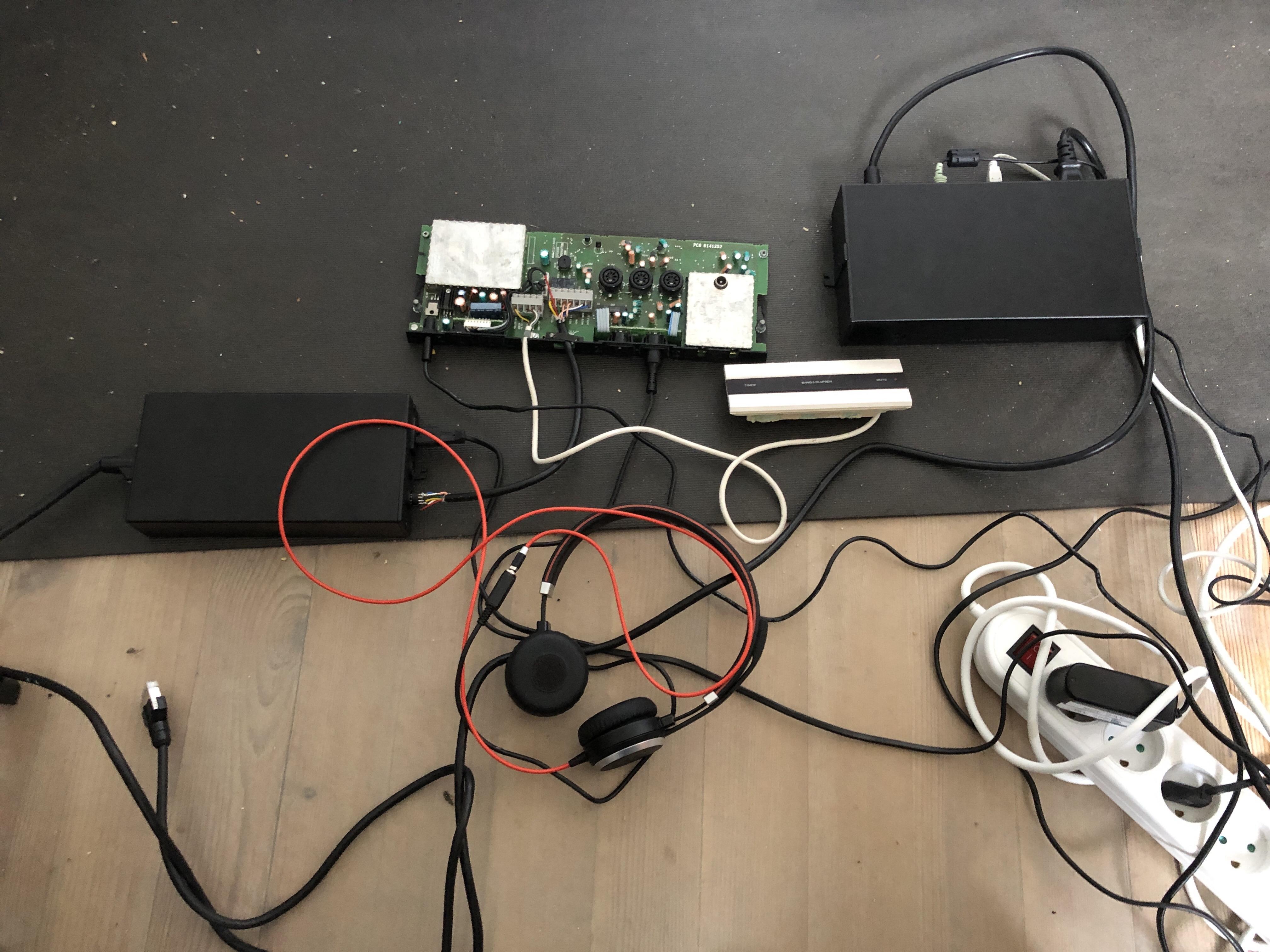
This made me think, can the IR eye be used connected directly to the datalink pin 6 on the BM5500 AUX connector. So I made a little 7 pin DIN connector with data and ground from the MCL IR eye connected to pin 6 and 2 and a wire to a set of headphones connected to pin 1, 4 and 2. 5V power from a bench supply connected ground and +5V wires of the IR eye.

Setting the IR eye to option 1, and covering the BM5500’s IR eye full control is possible.
Location: Denmark
MadskpGOLD MemberI am not really sure about the cost effectiveness of such repairs: The Beo4 was about £20 incl P&P, a new screen about £25 and a new battery cover £4.
Wouldn’t it be possible to transfer the display from a BEO4 with another defect, or are the different versions of the display?
I have a Beo4 with navi button that are use daily for my V1, and the display is missing a line, and the black paint on the case is scratched in several places, so I was thinking of using an a older (but in nicer condition) BEO4 as a donor for freshing it up.
Location: Denmark
MadskpGOLD MemberAs you can see they clean up quite well as long as you are careful not to damage the rubber keyboards.
Nice result 🙂
The Video Terminal is interesting. Initially I tried to test the AUX and TAPE button with my BeoSound 1, but then realised that it will only control video equipment, hence AUX is actually V.AUX (or DTV2) and TAPE is V.TAPE (or V.MEM). I also discovered from an old thread that PRINT sends the PC command.
We got one of these video terminals at home when I was a kid, and I remember wondering what the Print button was for. Now I may even wonder more that it it equal to the PC command. What equipement was it for?
Also a funy little detail with the telephone symbol over the MUTE button as a kind of extra explanation of the function 🙂
Location: Denmark
MadskpGOLD MemberWe got one of these video terminals at home when I was a kid, and I remember wondering what the Print button was for. Now I may even wonder more that it it equal to the PC command. What equipement was it for?
According to this thread:https://archivedforum.beoworld.org/forums/p/38215/317414.aspx … it was supplied with the with the LX2800 and 2500 TVs amongst others. And the PRINT button may have been for printing out Teletext, although B&O never supplied a printer.
Ok that makes kind of sense as teletext was kind of the Internet of the 80’s, even though I’m not sure how such a printer would connect to a Beovision. Might have been preparation for future use though.
Location: Denmark
MadskpGOLD MemberThe game Monopoly is called Matador in Denmark
Location: Denmark
MadskpGOLD MemberI don’t have a BLC 1615 myself (yet), but will try if this is possible with the BLC 1611. Might not work the same way though as the BLC 1611 is not a link room product the same way as the 1615.
Just did a test with the BLC 1611, and that dit work.

The connection between the BLC 1611 AAL connector and the MCL2AV screw terminal is as follows:
BLC1611 pin 2 – > MCL2AV Brown GND R, Grey GND L, Shield GND
BLC1611 pin 1 – > MCl2AV Yellow L
BLC1611 pin 4 – > MCL2AV Green R
BLC 1611 pin 6 – > MCL2AV White Data
The MCL2AV set to option 1,5 for activating the PL connectors. I cannot comment on sound quality as I used a pair of headphones as PL speakers
As audiomaster on the ML side I used my Beoport with no IR eye connected to make sure that the IR signals was from the MCL2AV only.
Now it’s going to be exciting to see if it will also work with the BLC 1615 as that combination could make a ML link room with local datalink inputs
Location: Denmark
MadskpGOLD MemberYes I suppose that both the BL1615’s AAL socket and the MCL2AV’s AUX/TV socket are expecting to communicate directly with a TV, hence cannot pass commands to each other. It’s a shame that the stand-alone BL1615 can’t be used to extract the audio from masterlink. Looking at the circuit diagram, there seems to be a couple of points where the ML ON/OFF could be by-passed, but I think that the TV would still need some sort of data command to turn its ML output on (even when the TV is already turned on).
A new thought regarding the use of the BLC 1615. In Guy’s test the connection was between the BL1615’s AAL socket and the MCL2AV’s AUX/TV socket, but as he noted this is not the way the communication is intended to be as for both sockets a TV is expected to be connected.
But then I came to think that a TV connected to a BLC 1615 can be compared to a link room speaker (which can only get audio and video sound from the A and V masters) which connect to Masterlink via the BLC1615.
The MCL2AV is seen from the MCL side also a link room speaker (although not with integrated speakers) with the same limitations in regards to only getting sound from the A and V masters. So maybe a connection between the MCL2AV’s MCL screw terminal connection and the AAL connector on the BLC 1615 could make sense to try.
In one of my other tests I have verified that the MCL2AV will accept Line level signals on the MCL screw terminal connector, so this should not be a limitation.
I don’t have a BLC 1615 myself (yet), but will try if this is possible with the BLC 1611. Might not work the same way though as the BLC 1611 is not a link room product the same way as the 1615.
Location: Denmark
MadskpGOLD MemberIt’s B&O alright. Not sure for what, though, but could be a RIAA, so perhaps an input adapter for a TV or a tape recorder.
Thanks for the answer. Looking closer I can also see that the DIN connections are definitely not B&O standard connected. It seems that pin 1, 2 and 4 are all connected across the 2 DIN plugs, and pin 3 are connected to pin 5 on the other connector.
And the 56K resistor has a bad solder joint.
Well spotted 🙂
Location: Denmark
-
AuthorPosts