Forum Replies Created
-
AuthorPosts
-
 Moderator
There are 2 brown caps, the 220uf is prone to fail… yes, with shorts killing the resistor.
Thanks – I’ll look at those. Should be easier than changing caps on a BeoLink5000!
Location: Warwickshire, UK
My B&O Icons:

???
Yes it’s getting to be a pain! So much of my stuff is in boxes since moving to a rental in Feb. We just need UK house prices to crash (any day now …) and then I’ll be able to buy somewhere permanent to live!!
Location: Warwickshire, UK
My B&O Icons:
Looks like a flame-proof type.
Thanks Martin – that explains the ‘safety critical’ annotation in the circuit diagram.
Also makes them hard to find!
Location: Warwickshire, UK
My B&O Icons:
After thinking it twice, I thought that even if repaired, it would be a nonsense to have to use any 40w bulb nowadays and dropped the idea.
I can’t remember what bulb I used but I am pretty sure that I tried my other working LC2 with some type of energy (LED) bulb and it worked (in the on/off mode, which is all I want). I can’t check because it’s in a box somewhere, but I’ll let you know when I have fixed this one!
I use JBMedia’s Lightmanager Pro for day-to-day (night-to-night?) light control and that works very well.
Anyway, resistors (pack size 50!), fuses and Zener on order …
Location: Warwickshire, UK
My B&O Icons:
Thanks Die Bogener. I initially suspected those IR board caps (C7 and 8, both 22uF) after reading this old thread: https://archivedforum2.beoworld.org/forums/p/11884/103685.aspx#103685
The IR board isn’t even getting 5V, and that main board resistor (R1) has blown. Not sure whether failed caps (do they fail short?) would have caused this.
I am going to have to come back to this when I have dug out my soldering iron – it’s in a box somewhere …
Location: Warwickshire, UK
My B&O Icons:
Please let me call them for you…
I see that Banbury Lodge has 22 rooms. I have enough Beocom landline phones to fit one in each, with several left over … ?
Location: Warwickshire, UK
My B&O Icons:
https://www.addictionhelper.com/rehab-locations/oxfordshire/banbury/banbury-lodge/
Ha ha – that’s just down the road from my house ?
But I just need two suitable Beovisions and a slightly older VHS player than the two I already have, and then I’ll be able to connect it all up!
Location: Warwickshire, UK
My B&O Icons:
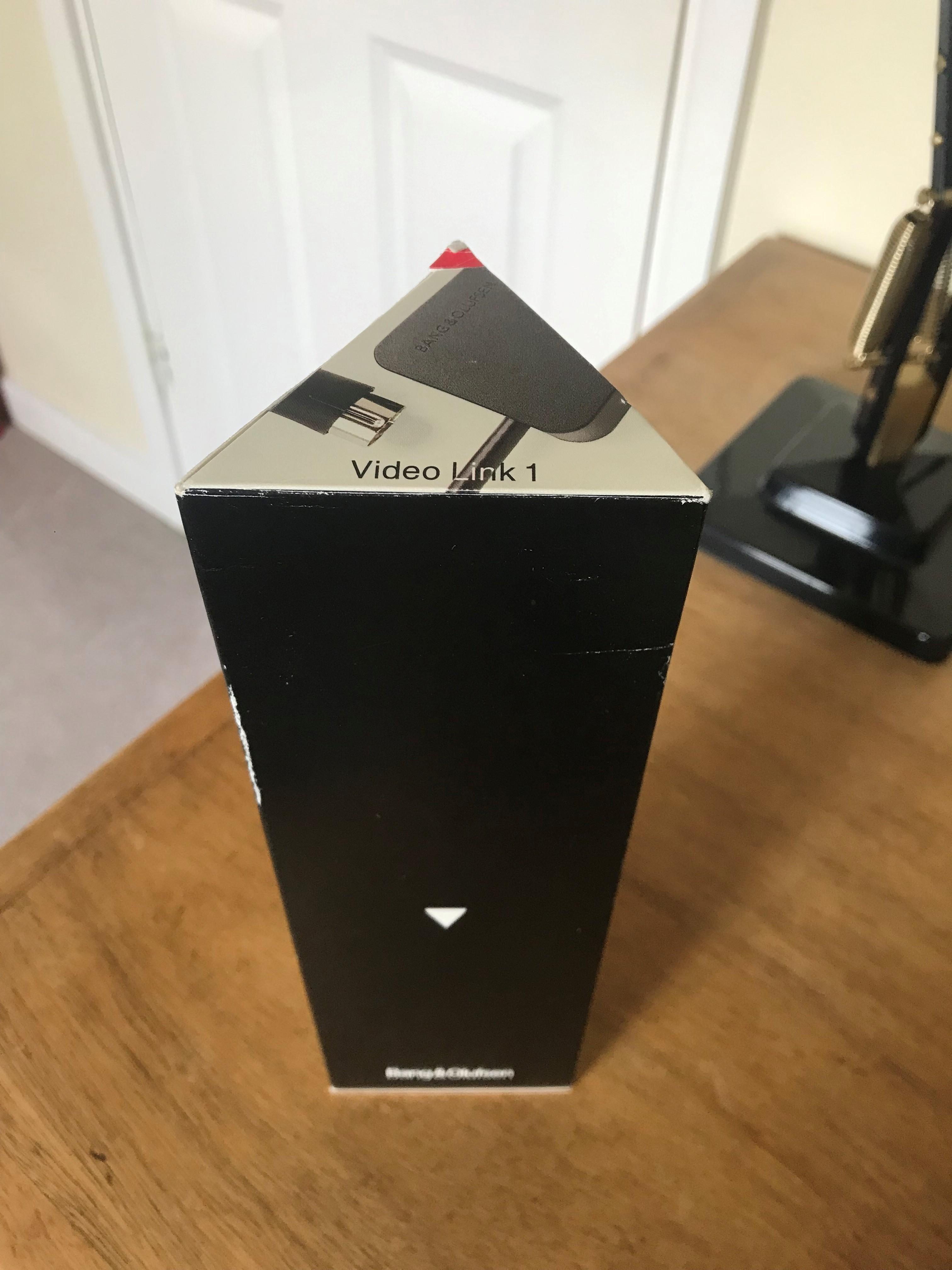
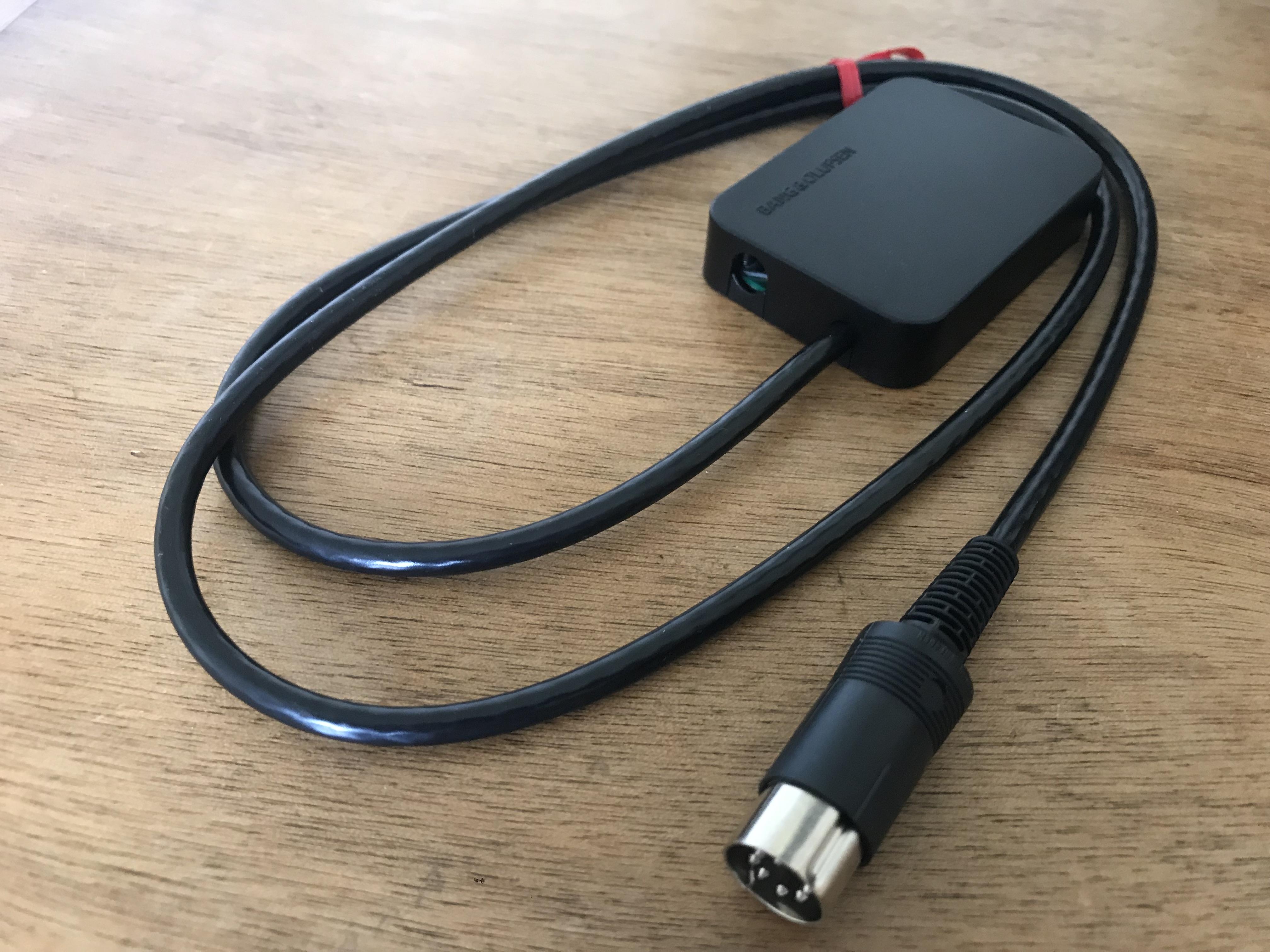
Here we go:

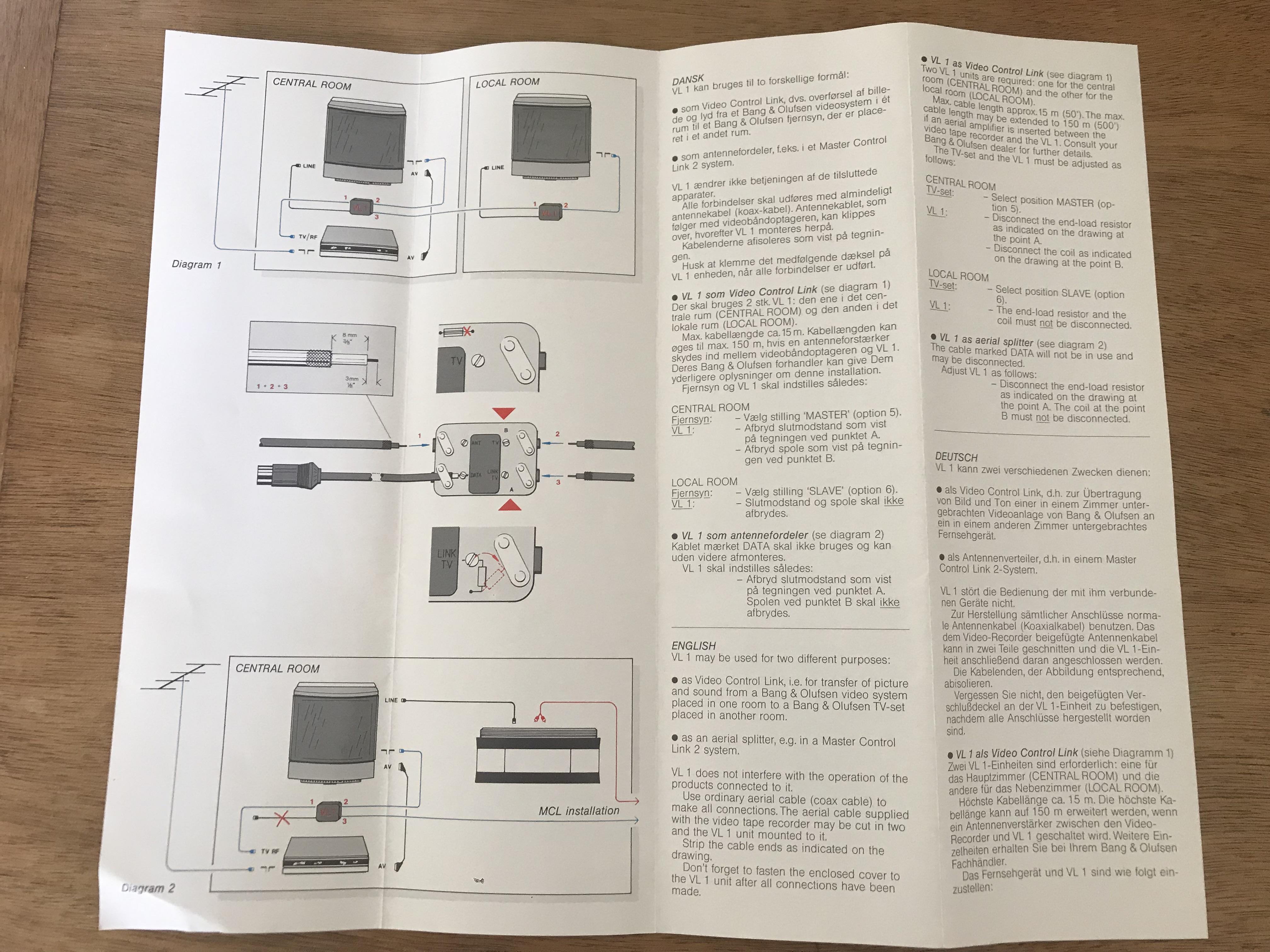
And instructions:

Location: Warwickshire, UK
My B&O Icons:
An MCL junction box?
Close! The hole (and the two the other side) are for co-ax (aerial) cables.
Location: Warwickshire, UK
My B&O Icons:
On the top view it’s a C7 power plug and there is only one “screw ear”, on the side views it’s a 12v jack and both “screw ear” are there.
I’d missed that – well spotted!
Great inputs – let’s find some other strange eBay B&O listings about which to ponder …
Here’s one I actually bought. I now know what it is, but any guesses?
Location: Warwickshire, UK
My B&O Icons:
One of the pictures shows part Nr 1638, with is Beolink Active.
Yes I saw that on the casing, but I think the internals and end plates are bespoke for another function – or the modifier has done an excellent job of disguising the ML socket etc! The usual ‘raised’ socket labels and ‘BANG & OLUFSEN’ logo are also missing, and I have never seen such white lettering.
Could it be a low pass filter, extracting the Subwoofer frequencies from the rest, like the Powerlink outs on Beolab 2 or 11?
We’ll never know. Strange that the Subwoofer socket is an input rather than output? Perhaps it’s a dealer device like that speaker switch that has been discussed in the forum before.
Location: Warwickshire, UK
My B&O Icons:
And more importantly, do I need one?
Yes you do, to tell us what it is….
Ha ha ? That’s why I have so many boxes of B&O in my spare room!!
Location: Warwickshire, UK
My B&O Icons:
Seems to be running fine on my 32-bit Windows 10 also

Location: Warwickshire, UK
My B&O Icons:
The Beolink Wireless 1 will only distribute Masterlink, which your Beosound Moment does not have. You cannot use the Beolink Wireless to bridge a PowerLink connection.
Before we suggest solutions, is your intention to have the BL5s in the same room as the Moment, and are they the only speakers that you wish to connect?
Location: Warwickshire, UK
My B&O Icons:
Can I just ask whether you are talking about the Beolink ‘Wireless 1’ – the 2006 version with the little switch on the base where you chose whether it is a transmitter or receiver, as described here: https://www.beoworld.org/prod_details.asp?pid=1028
Location: Warwickshire, UK
My B&O Icons:
The good news for MisterBG is that the Beosound Moment has inbuilt WISA that will transmit to WISA wireless speakers – some of the newer Beolabs have WISA receivers built-in.
In order to provide the WISA facility for older speakers, B&O introduced the Beolab Receiver 1, which acts as a WISA receiver and provides a Powerlink output to Beolab speakers. One Beolab Receiver 1 is required for each Beolab (Left and Right).
However (as Beobuddy has just pointed out) the BL5 is incompatible with Beolab Receiver 1. This is explained in this thread, in which Steve also suggests a workaround making use of the BL5s’ Line inputs: https://archivedforum2.beoworld.org/forums/p/25222/201651.aspx#201651
So MisterBG could either buy a couple of Beolab Receiver 1s and use Steve’s workaround, or stick with the wired solution.
Location: Warwickshire, UK
My B&O Icons:
If your windows is 64-bit and the Beo6 FW is 2.12a or older then that may give you problems. Have a look at Keith’s post (and the attached diagram) here: https://archivedforum2.beoworld.org/forums/t/13349.aspx
Location: Warwickshire, UK
My B&O Icons:
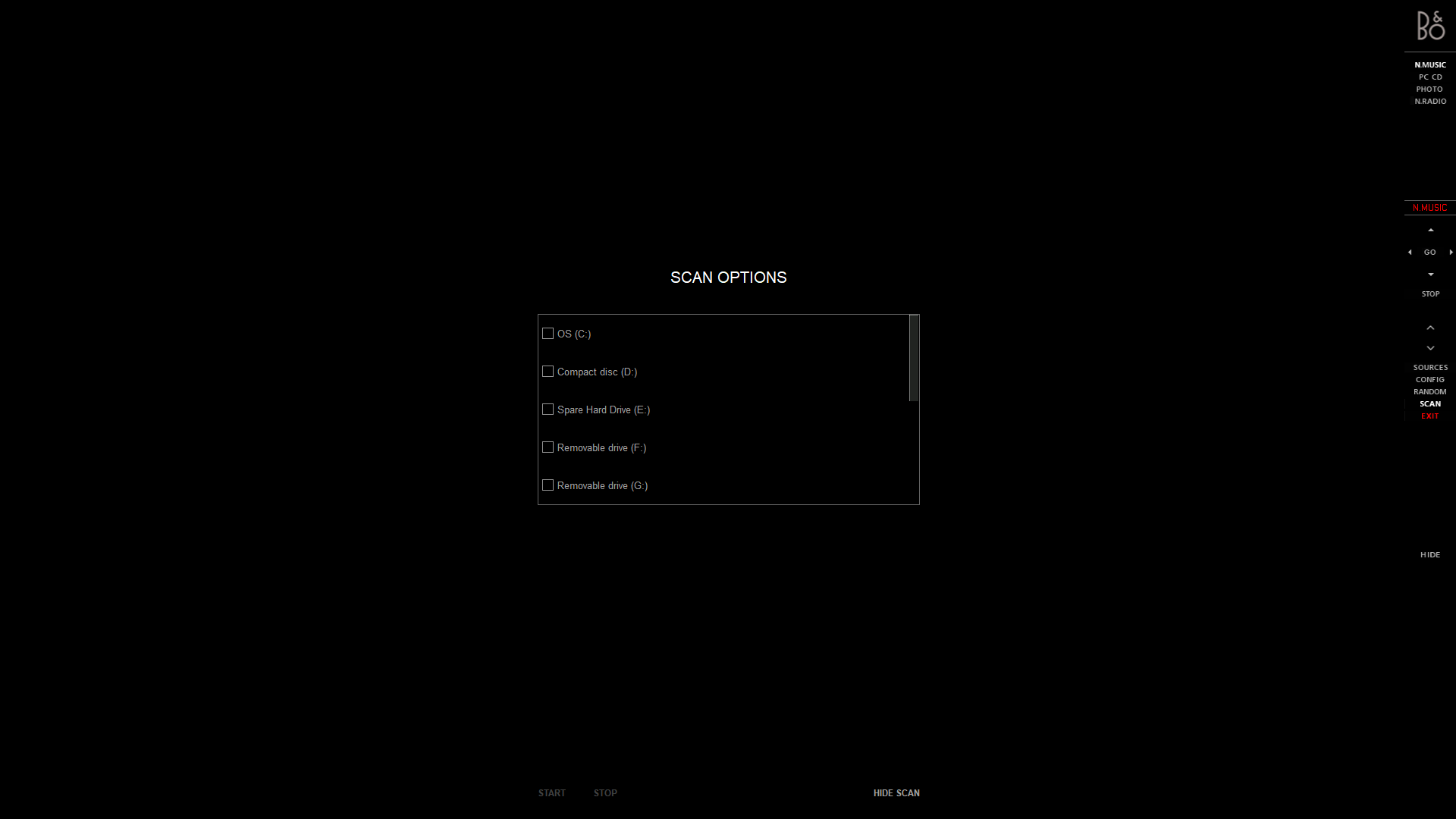
But you do have to tell it which folders to scan:

Location: Warwickshire, UK
My B&O Icons:
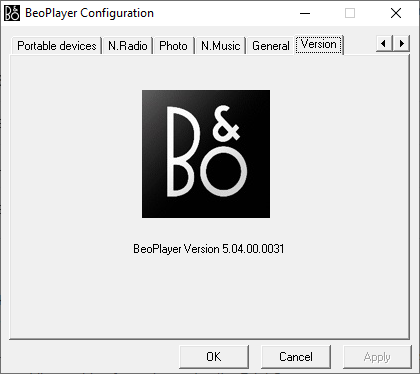
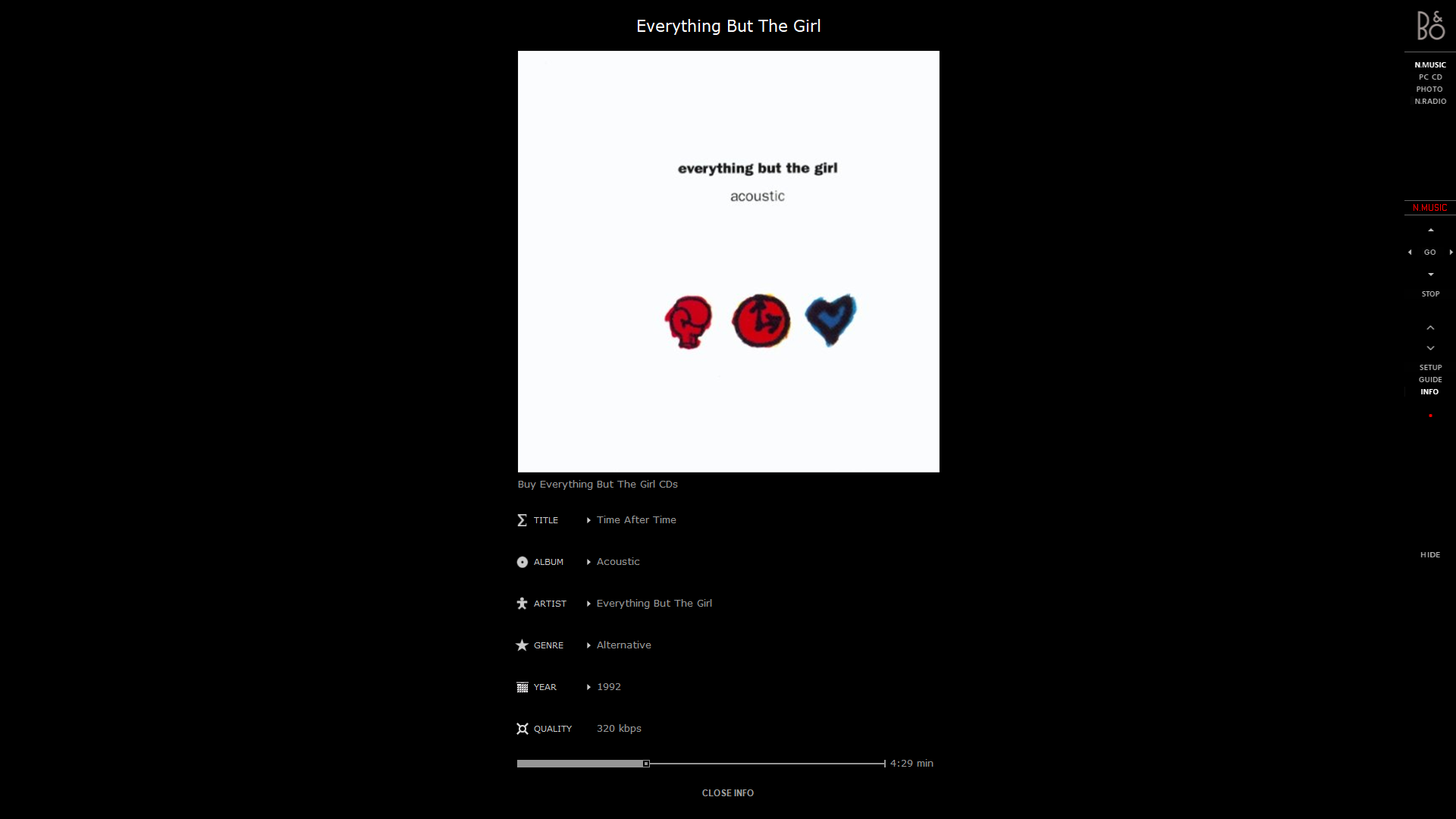
This thread reminded me that I still have Beoplayer installed on my PC – not connected to anything else B&O (apart from the A2 Active that I use as a speaker for my desktop).
Playing music on it now! (from my QNAP NAS)
Location: Warwickshire, UK
My B&O Icons:
Do you have any ideas about inspecting a pickup besides listening to it?
Sorry but my Beogram/MMC experience is limited to my BG6500 (Beoworld Xmas Prize Draw win), its SMMC4 and a single LP – Dire Straits, Brothers in Arms ?
I am sure that other forum members can help out and will be along to offer advice …
Location: Warwickshire, UK
My B&O Icons:
-
AuthorPosts