Forum Replies Created
-
AuthorPosts
-
 BRONZE Member
Im guessing it’s the wall socket? Perhaps it’s not grounded of poor quality. You need to use really high quality Cat7 SHIELDED cables and make sure they don’t run along with power lines in the wall.
Location: Toronto, Canada
Honestly I think it’s just a bug from an incomplete beta. Thats why there are 3 different greys that look the same. In the latest webcast they mentioned it would be coming. The impressive part is that it knows somehow that I have the 65″.
Location: Toronto, Canada
You don’t even need the latest. The previous build worked too.
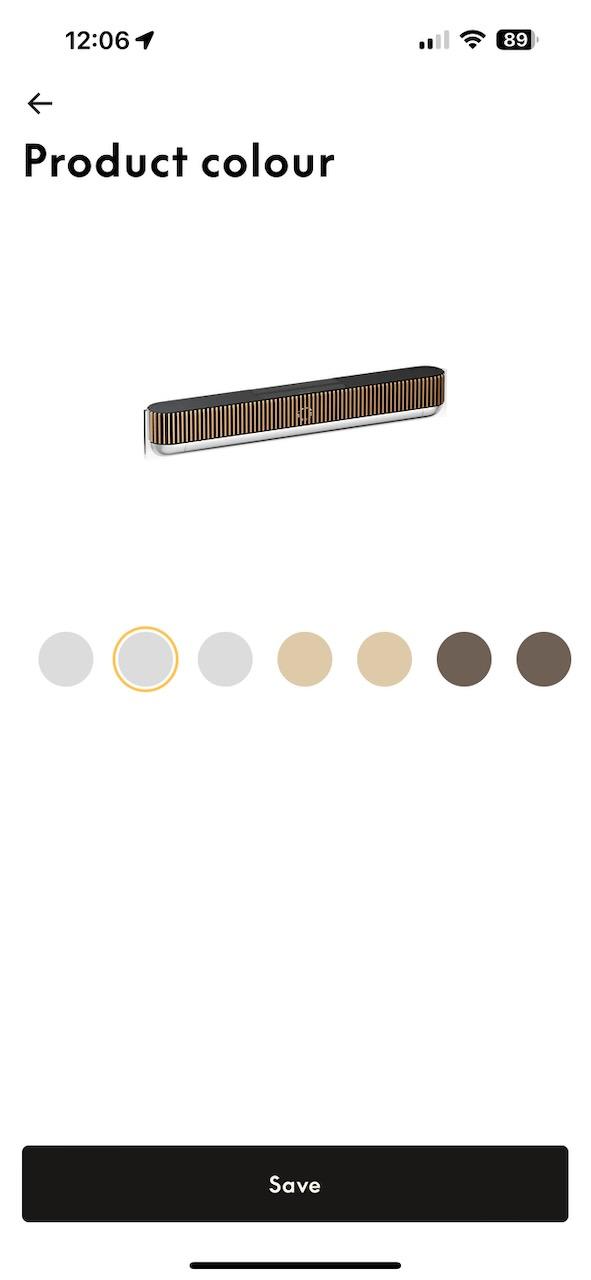
Go to product colour.
Choose the second option (NOTHING WILL VISUALLY CHANGE. It will just show the soundbar)
Go back.
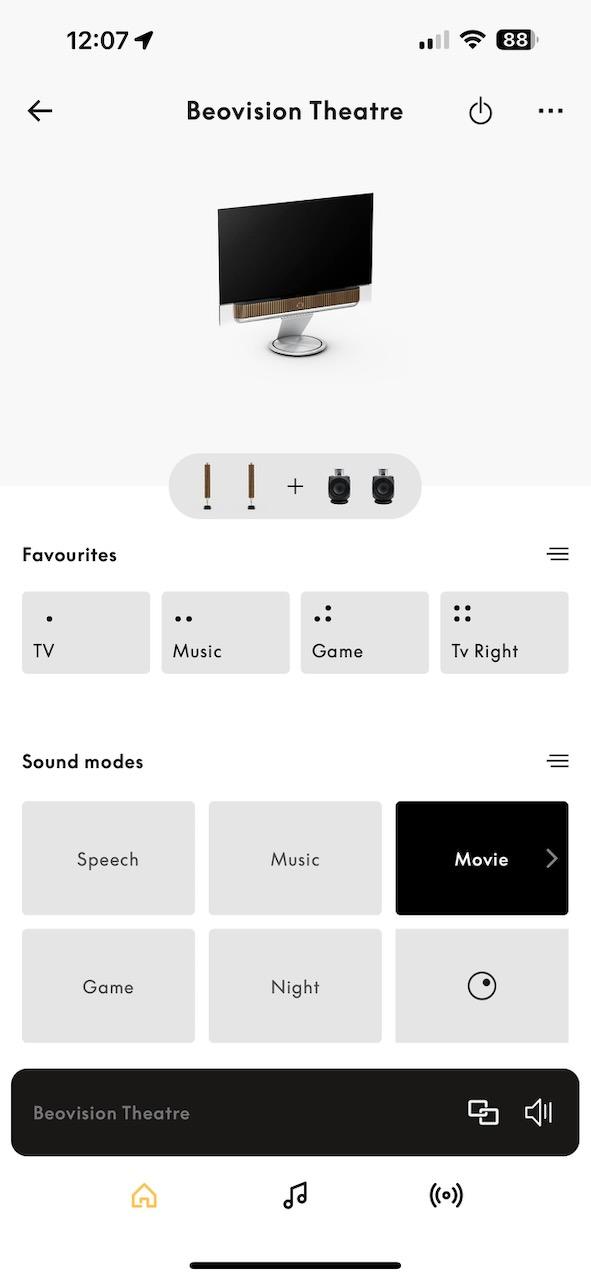
The icon should be updated to include the TV.

Location: Toronto, Canada
Oh my god they finally updated the icon. Work in progress as its a bit of a trick to get it working.
Location: Toronto, Canada
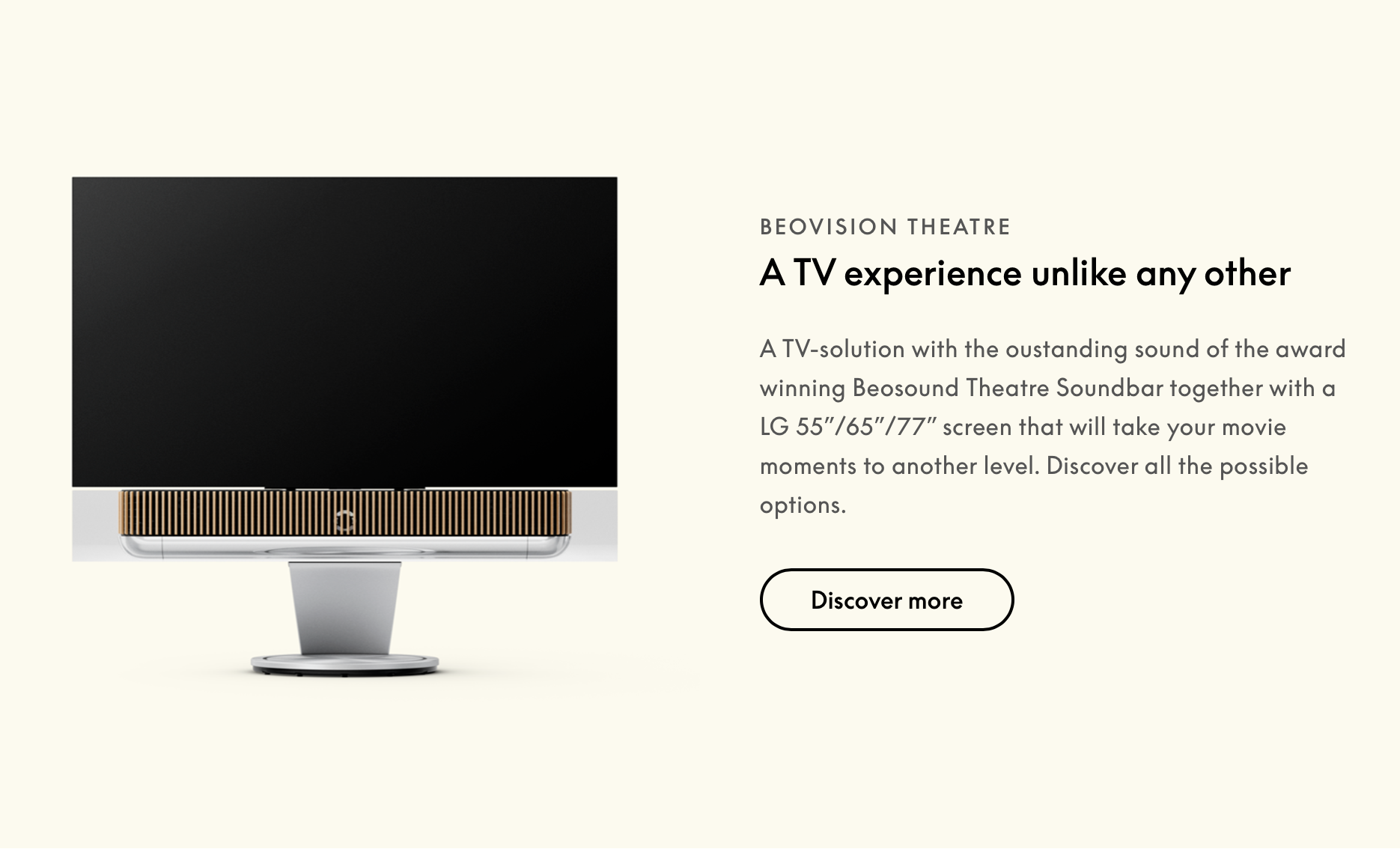
When did B&O suddenly start calling the theatre The “BeoVision Theatre” when it’s paired with a screen? The name also changed on its own in the app.

Location: Toronto, Canada
My Essence’s are hidden away mounted under my shelf where I never have to see or touch it which I like.
On one of them I have the BeoSound 9000 connected to it though RCA.
On the other I have my turntable connected as well as an essence remote.
In 2 years of daily use for countless hours neither one of them has given me a single problem.
Location: Toronto, Canada
I recently purchase two Essence Mk2’s over a core for 2 main reasons
- The essence is MUCH MUCH cheaper
- The essence has TWO power link ports which I absolutely need
Location: Toronto, Canada
You can’t change sources with the ATV but I have all my sources (game systems) connected directly to the theatre. Then with HDMI control I just fire up the source I want to use and the theatre automatically changes the source to the newly active one.
I have never thankfully had to use the terrible BR1 for anything other than the power off button.
Location: Toronto, Canada
If you are fine navigating your tv and using those apps might as well stick to it. Personally I find every TV remote and UI terrible (including the Beoremote 1) so moving to the Apple TV was a god send in the user interface and speed. You also get other features like airplay, lots of apps and games if you want.
Location: Toronto, Canada
Whats this new core about? I thought I heard something it will be a HDMI connect box?
Location: Toronto, Canada
You would just connect the 18’s to the PRE-OUT through RCA. There isn’t any built in streaming services on the 18’s so they would have to be run through some type of amp. If you want to use the 18’s wirelessly you need to get the transmitter 1 and connect that to the amp Pre-outs but I don’t recommend wireless unless you REALLY have to.
Location: Toronto, Canada
Seems ok to me as it’s a PDF and can zoom in. Which pages are you having trouble with?
Location: Toronto, Canada
is this it?
Location: Toronto, Canada
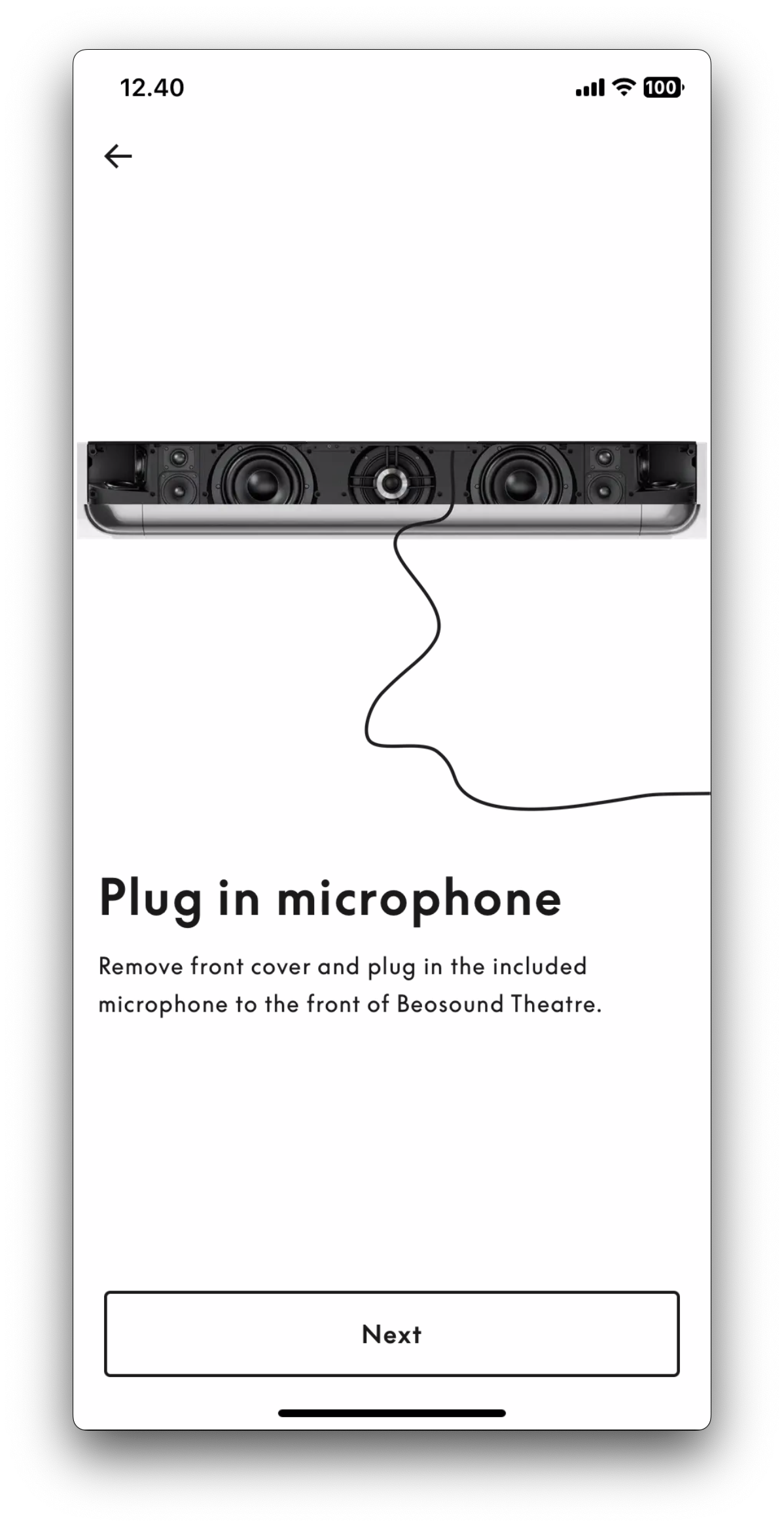
The Mic. 😀
Who installed the theatre for you? Did you set it up and not follow the instructions for creating listening positions or was it set up for you and not explained?
Location: Toronto, Canada
The mic SWITCH under the front right of the grill is on.
Location: Toronto, Canada
B&O would suggest that yes as its better to have bass in the back to counter the bass from the front BST bass speakers.
Location: Toronto, Canada
I have a pair of 18s connect to my BST as front left and right,and I set my BST front left and front right speaker as “subwoofer center” in b&o app and other BST drivers as “none”,but when playing music there’s no bass from my theatre,”true image” is on,is there anything wrong i done above?
Wait, you can set your unused L/R speakers in the BST to act as additional sub woofers?
Location: Toronto, Canada
Is HDMI control an option?
Location: Toronto, Canada
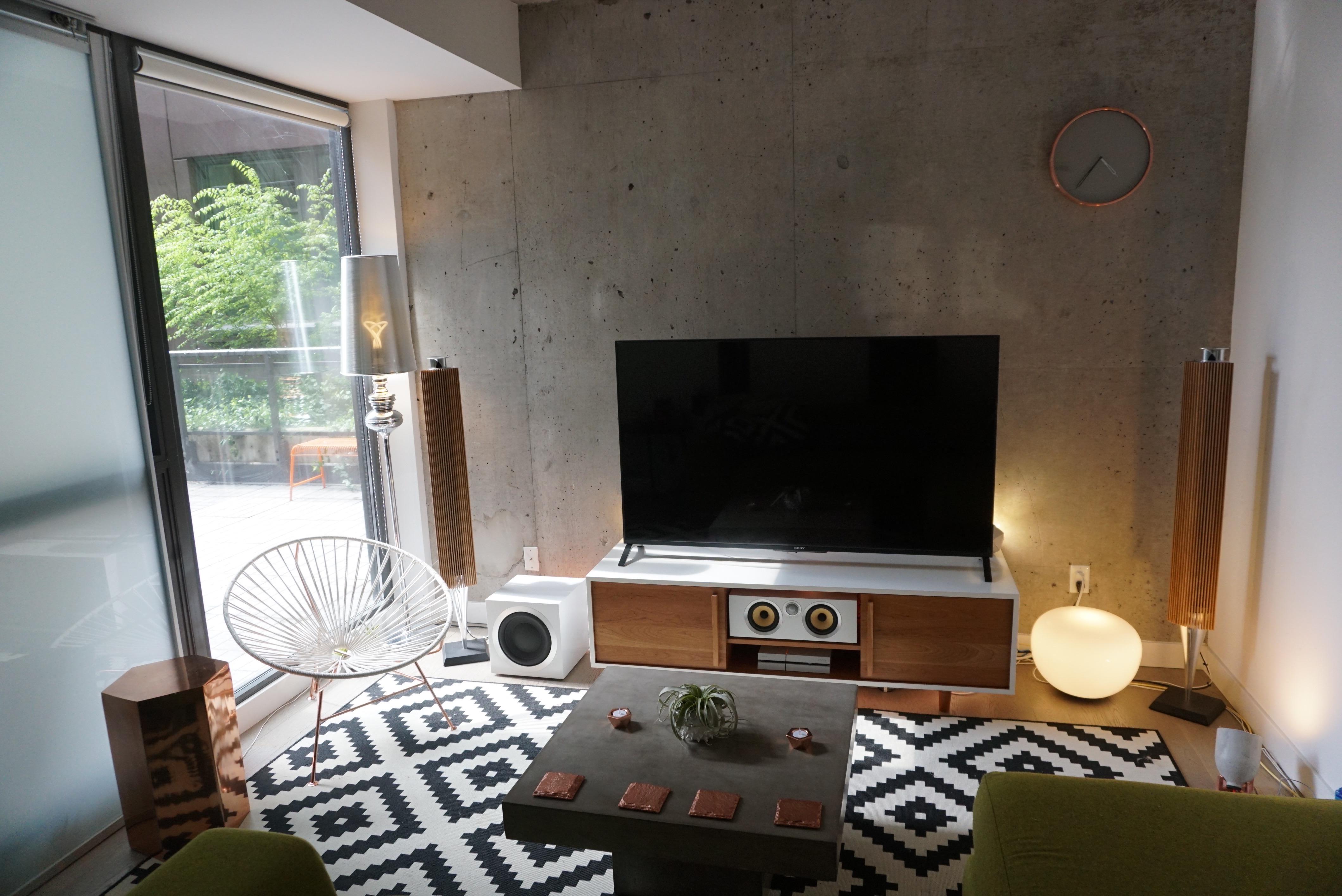
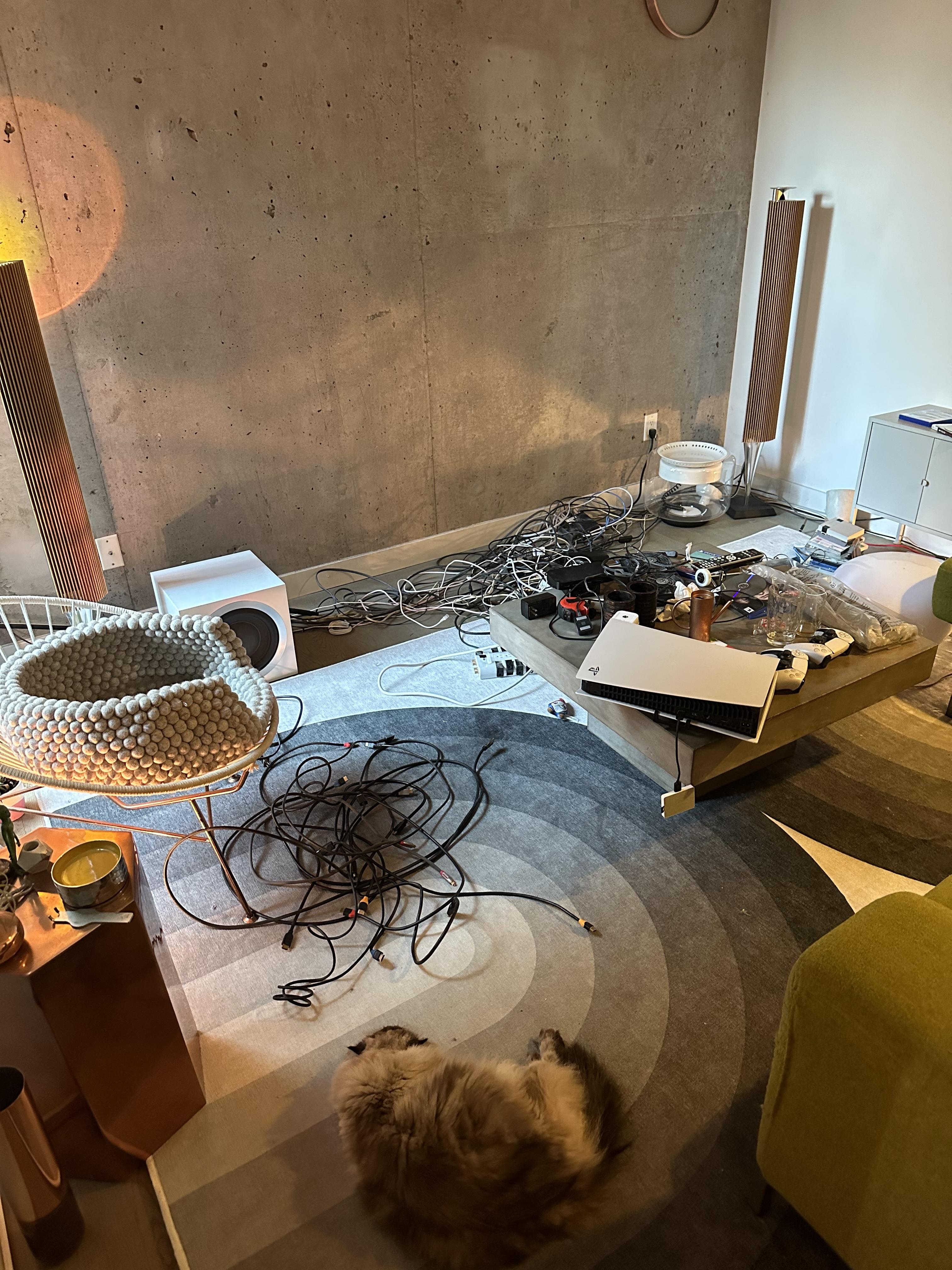
In my old setup I had B&O speakers connected to a Marantz AV system, with 3 game systems and other HDMI cables connected in a cabinet bellow. It was a hot mess of cables and a major pain to change anything. It was all hidden though including the cables.
When I got the theatre I decided to get rid of the cabinet and get the floor stand instead. The problem was I still needed to connect 4 HDMI devices like: Apple TV, XBOX, NINTENDO, PS5.
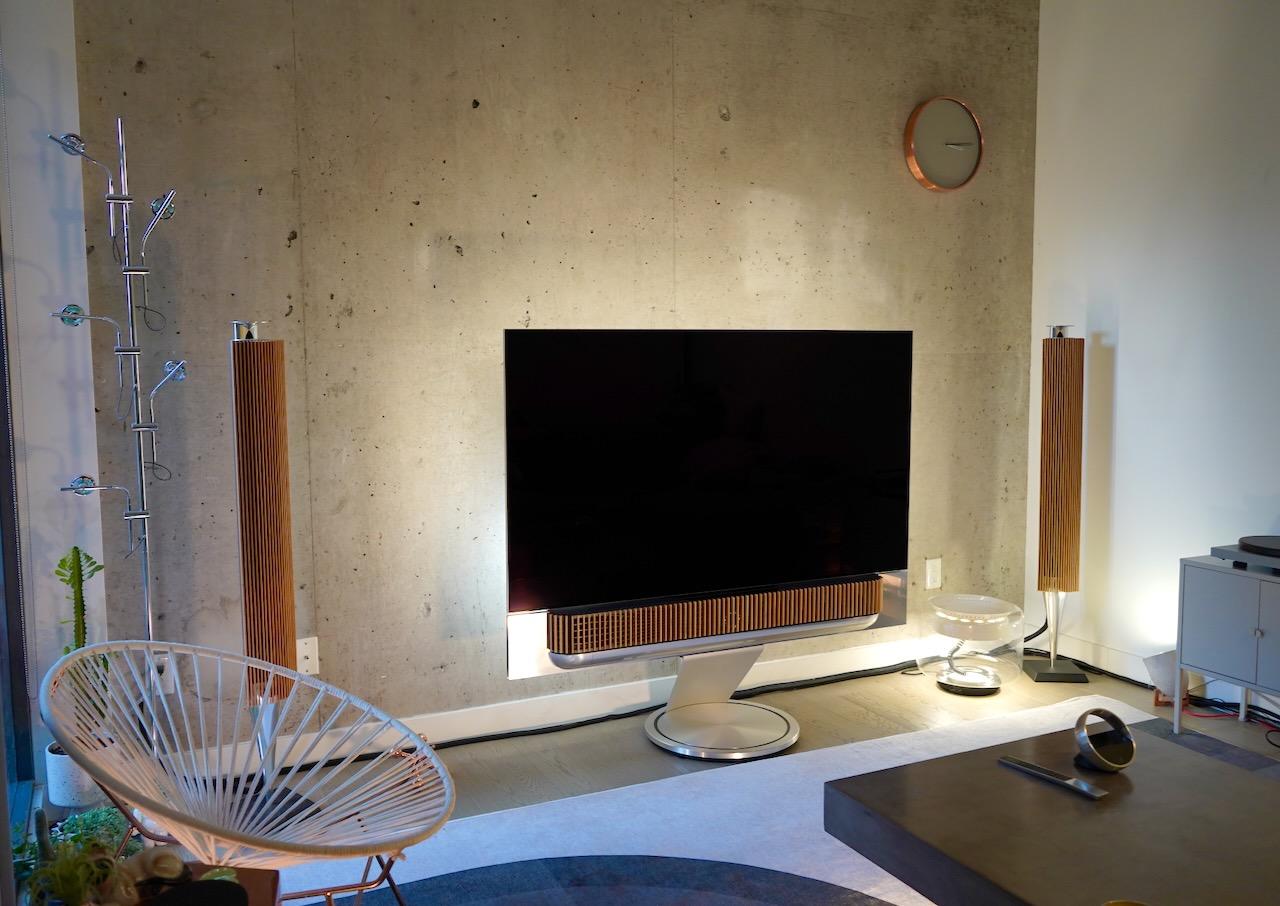
So I put all those HDMI items in the closet behind the couch and listening position. I use a Hue Sync box as well which all the HDMI devices input to and then I run a single Optical HDMI cable through concealed floorboards to the theatre. Everything turns on and off through HDMI control, I never have to interact with the HDMI devices unless I insert a DVD game. It amazingly has worked perfectly since day one, all of it.
In your case you can put the AV system tucked away somewhere and just run the one cable to the TV.
https://www.cablematters.com/Blog/HDMI/how-do-active-hdmi-cables-work
And you can wall mount your Apple TV somewhere hidden:
https://www.amazon.ca/gp/product/B07BPX8KL8/ref=ppx_yo_dt_b_search_asin_title?ie=UTF8&th=1
But honestly I just recommend the theatre. It’s rather glorious visually and the sound is amazing as well. I do suggest a Sony TV over the LG G2/3 though. Sony has much better picture processing.
This is my previous AV setup with everything in the cabinet:

This is the cabinet removed and all the cables required:

This is after the theatre and all HDMI devices in the back of room. I was using a black cable hide temporarily.

And in the end I hid them with some white cable hiders:

Hope that helps
Location: Toronto, Canada
-
AuthorPosts