Forum Replies Created
-
AuthorPosts
-
 BRONZE Member
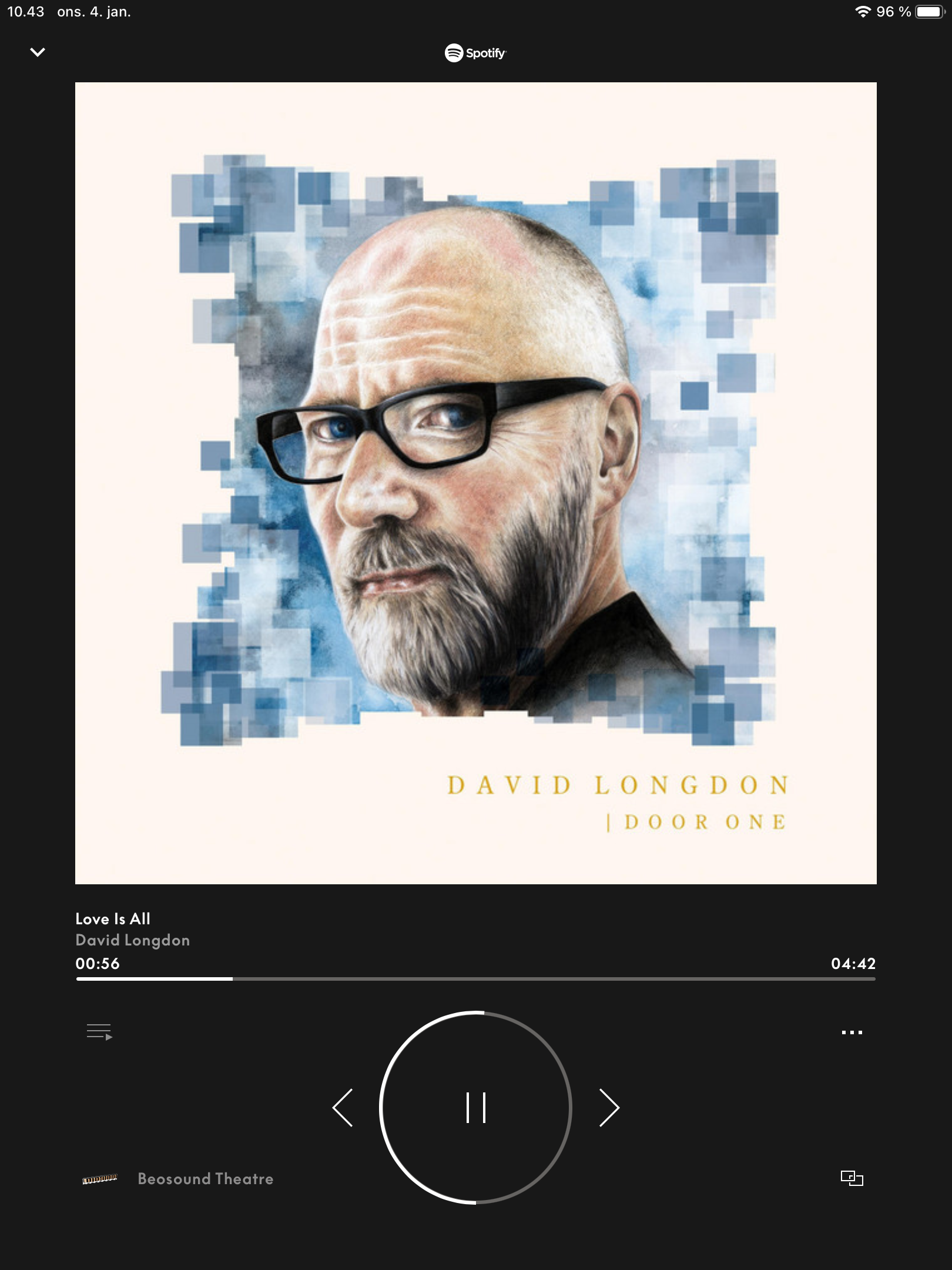
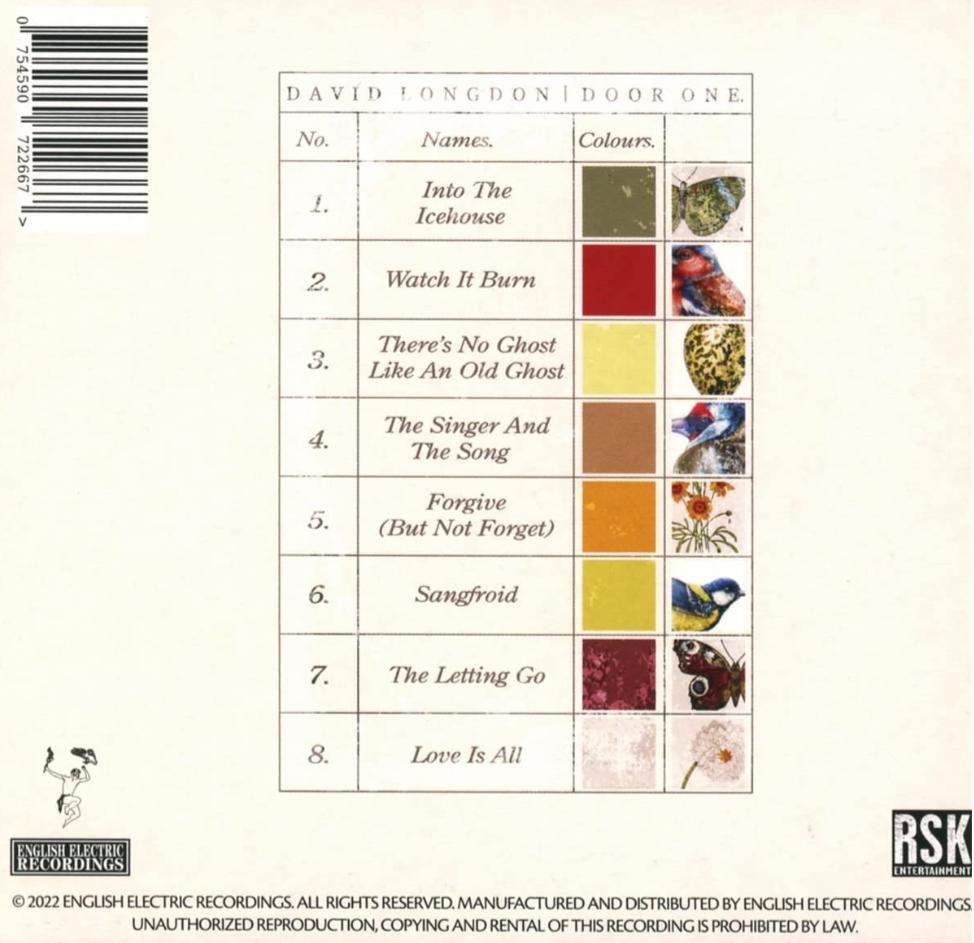
The recording came out in 2022 post mortem – it was fast finished before the tradigically death of David Lyngdon in November 2021.
David had been in the band Big Big Train since 2009 as frontman, singer and multiinstrumentalist.
This album is something worth listening to multiple times.

MM
Location: Flensborg————Danmark
The Sony players seem to use the same ir set – meaning that you can use the PUC that is listed as ‘Sony Generic’.
Please tell us what you expect from the player.
Do you want Smarttv apps, how is your speaker setup (just the tv) etc?MM
Location: Flensborg————Danmark
It is the products (the Mozart based products) that get Matter support….and can act as a hub.
Since the BROne/bt is connected to the products, it should be possible to control functions/maybe even products, that are connected to the (Mozart) hub.I hope that we will soon learn more – there must be a reason for the decision to support Matter…..this is very interesting ?
MM
Location: Flensborg————Danmark
Thanks a lot!
No such entry in my Theatre List (also the Multiview entry is not there).
I guess the List is case sensitive depending on the product (and the settings of the product).Then again – if it was possible with the previous LG based BV’s, why shouldn’t it be so with the Theatre combo!
MM
Location: Flensborg————Danmark
And – P.Mute ought to be a universal function, because it also is needed, if you listen to music only via the ATV or from the mediaplayer (or other music apps) of the tv.
your BR1 doesn’t show the Show Picture command, as stated above (= P.Mute)
I am not sure what you mean.
Could you be a bit more specific, where to look for that.
A picture of yours showing that would be helpfull.MM
Location: Flensborg————Danmark
That is a Sony UHD player (which I have choosen because it supports playback of SACD’s).
It might (or might not) have an option of turning off the screen/a audio only setting.
I would have to look in the manual for this.
Never unpacked the remote, because I don’t use it…..it is PUC’ed.
So even if there should be a button there, it does not help me.The problem is, that – with the Theatre – you have no display of the PUC-mapping of the original buttons, like we used to have on previous BV’s.
So no help there either ?And – P.Mute ought to be a universal function, because it also is needed, if you listen to music only via the ATV or from the mediaplayer (or other music apps) of the tv.
MM
Location: Flensborg————Danmark
Now where is that bl**dy ‘Picture Mute’ button ☹️

The player has a somewhat decent UI – however, I do not want to look at that screen the whole album through.
Can’t be good in terms of screen burn-in.In the depths of the WebOS settings there are is a ‘Picture Off’’ for this – and you can even map that to a button on the magic remote.
It must be possible for the ‘guys in Struer’ to give us a P.Mute ‘button’ on the BROne for the Theatre.MM
Location: Flensborg————Danmark
Why not just use the built-in Netradio of the V1’s?
You can map that to the Radio button on the Beo4/navi’s and even choose a station by the number buttons (1-9).For the M3/5 get a BROne/bt and use that there.
if somethings play there, just use the Join function on the Beo4’s for the V1’s….you can move that to the first place in the List for easy access.In my experience it is cumbersome to have to switch all the time between ir and bt products on the BROne/bt for daily use.
MM
Location: Flensborg————Danmark
Those of us, who can’t wait for the guys in Struer to ‘sort this out’, could use following workaround.
Set up an M3 with the output level set to 0/zero – this way it won’t interfere soundwise, when you start the above described sequenze.
Some of us already (mis)use an M3 to have playback of a Beogram vinyl in the link.
So this would be kind of killing two birds with one stone ?
And the M3 is an affordable device!And if you – like me – prefer wired connections in order to have as little stress on the Wifi as possible, just use a USB to RJ45/Network adapter with the M3.
MM
Location: Flensborg————Danmark
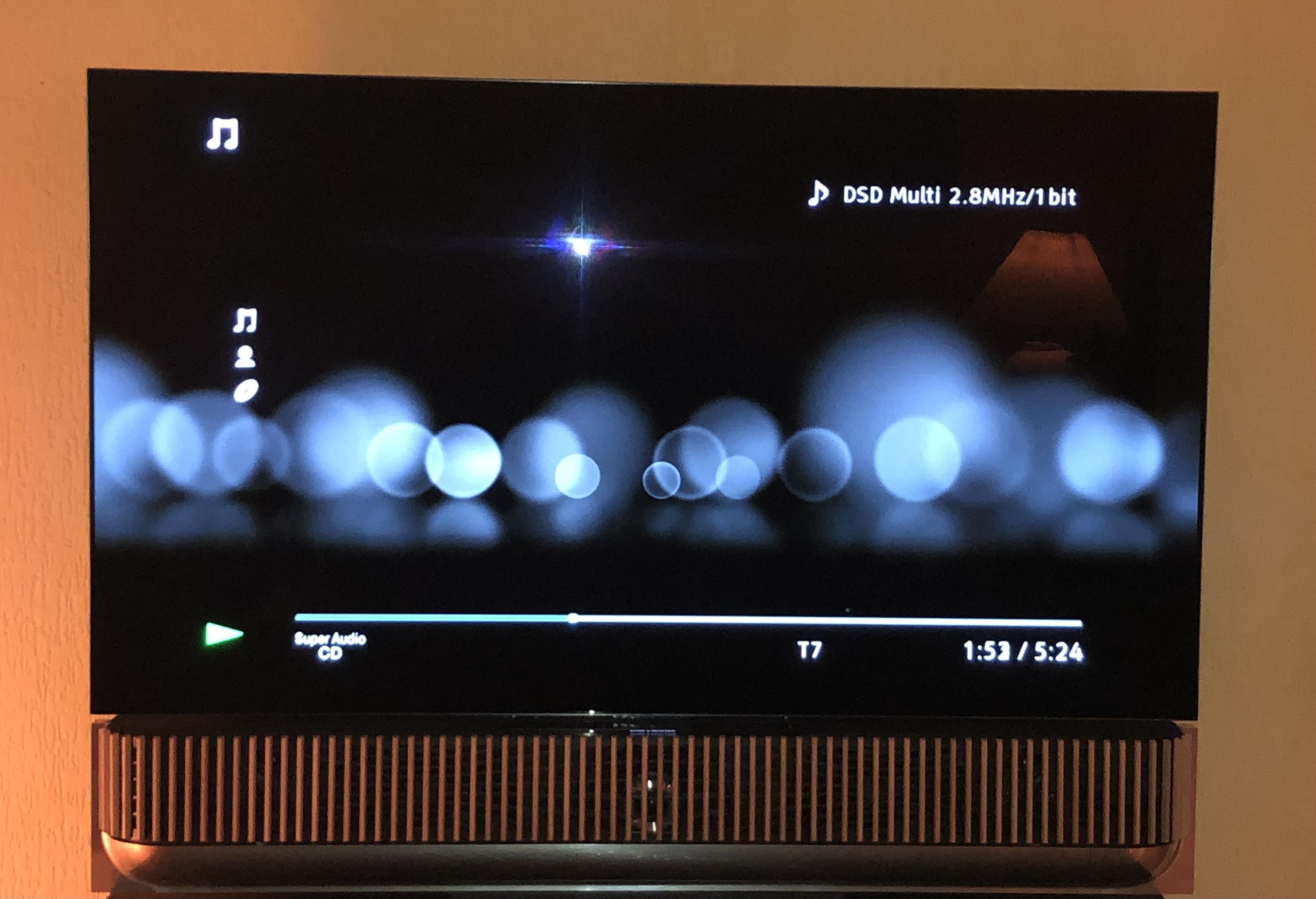
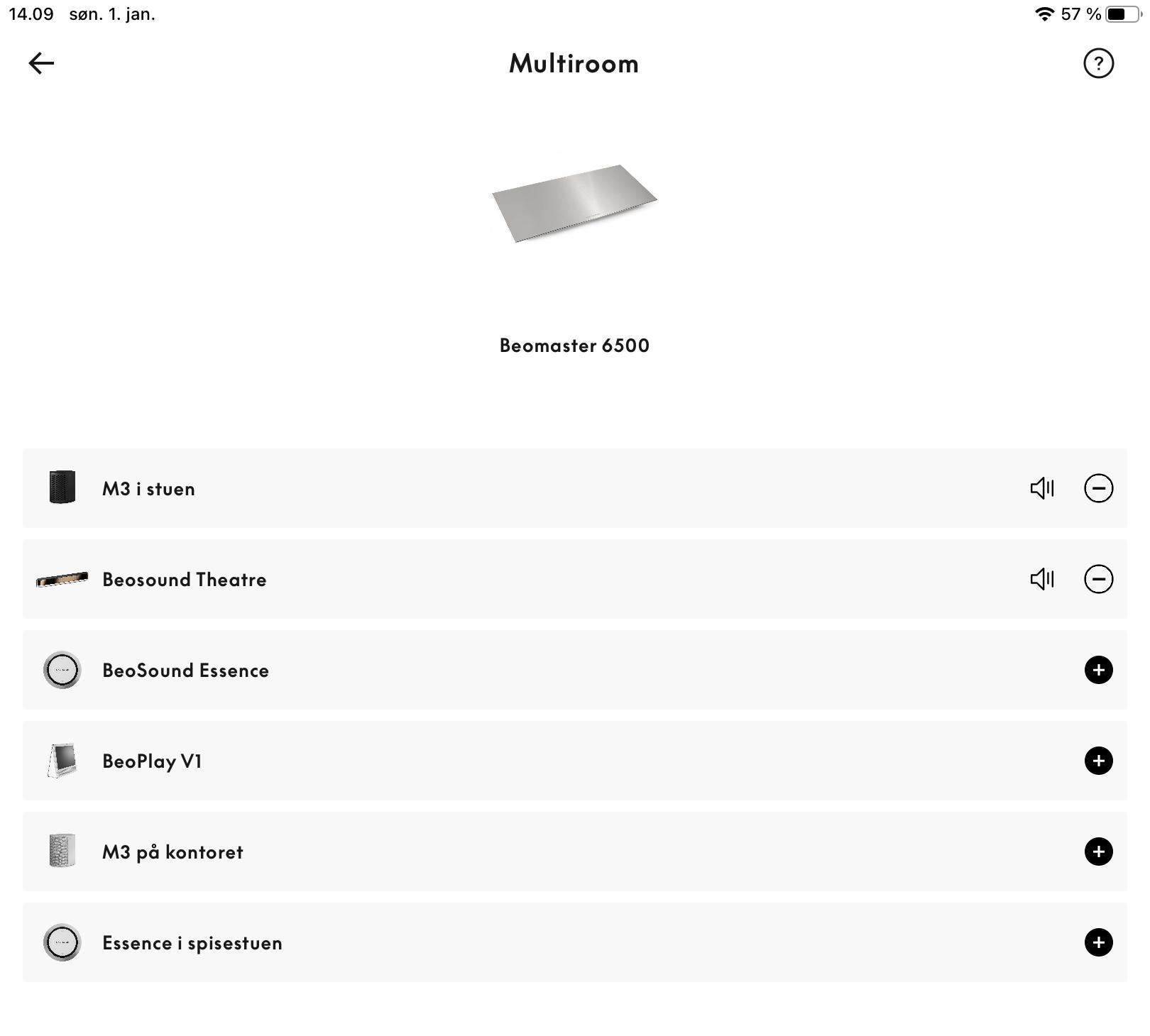
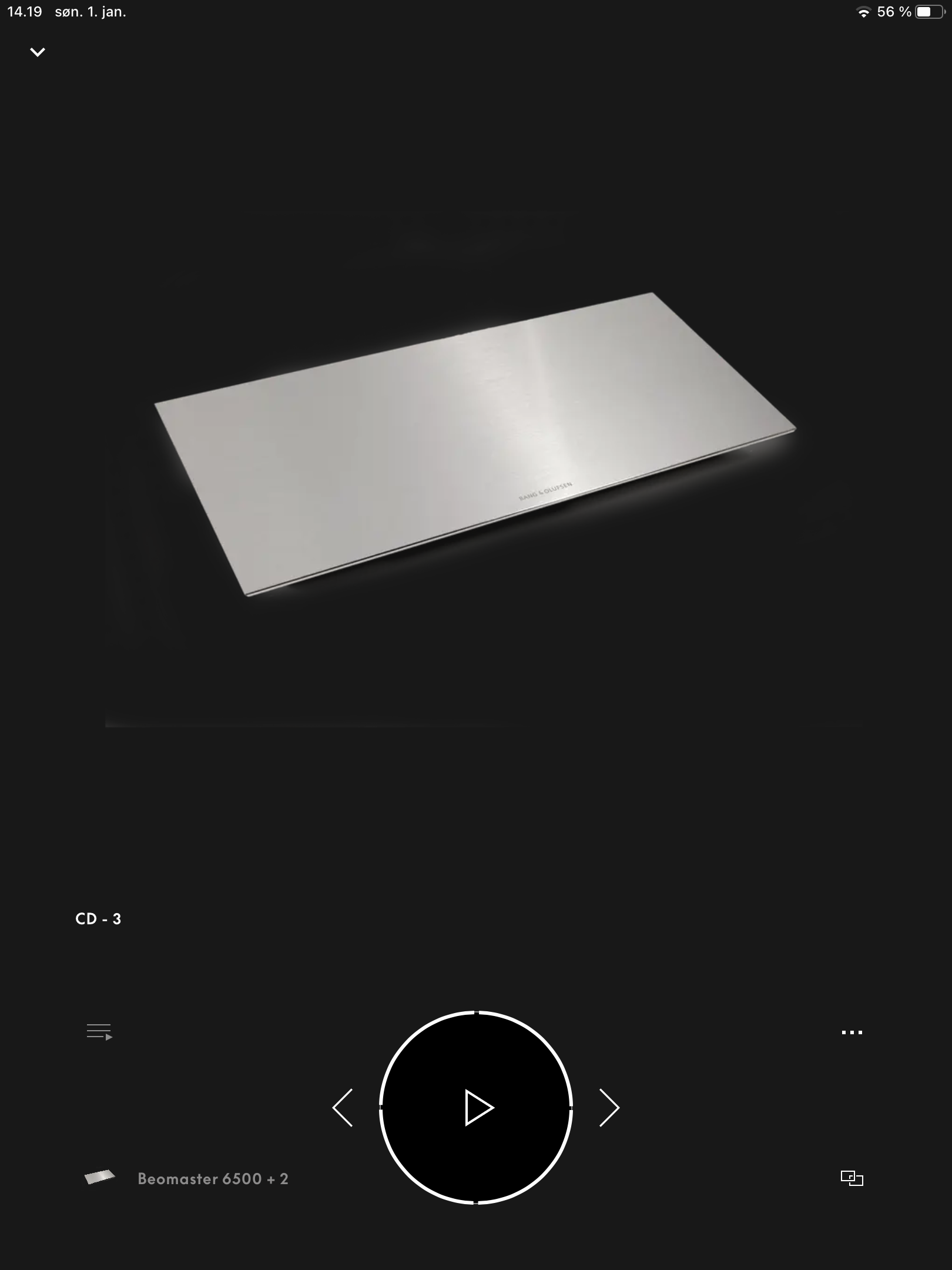
This is what I currently do (actually right now), if I want to listen to a CD (from the System 6500):
I put in the Cd in the tray of the 6500, went to my M3 (using the app) and choose CD. Then I could expand to the Theatre.
When I go back to the Theatre (in the app) it shows the converter.See pictures.

So it is possible to make the connection.
I can even skip tracks with the remote.
In addition: turning off with the remote turns off the Theatre – long press turns of everyhing including the BM/CD6500……as should be.What I mean is, that they just have to make it possible to make the settings in the Theatre, that allows for the direct access from there and using the BROne.
MM
Location: Flensborg————Danmark
I can’t imagine that a BLI should be needed – to me it seems more a function that has not yet been implemented with the Mozart platform.
Let us keep asking them to do so!
MM
Location: Flensborg————Danmark
Hi guys, I wonder what gives better picture and sound quality on my BV Eclipse when using streaming services: use the current LG apps or the latest Apple TV 4K? What would you recommend? Thx for the advice and Happy New Year!
You can – and should – tweak both the tv and the ATV (as was described in the previous post).
There are tons of articles and YT videos about both out there.
I doubt there will be much – if any – difference then…..in real life.The more important thing will be how you use the apps.
I’d say, if you already have the ATV4K box, use this – if you haven’t go for the tv apps.
One advantage of using the apps of the tv is, that you can access these directly from the BROne……if you need this.
An advantage of using the ATV box is, that you can access the same content at the place/time of video playback where you are, if you move to another room with another ATV box and you can have the same/syncronized home screen layout on all devices – should you have more boxes/more tv’s in the house.Personally I have used the ATV boxes previously with all my 3 tv’s and continue to use one on the Theatre setup – I never see the apps of the LG tv.
Either way you can have excellent picture and sound…..assumed that you have made the right settings.
MM
Location: Flensborg————Danmark
With a DTS encoded disc, surely can we not just get the disc player to output PCM to a Theatre? I might be missing something, but I thought it was just a matter of choosing which device in your chain does the decode/ unpack of the source signal. So whether the player does, and sends out PCM, or alternatively it sends bitstream (i.e no decoded) onwards should not really make any / much difference. Obviously with a Theatre not doing DTS-X, one would need to get the media / disc player to do the job and just send out PCM. Or am I missing something?
Sadly that is not quite the case with (UHD)bluray players.
Some of these do decode DTS, however they just put out a 2 channel signal (aka stereo).
And even worse, you have to dig deep into the specs to find out, if they do multi channel output or just 2 channel.MM
Location: Flensborg————Danmark
I hardly ever see or use the LG menu/OS (after having set everything up).
And I am not interested in a workaround.
However, since the screen mutes when you go from a video source to an audio source (e.g. B&O Radio), it must be possible to do this….and create an entry in the List for it.We’ll see – in any case I will put that on my ‘wishlist’ for the support.
MM
Location: Flensborg————Danmark
Muting the picture would be for when you listen to music, that comes from a video source e.g. a Bluray Player or the ATV/Apple Music….
…..and just want sound.This was part of previous BV’s, called ‘P.Mute’.
I can imagine that this will be hard to achieve with the seperated LG screen – nonetheless I asked…..just in case there should be a solution.
MM
Location: Flensborg————Danmark
Is there really no user manual for the Theatre and app?
—————
As far as I am aware there is no dedicated manual (yet).
However, you can learn a lot about how the Theatre works reading the articles in the blog of Geoff Martin………
…..starting here/86:P.S. The app is still a work in progress – a manual for this would have to be edited many times in the coming months.
You can find a lot of hints to setting up Listening Positions in this thread.MM
Location: Flensborg————Danmark
Do you know that you can move/reorder the entries in the List (that is, if your Beo4 supports that).
Moving A.Aux to the first place there would make things easier.
MM
Location: Flensborg————Danmark
You should set all speakers (with such a setting option) to free.
This is how they were measured in Struer, before adding the values to the BS Theatre for the Room Sense process.A BL2 (or any sub) should be connected with its own PL (with no daisychaining to other BL’s).….otherweise the BS Theatre will not know which values to use, when Room Sensing.
According to the BL2 manual, it should be set to 3, since it is connected seperately to the system:
“If you have a Dolby Digital system, and
therefore no speakers are directly connected to
BeoLab 2, we recommend that you set the
SETUP switch to 3”.MM
Location: Flensborg————Danmark
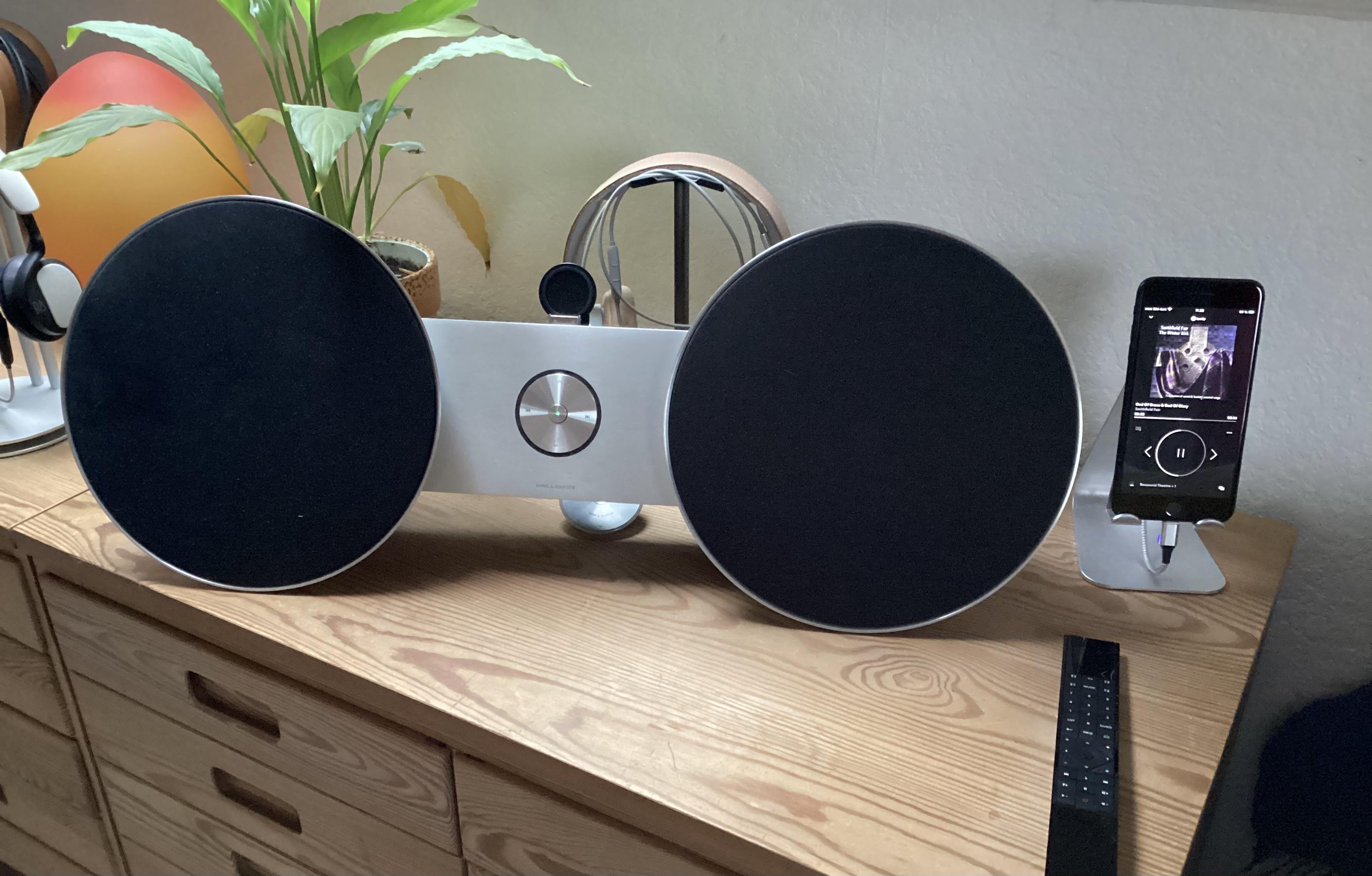
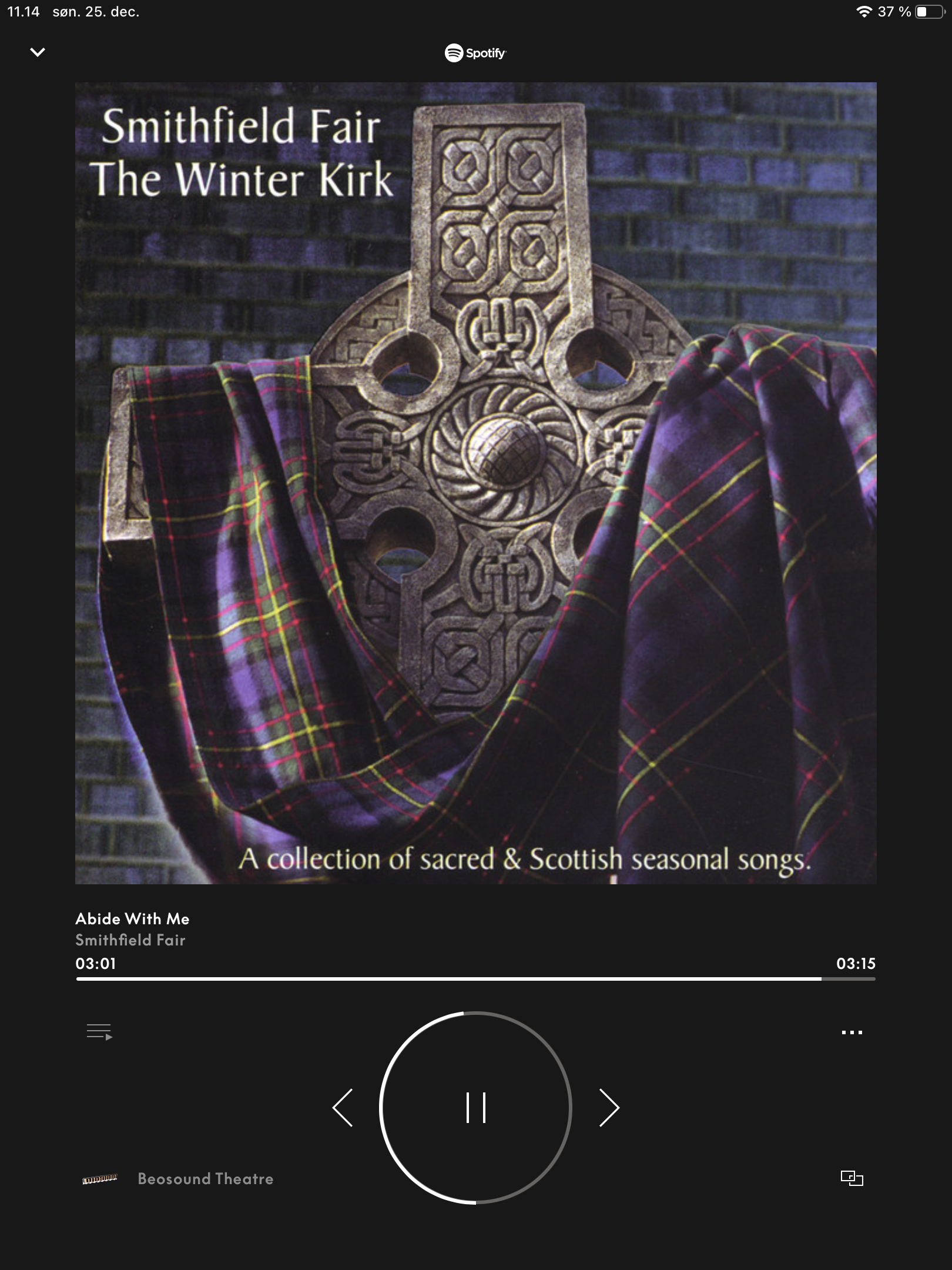
One of my ‘speaker/listening options’….
The BS8 is nowadays just the speaker for an Essence MK2.Here joined in to what plays in the livingroom.

Shottish Winter/Christmas music ☃️?
MM
Location: Flensborg————Danmark
Location: Flensborg————Danmark
-
AuthorPosts