Forum Replies Created
-
AuthorPosts
-
 GOLD Member
Hello,
For me: Danish Sound Parts – Correct parts and spares for your vintage Bang & Olufsen
It’s based in Denmark but ships abroad.
Regards,
Yann.
Location: Brittany, France
My B&O Icons:
 21 November 2025 at 16:01 in reply to: Masterlink issues: Beovision MX8000 – Beosound Ouverture for DVD audio #71445
Then,
To get DVD:
- On the 8000: DVD
- On the Ouverture AV+DVD
To get Radio:
- On the Ouverture: Radio
- On the 8000: AV+Radio
If your preferred listening position is the same for audio and video, the best solution would be to hook the speakers to the TV.
If my memories are good, you could take benefit of the “central balance” function to enlarge the video stage
And this case, the AV key on source while selecting a source is no more necessary.
Hope this helps.
Regards,
Yann.
PS: is the MX directly connected the Ouverture or is there a black box (converter) between the 2 products?
Attachments:
You must be logged in to view attached files.Location: Brittany, France
My B&O Icons:
Here they are.
Regards,
Yann.
Attachments:
You must be logged in to view attached files.Location: Brittany, France
My B&O Icons:
Hi,
Thank you for the testings you undertook.
The firmware versions of my BS1 and of Google Cast are the same as yours.
I power-cycled the BS and it appeared again in the list of devices. Strange but successful.
According to the B&O support, disabling Chromecast is done by a reset of the speaker (see the “How to activate the built-in Google Cast in my Beosound 1” FAQ).
Kind regards,
Yann.
Location: Brittany, France
My B&O Icons:
It works, thanks.
Location: Brittany, France
My B&O Icons:
Test
It worked.
Location: Brittany, France
My B&O Icons:
Sorry Mark,
Now it shows : Invalid nonce.
Regards,
Yann.
Location: Brittany, France
My B&O Icons:
Hi Mark,
When I try to upload a picture using the “insert image” key of the menu bar, the message “upload failed for xxx”.
I used small size jpg files in order to minimize the load on the server and they are uploaded without problem as an attachment.
But it is far less practical since you cannot insert images to illustrate your “words.
Where is my mistake?
It might be useful to add “how to” guide as a sticky note.
Kind regards,
Yann.
Location: Brittany, France
My B&O Icons:
Brilliant!
Is it acoustical fabric?
Location: Brittany, France
My B&O Icons:
Hi Mark,
I cannot upload pictures inside a post.
When I try to do so, a message claiming “upload failed for xxx” is shown.
I reduced the size if the pics, in order to minimize their weight and saved them in jpg or jpeg.
How to do?
Kind regards,
Yann.
Location: Brittany, France
My B&O Icons:
Hi,
As pointed out by Guy in another thread, this one is rather quiet.
So here is my contribution.
My setup includes products from the 80s to today.
The elder: Beogram 6006 bought in 1984. Latest arrival: Beoremote Halo bought in 2025.
Everything is connected in a Datalink/ML/NL network, explained in the attached schematic.
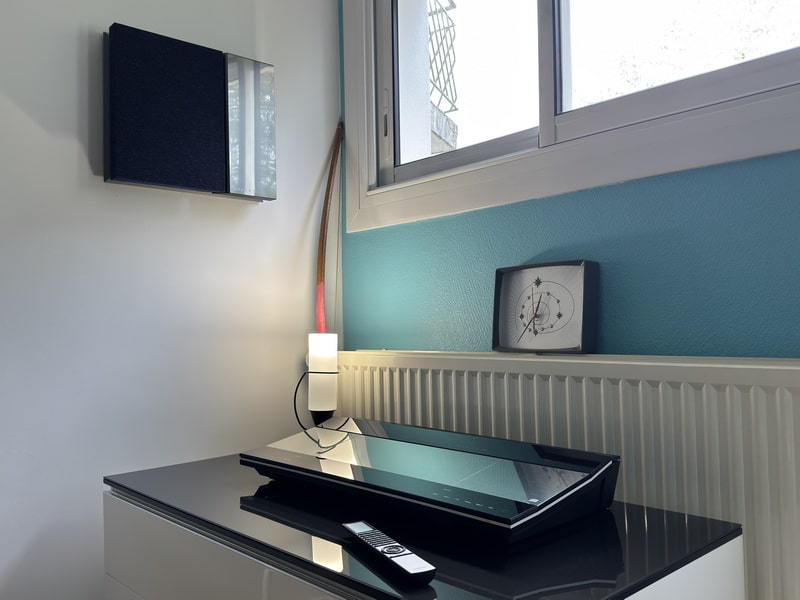
Bedroom 2: Beocenter 9500 with Beovox 4500 (Beoworld prize draw).
Study: Beolab 2500 connected to the NL/ML converter.
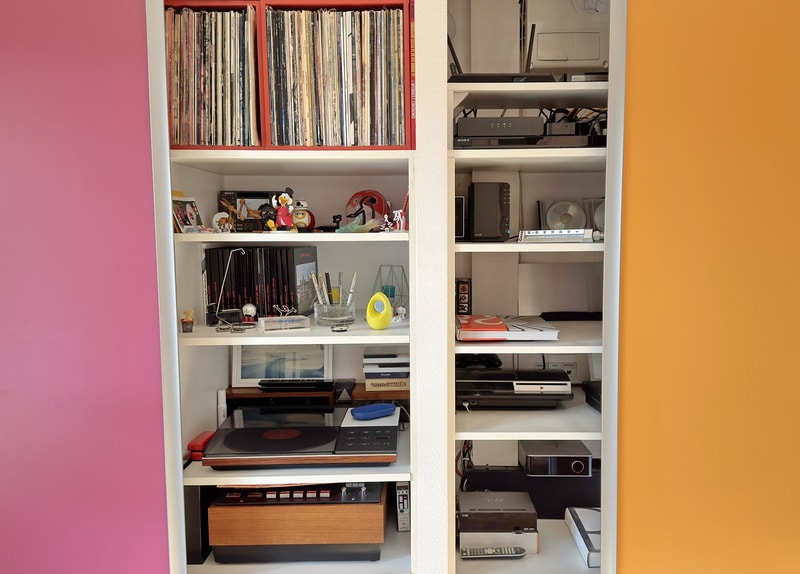
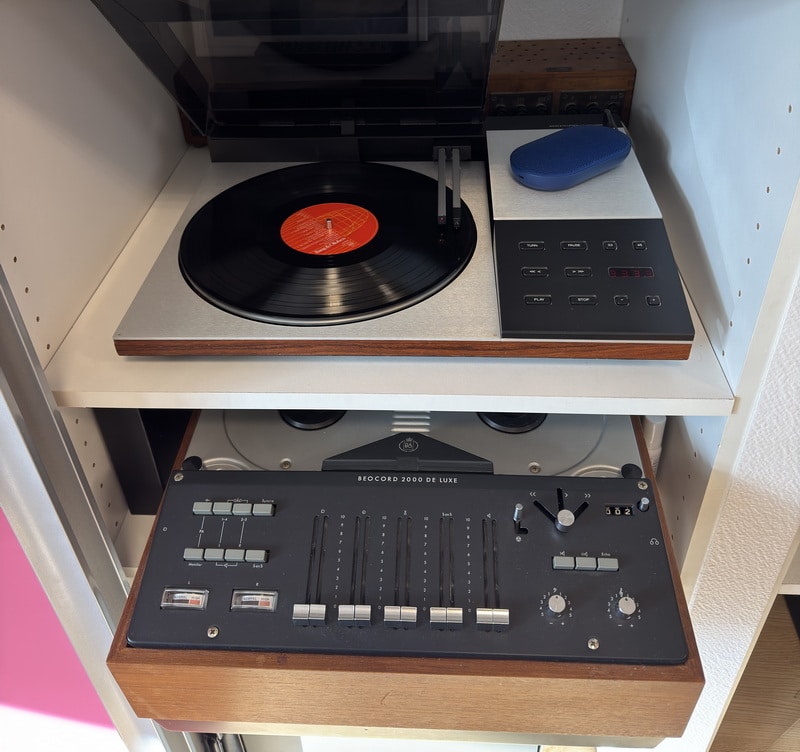
Technical closet: Beogram 6006 and Beocord 2000 Deluxe. Non-B&O sources on the right.
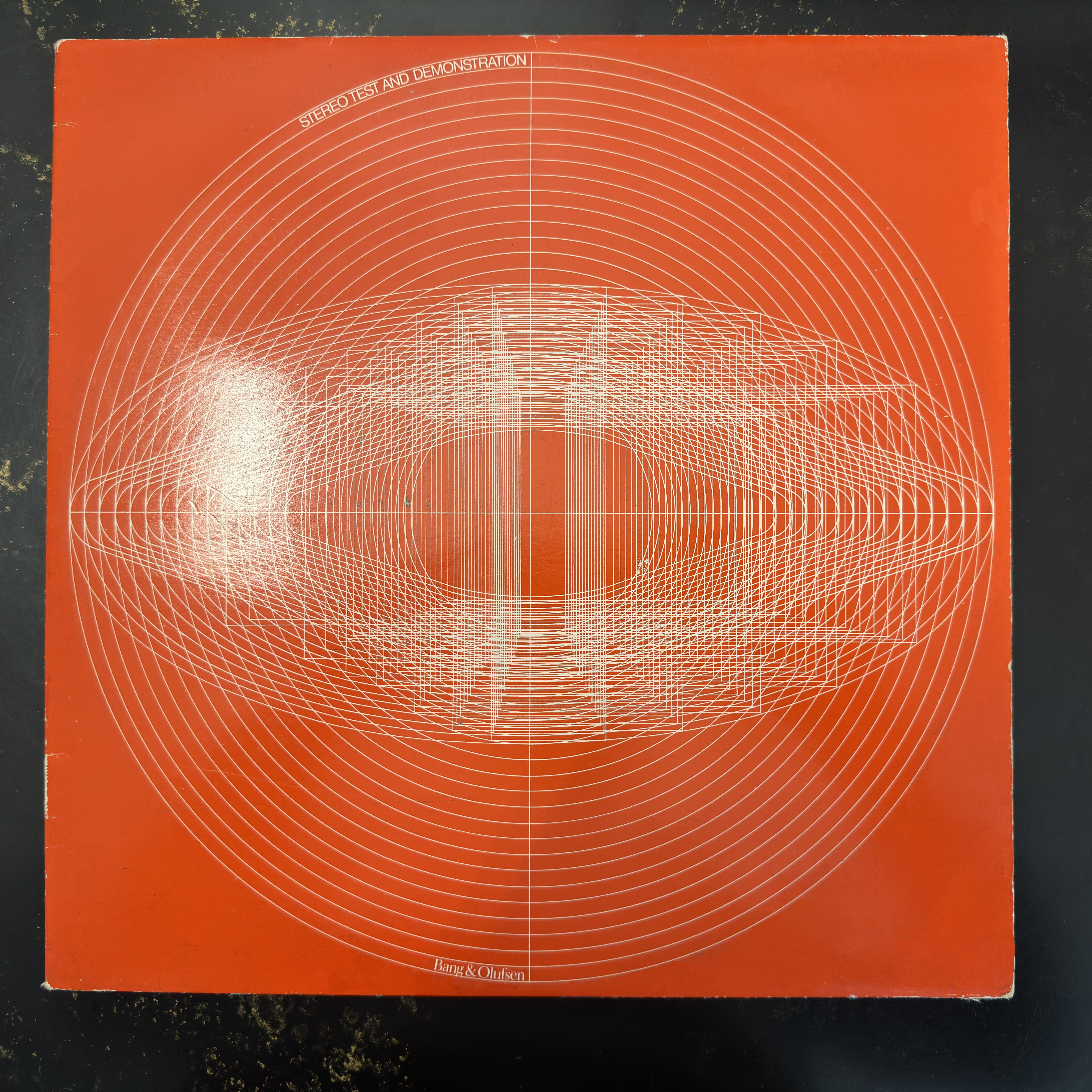
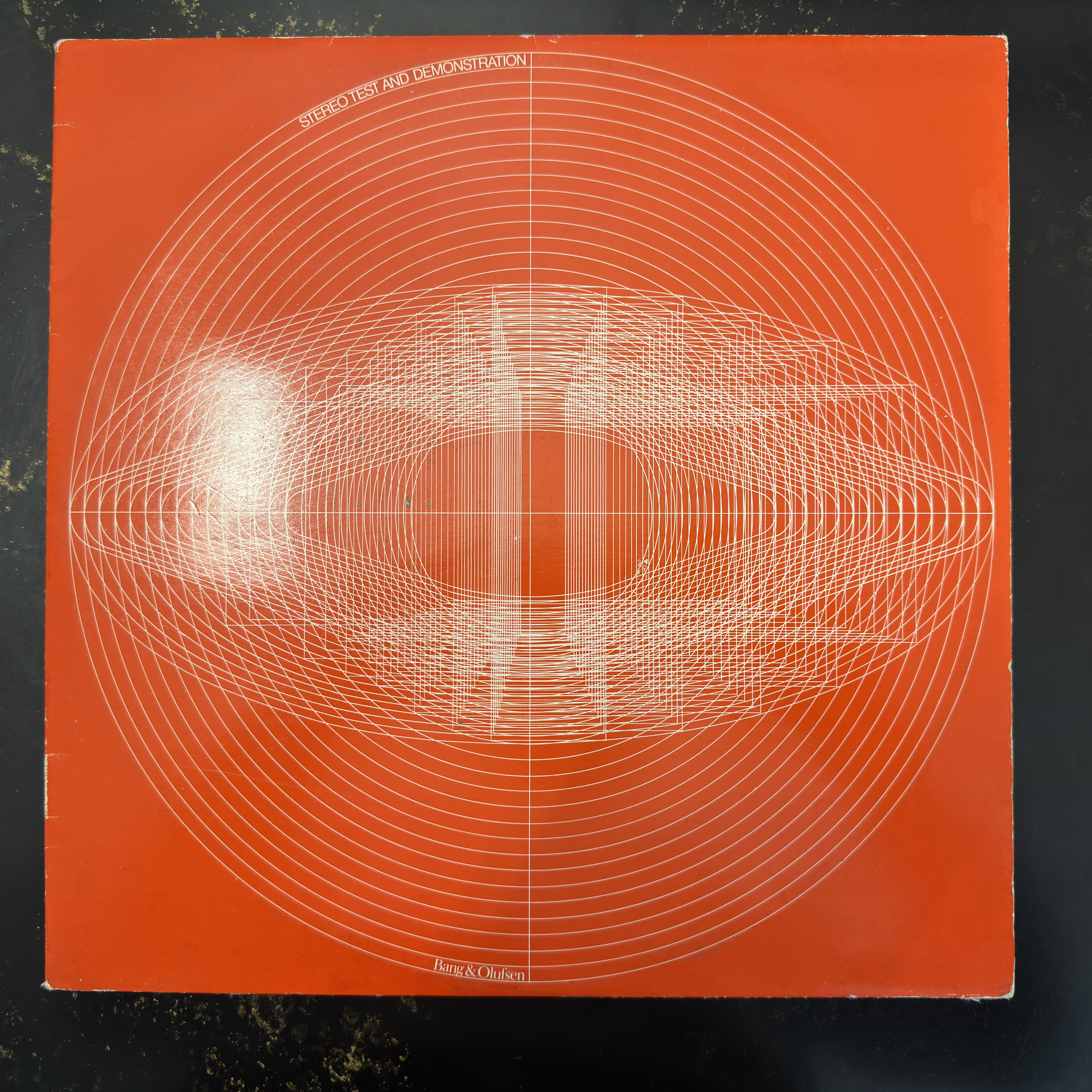
Playing on the Beogram: 1970s demo and testing LP from B&O.
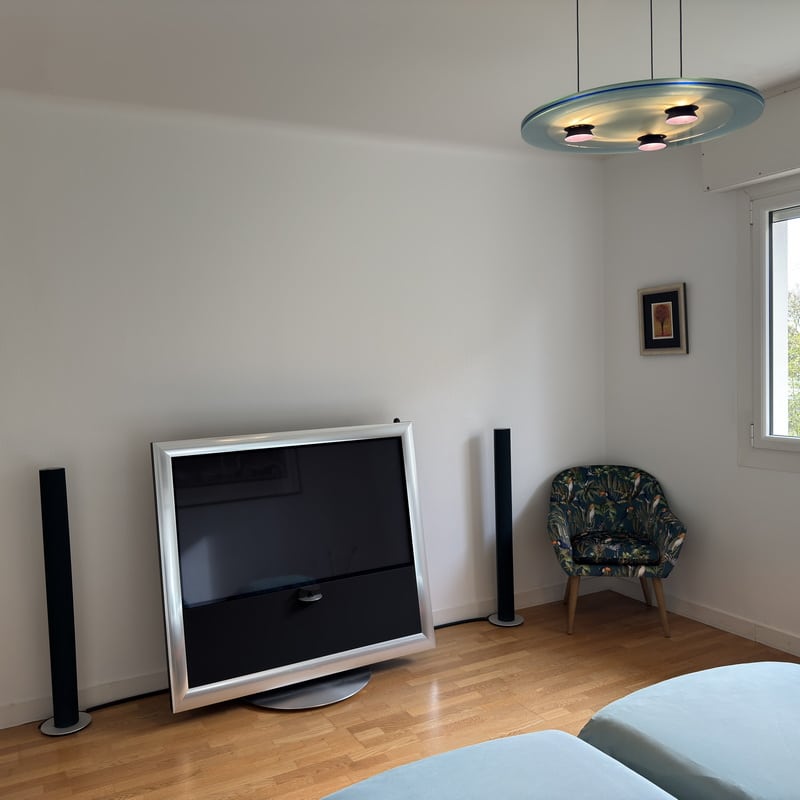
Bedroom 1: BV9 and Beolab 6000 (Beoworld prize draw).
A nice way to wake-up.
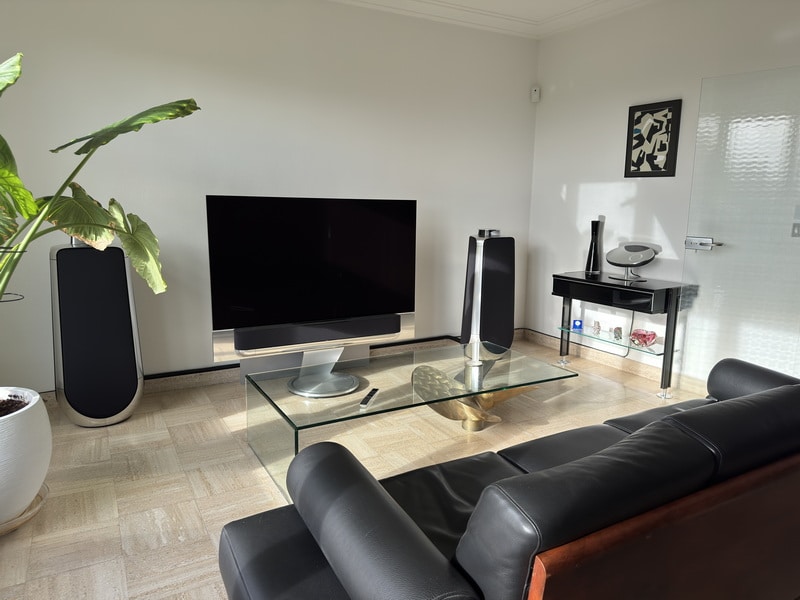
Living-room, front : Theatre, Beolab 50 and Beocenter 2.
Living-room, rear: Beolab 8000. Halo for the 50s and Beo5 for Cabasse speakers connected to Beolink Passive.
The Cabasse speakers.
Yann.
Attachments:
You must be logged in to view attached files.Location: Brittany, France
My B&O Icons:
Hello Beofile and 10%,
What I understand in the explanations of the BL50 Technical Sound Guide is that narrow mode minimizes the influence of wall-reflections by narrowing the angle formed by the 2 moving wings placed under the acoustical lens. On wide mode, the wings are aligned so room-reflections are less reduced.
So, as 10%, I tend to think that Room compensation and beam width are linked.
I’ll stick to my plan.
Thanks for your help and kind regards,
Yann.
Location: Brittany, France
My B&O Icons:
Hi,
Thanks for your help.
Yes, Chromecast is enabled.
The version number shown in the app is 1.28.102057.
The only (and unchecked) choice is to share the use-datas with Google.
Regards,
Yann.
Location: Brittany, France
My B&O Icons:
Hi Michiel,
Attached some documents.
They are for the Deluxe versions, but I think that there are similarities with your version.
Kind regards,
Yann.
@ Mark:
Feel free to add them to the manuals base if it may help.
Yann.
Attachments:
You must be logged in to view attached files.Location: Brittany, France
My B&O Icons:
Hello,
B&O Radio is mentioned on the product information page, among the integrated music services.
What really misses, and this is also true for the whole portfolio, is Qobuz.
Yann.
Attachments:
You must be logged in to view attached files.Location: Brittany, France
My B&O Icons:
And another:
Attachments:
You must be logged in to view attached files.Location: Brittany, France
My B&O Icons:
Here is one:
Attachments:
You must be logged in to view attached files.Location: Brittany, France
My B&O Icons:
Bonjour Dueno,
Je connais déjà Mad, il est malheureusement trop loin de chez moi (plus de 500 km).
Mon dernier envoi chez eux s’est mal terminé: mon Beocenter 9000 a été détruit par UPS pendant le transport.
Aussi je cherche une station technique plus proche, afin de pouvoir apporter moi-même mon matériel sans aller aux 500 diables.
Cordialement,
Yann.
Location: Brittany, France
My B&O Icons:
In fact, everything is in the display.
So if it’s rectangular –> Beo6
If it’s a square –> Beo5
Location: Brittany, France
My B&O Icons:
-
AuthorPosts