Forum Replies Created
-
AuthorPosts
-
 Moderator
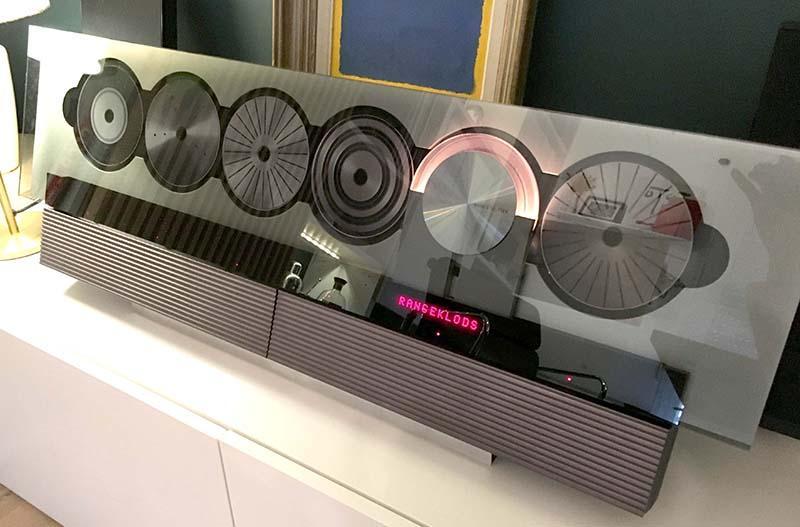
so how about a new thread title of ‘BeoLink Converter 1611 Innovative Configurations’?
Done now!
Location: Paris France
Yes, you have to zip it. But it also need to be less than 8 Mb so it may not work at all.
Location: Paris France
Sure thing.


Thats what happen when you use a Frenglish term in an English talk ;D
Location: Paris France
yes, even the CD
Wow! Would you please mind sharing a CD disk image?
Location: Paris France
What is the white pole with a golden sphere at the end? Nice setup!
😀
It’s the close-up rope end of the lamp cord (the Ikea modulable ball I guess…). look at the reflection on the TV screen!
Location: Paris France
20 February 2023 at 09:13 in reply to: Beosound 9000 sledge touches the back of the CDs – The solution #44005Bonjour Pierre and Welcome to Beoworld,
Thank you for taking time for posting again despite the issues you had with your fist attempt.
The rocker twisted arm was indeed an old story and the first suspect when the sledge is scratching, until someone advised that it can’t be bent so easily and started to look more at the damper.
Parts being if not rare, often difficult to find at your local dealer (in France at least) the shrinking tube is welcome. Please let us now how it turns aft some week of use.
Location: Paris France
Hi there,
I suggest we rename the topics since it is now far from BL3500 and 1611 only.
It would help people to find information about all your experiments.Being not good at naming threads, you can suggest anything that would be relevant.
Guy, fell free to rename it if I’m not around.
Regards.
Location: Paris France
Hi everyone,
As a bronze member, a “leecher” so to say, I feel now like being part of the problem.
Nevertheless, here are my thoughts, in random order and unrelated one with the others:I’m not a new member anymore but I’m not an old either: it has been a lot Beoworld history before me. But I still can feel the difference between before and now. The other day, a member used the word “moribund” about a topic and it struck me because it is what I feel about the whole forum. Lots of valuable members have left to others places and they have taken with them a little bit of the “soul” of Beoworld. They are now a lot of questions that remain unanswered when it’s obvious that is that or that other member were still there they would have helped. This, and some other little things make that Beoworld may have lost a part of it’s shine: you used to go on BW because it was THE place, now you just google your problem and sometimes you end on BW, sometimes not…
When I came here, at first I didn’t subscribe as Gold or Silver because I didn’t knew what I was buying. Things to be said, they are a lot of manuals available all around the internet, the most commons, then why would I pay for this not even knowing what was available? With the time I’ve learned that the database is far beyond what available elsewhere with a huge amount of document. But then, life made that I just cannot afford the little luxury of the membership fee. So I try to contribute as I can, helping members when I can, posting content if it can be useful and moderating to help Keith as little as it can help.
To me increasing the membership fee or closing some features to free members will just kill Beoworld. If we were in the times where all the knowledge was here, perhaps it could have work, but today, I don’t think that people will pay. And I’m afraid that Beoworld could become an old private club with old members always telling the same old stories until they die. And people will seek help elsewhere.
On the same note I also like to add that for new members, it is not very clear who’s who: the tag line “founder member” is confusing and I personally still not understand who has made BW, who’s running it, who’s funding it and who’s just a partner. Maybe have a little history about that could make the new-coming members realize why BW is so special.
I’ve indeed always wondered how the prize draw could exist, even more when you look at some prizes (A9, BL8000, etc…). What’s magical about it is that you always know someone close that win and it make it a real value. But in rough times and given what Lee told us (he barely buy the prize which is own money), I would just suspend it until weather is better.
There is something nobody’s talk about and maybe because it’s a dirty word but I will say it : advertisement. Yes one of the privilege of Beoworld is not having ads. But I rather a Beoworld with ads than no Beoworld at all. I don’t know if B&O make affiliation or I dont know how it’s called technically, But if each time a member buy a Theatre, a Stage, or any speaker, Beoworld could have receive little part just because of a banner or a little ad on that desperately empty gray zone, I wouldn’t mind.
Well there is so much to say still but I realize my post is already long so that’s it for now.
Thank you Keith, Lee, Steve, all the members that help and keep the forum alive and active.
Lets hope BW will last long.Location: Paris France
From the picture, also a Beosound Edge behind the red guitar ?
I, personally don’t see the point of the TV with the two 18’s so close and the sub underneath.
I read once, while ago that candidates for a Ferrari had to demonstrate their skills in driving… Harsh, but in some way, true. In this picture I can see fetichism (not sure an English word), will to show, and overstatement, but not pleasure or love for music (John Miles, if you’re reading…) or even sound.If I use my “moderator” superpowers, I would add that this goes more in the “B&O in TV shows or movies” thread !
Location: Paris France
Also disappeared for me too.
Location: Paris France
Thank you Keith.
And this? Just noticed it now:

Location: Paris France
Just tried right now from a wireless connection to the Playmaker’s own web page and it did work. The new name has an hyphen.
Location: Paris France
Yes, it does! At least MK2.

That one had the laser lens replaced but I also tried with the original laser that I put into an Ouverture Unit and it works too.
Location: Paris France
Hi guys,
I’m still there following in the dark, but you’re now far beyond what I understand from dark protocols.
Godspeed.
Location: Paris France
It may be a bit superficial of me
It may, but then you’re not alone, I’m with you. 🙂
Steve did a great job there.
(Steve, BTW, you could perhaps make a video telling us the story behind those cables? Did you propose fabric cables or was it a demand from B&O, did you had a briefing, etc etc…)Anyway…
As mark said, I would not touch the original cables for the reasons he said. But what I would do, and would have done if my cables were apparent, is to by electrical fabric sleeved cable by the meter (cheap), à pair of white fabric gloves from a photo supply shop, strip the cable from its fabric sock, it is not glued. remote the DIN connector, socks in the fabric back around the original wire and solder back the plug.
Best of both world!
Location: Paris France
Hi,
Yes it’s ok. You can also use the handle of a coffee spoon or whatever is flat, thin and large.
Location: Paris France
The whole series…
Location: Paris France
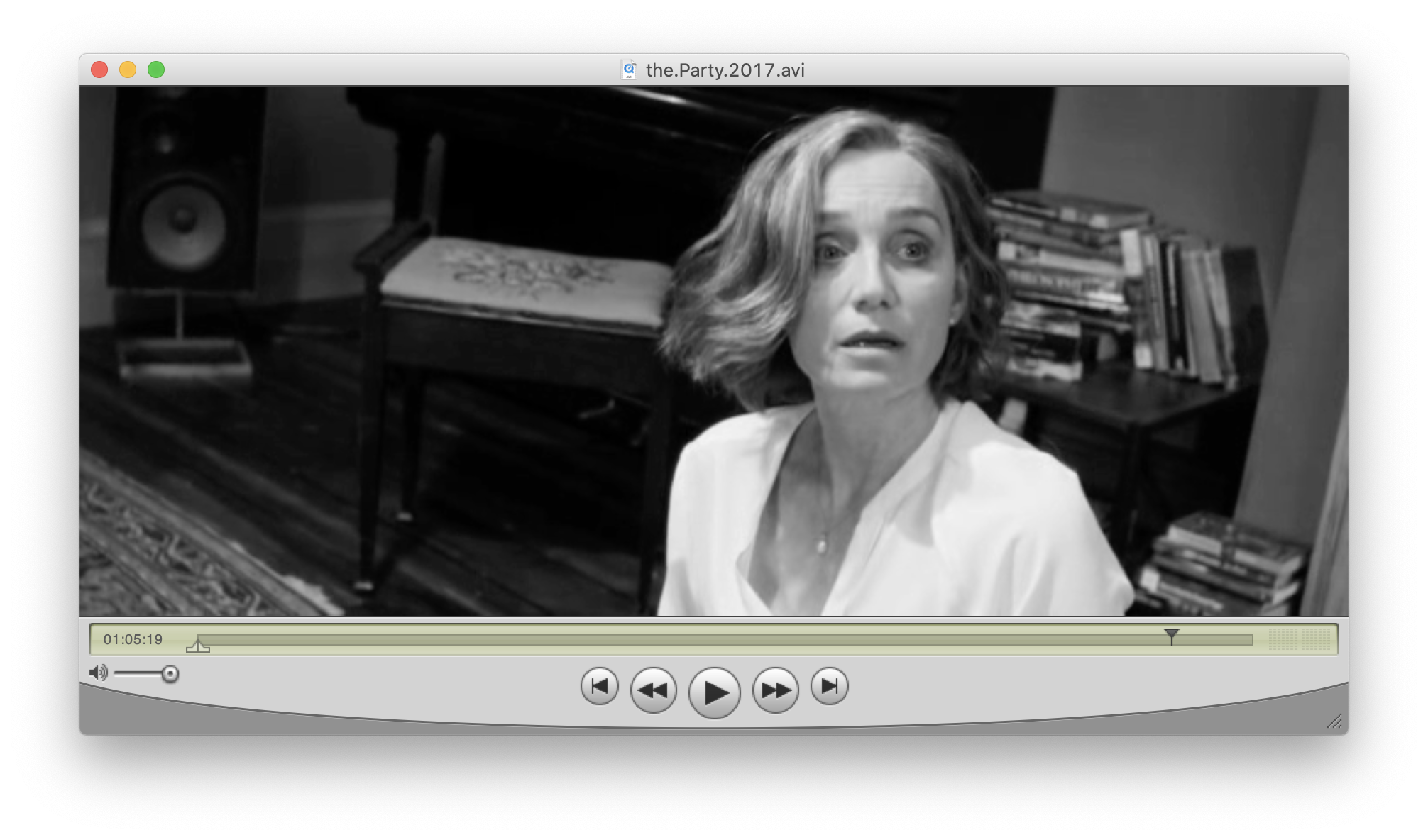
The party.

Location: Paris France
-
AuthorPosts