Forum Replies Created
-
AuthorPosts
-
 patcherleyGOLD Member
I think your new idea is a variation on what I found and looks good.
Thanks for all your hard work in helping.
Paul
-
This reply was modified 2 weeks, 5 days ago by
 patcherley.
Location: Hampshire
Favourite Product: Beolink 7000
My B&O Icons:


 patcherleyGOLD Member
No to the Overture. If I connected to the BLC Overture how would I listen to local Overture sources? Paul
-
This reply was modified 2 weeks, 6 days ago by patcherley.
Location: Hampshire
Favourite Product: Beolink 7000
My B&O Icons:
patcherleyGOLD MemberI don’t have any IR-eyes connected to the BLCs.
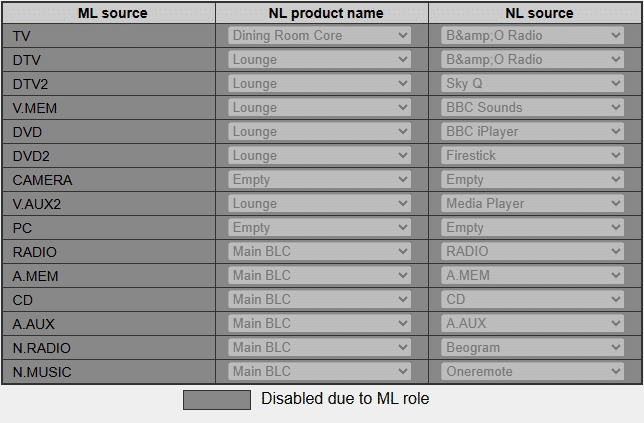
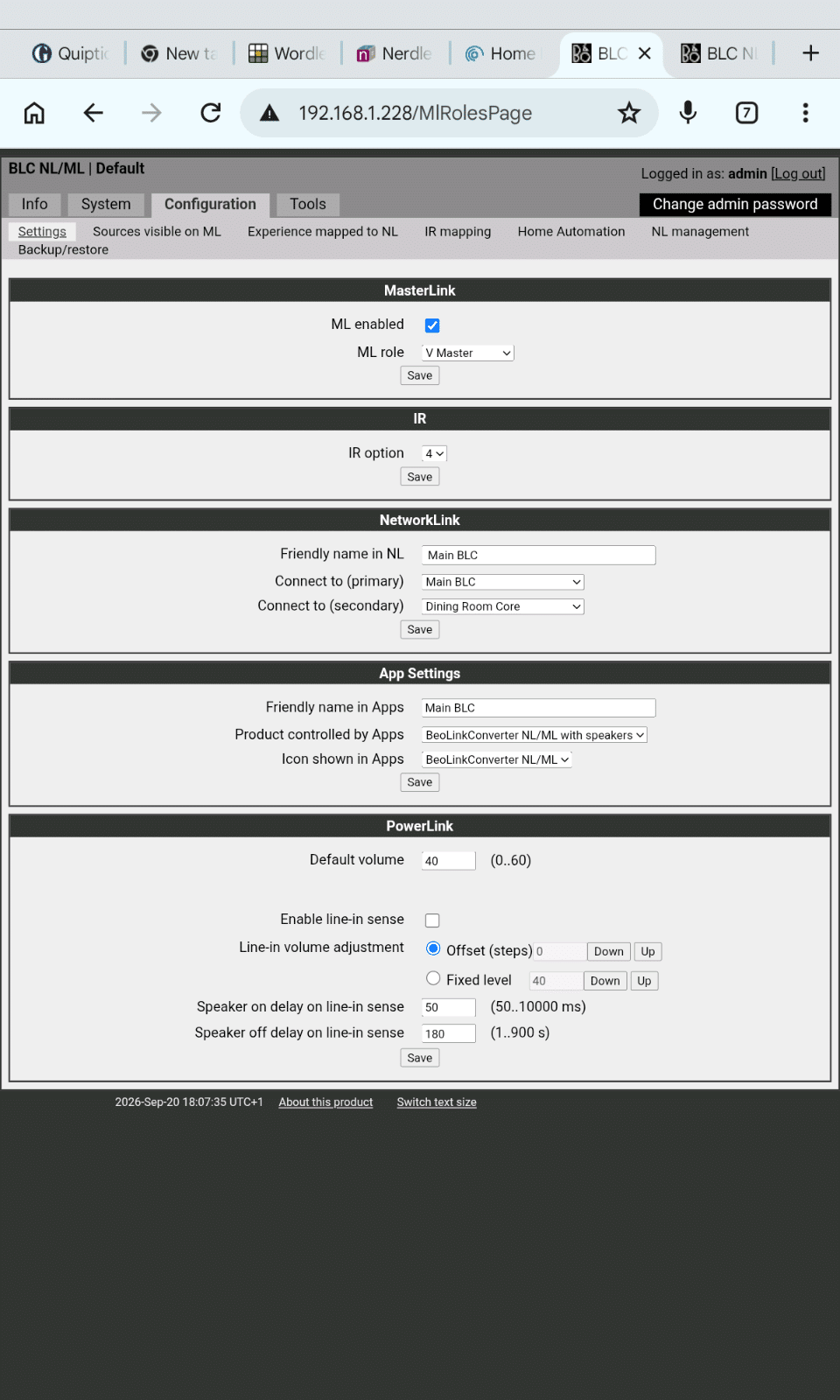
I tried ASLAVE and got this
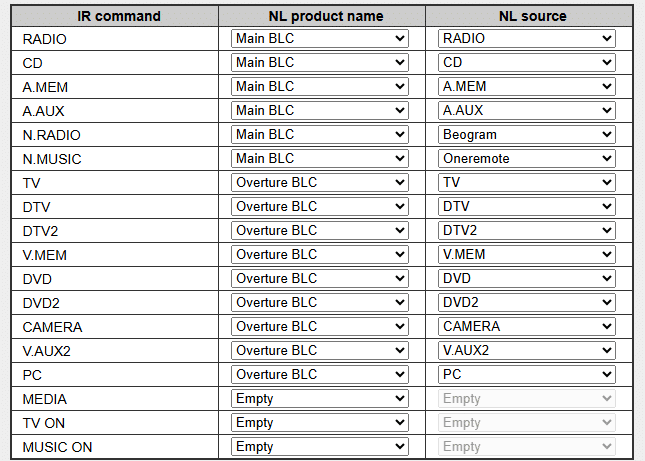
and this for the IR mapping.

Nothing linked at all. I modified the TX mapping to what it should be from the other BLC and still nothing worked. So I reverted to VMASTER and all the NL sources could bplayed.
If I play a source from the Core and then via the App change what the core is playing to a BM7000 source that then plays on the Overture, with the only drawback that it is then audible on the speaker attached to the Core. So I can achieve what I need via this workaround.
Thanks for you help.
Paul
Location: Hampshire
Favourite Product: Beolink 7000
My B&O Icons:
patcherleyGOLD MemberThanks very much I will go and try. Paul
Location: Hampshire
Favourite Product: Beolink 7000
My B&O Icons:
patcherleyGOLD MemberI hope these answers give you enough information.
Do you use a Beo4 with the Eclipse? Does it realy work or do you have actually a Beoremote One?
I have a Beoremote One.
The JOIN command is equeal to the overlapping squares.
On the Core I get the overlapping squares.
What
- Eclipse (with Beolabs/speakers connected)
Yes
- Beosound Core (with speakers connected) is one or both BLC set as primary en secundairy products set? Or not at all?
This is the original BLC set up
- Beolink NL/ML converter (BLC) and ML connected to a T1611 converter PL/DL connected to a Beomaster 7000; speakers connected to the BM7000 or Core?)
Speakers connect ed to the Eclipse
- BLC with Ouverture ML connected; speakers connected to the BLC or Ouverture?
Overture
Note: the BM7000 and Ouverture Radio in principle will not be working anymore in the NL.
I don’t understand this, I can play NL sources, if mapped, on both the BM7000 and the Overture.
But do I understand this correctly you want to listen to an Ouverture source on the BM7000?
I mainly want to listen to a BM7000 source in the Overture. When I started this I hoped I could do both, but would by happy with he BM7000 sources on the Overture.
Thanks Paul
Location: Hampshire
Favourite Product: Beolink 7000
My B&O Icons:
patcherleyGOLD MemberI went back to the manual, and took my own advice about Option setting. Setting the Overture to audio option 6 removed the need for the AV command. Still no ability to play BM7000 sources from the Overture.
Paul
Location: Hampshire
Favourite Product: Beolink 7000
My B&O Icons:
patcherleyGOLD MemberThanks for that. Might just stick to CDs and the radion.
Paul
Location: Hampshire
Favourite Product: Beolink 7000
My B&O Icons:
patcherleyGOLD MemberThanks, that gives me somewhere to start. Paul
Location: Hampshire
Favourite Product: Beolink 7000
My B&O Icons:
patcherleyGOLD MemberHi, the buggy version was 23.25.50 the new version is 23.25.55. Hope that helps. Paul
Location: Hampshire
Favourite Product: Beolink 7000
My B&O Icons:
patcherleyGOLD MemberJust had an update from LG and it now seems to be back working
Location: Hampshire
Favourite Product: Beolink 7000
My B&O Icons:
patcherleyGOLD MemberMy Tablet, Android 13, has been updated to 7.0.0 whilst my phone which is Android 14 is stated to be no longer compatible.
Strange.
Paul
Location: Hampshire
Favourite Product: Beolink 7000
My B&O Icons:
patcherleyGOLD MemberIt also works for my original Core. Thought they had stopped updating this.
Location: Hampshire
Favourite Product: Beolink 7000
My B&O Icons:
patcherleyGOLD MemberThanks Guy, have the instructions but a spare copy on the site is always useful.
Location: Hampshire
Favourite Product: Beolink 7000
My B&O Icons:
patcherleyGOLD MemberThanks will continue to reset
Location: Hampshire
Favourite Product: Beolink 7000
My B&O Icons:
patcherleyGOLD MemberI agree, much better load times. Android and Chrome.
Location: Hampshire
Favourite Product: Beolink 7000
My B&O Icons:
patcherleyGOLD MemberI wrote a shell script to mimic key stokes and keep it on the desktop to run when needed
Location: Hampshire
Favourite Product: Beolink 7000
My B&O Icons:
patcherleyGOLD MemberI have Beoplayer and Beotray in my start up apps and it starts it up and is then always available via the right hand side of the screen. Didn’t work well under Windows 10, had to authorise the app every time.
Location: Hampshire
Favourite Product: Beolink 7000
My B&O Icons:
patcherleyGOLD MemberI had to go to Windows 11, old pc died. Managed to copy most applications from the Windows 10 pc and Beolink PC worked, very surprised. Had a lot more problems with Windows Media player to stream music.
Paul
Location: Hampshire
Favourite Product: Beolink 7000
My B&O Icons:
patcherleyGOLD MemberHow are you sharing music from Win11. When I had to buy a replacement PC with Win11 I had problems with Legacy Music Player and had to set up a local user and share music from there.
Location: Hampshire
Favourite Product: Beolink 7000
My B&O Icons:
patcherleyGOLD MemberThat’s what I thought, thanks
Location: Hampshire
Favourite Product: Beolink 7000
My B&O Icons:
-
This reply was modified 2 weeks, 5 days ago by
-
AuthorPosts