Forum Replies Created
-
AuthorPosts
-
 BRONZE Member
Here is what the Beosound core is capable of handling: MP3, WMA, AAC, ALAC, FLAC, WAV, AIFF Standard sample rates up to 192 kHz, stereo and up to 24 bit End-to-end rendering path on the optical interface: 96kHz/24bit My goal here is to get this into the core and out to my Beolab 5’s. I know the Beolab 5 also has its limit to what it can handle. To clarify; I am mor e than satisfied with the sound of Airplay 2 at 16/44 for daily use.
if it is your own collection in your network, you can stream to the Core directly by using Audirvana.
streaming Apple Music isn’t supported by Audirvana (up till now). it supports Tidal and Qobuz though.Again technically speaking if he want to feed the Core with a higher resolution music files from his Apple ecosystem, then he has, to my knowledge, skip AirPlay altogether and use the toslink connection.
But Leo asked: “is there any other way to get a lossless Apple Music signal into the Beosound core?” And that was the question, I tried to answer.
We both did – skip Airplay: do it, as you propose, with an external DAC connected to an iDevice or use the the Mac.
I guess a lot of people prefer a wireless version (AirPlay) and also not many use a Mac as the daily music driver.
I prefer LAN connections; so everything, when possible, is LAN-connected. That said of course I use (DLNA) controllers much. For example I use Audirvana to stream Qobuz directly to B&o devices.
For me the bigger question though, is whether the difference matters – and if not the convenience of wireless is worth it? That is a question, that only the actual listener can answer.
Maybe the mastering quality, the listening room and the speakers (and ones hearing ability) are the more important factors! MM
You do, as I do, listen to “the Harmony Codex”. “Abbey Road” and DSOTM in Dolby Atmos (correct me if I’m wrong). But in the end, I completely agree, its up to the listener.
“Hires” is a hopeless discussion, because everybody’s senses, tastes and preferences are somebody’s own; atop of the physiological and technical discussion.
I did set my preferences on my experiences.
regards
If I have understood correctly, Airplay 2 is not lossless. This means that if I am using Apple Music on my iPhone and transmitting to my Beosound Core via Airplay 2, I am not listening to its full potential. what I have done is that I run a toslink cable from my Mac mini into the Beosound core. I could also run a toslink from my Apple TV into the Beosound core. is there any other way to get a lossless Apple Music signal into the Beosound core?
Technically speaking Airplay 2 is lossless because it supports formats up to 24bit and 48kHz (= above the resolution for CD). to my knowledge the best method to play higher resolution with the Apple ecosystem will be the use of the toslink connection between the Core and the Mac mini
This is not a question about higher or standart resolution. AirPlay 2 is always lossy – in order to have less strain on the wireless network and a better sync between the receivers. A higher resolution distributed through APE2 would also be lossy (using ALAC). MM
Again technically speaking if he want to feed the Core with a higher resolution music files from his Apple ecosystem, then he has, to my knowledge, skip AirPlay altogether and use the toslink connection.
If I have understood correctly, Airplay 2 is not lossless. This means that if I am using Apple Music on my iPhone and transmitting to my Beosound Core via Airplay 2, I am not listening to its full potential. what I have done is that I run a toslink cable from my Mac mini into the Beosound core. I could also run a toslink from my Apple TV into the Beosound core. is there any other way to get a lossless Apple Music signal into the Beosound core?
Technically speaking Airplay 2 is lossless because it supports formats up to 24bit and 48kHz (= above the resolution for CD).
to my knowledge the best method to play higher resolution with the Apple ecosystem will be the use of the toslink connection between the Core and the Mac mini
19 November 2023 at 13:44 in reply to: 3 generations of the B&O app – which one would you prefer? #50540I sure know which one I prefer to look at in my rooms/home. MM
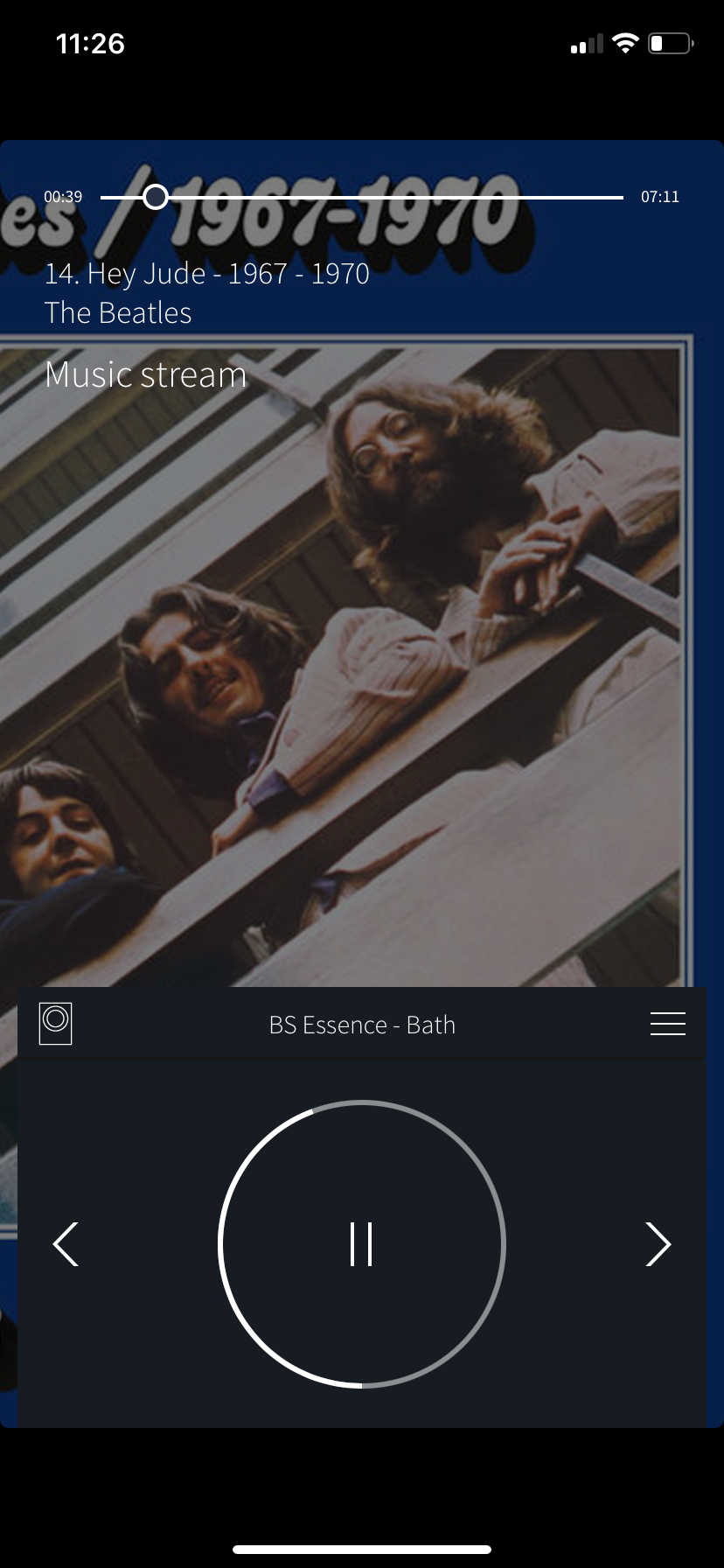
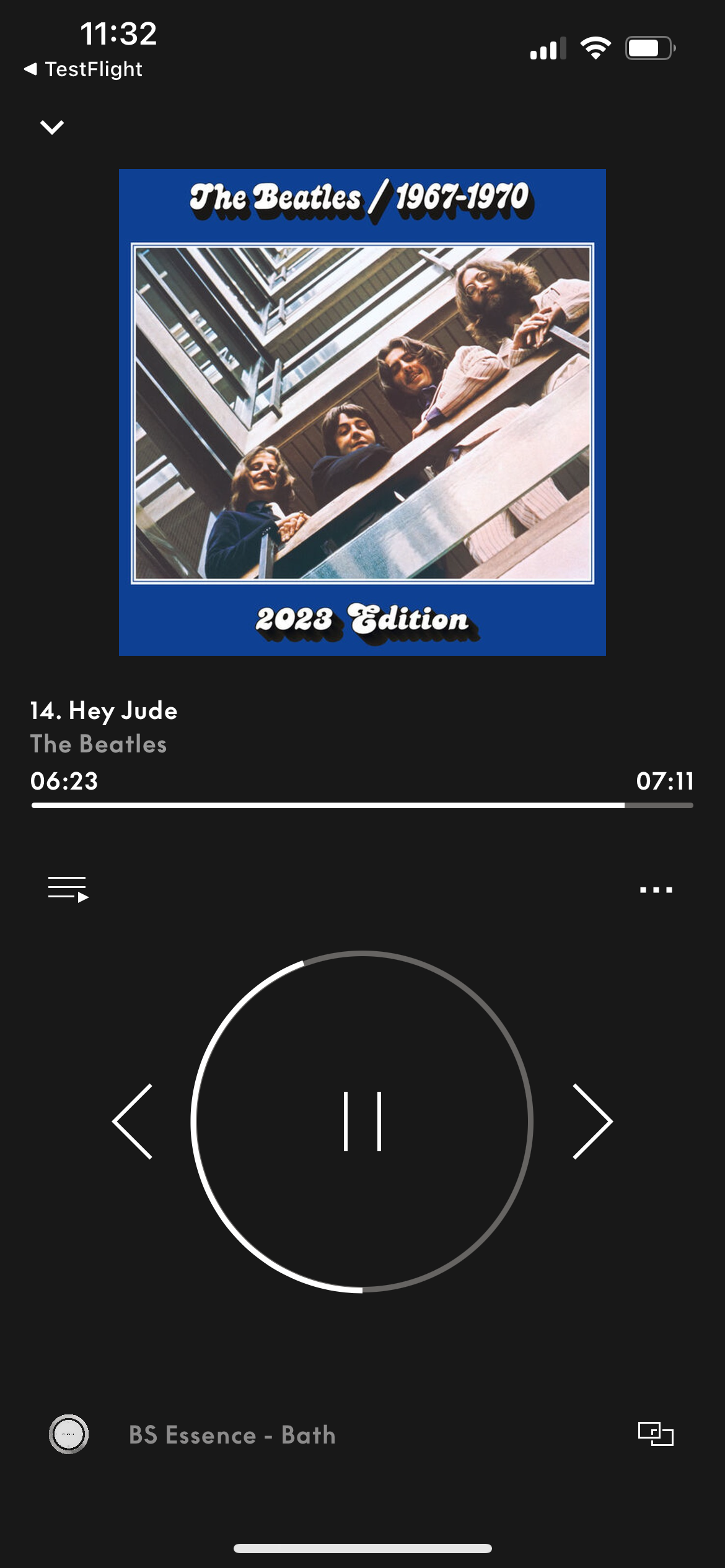
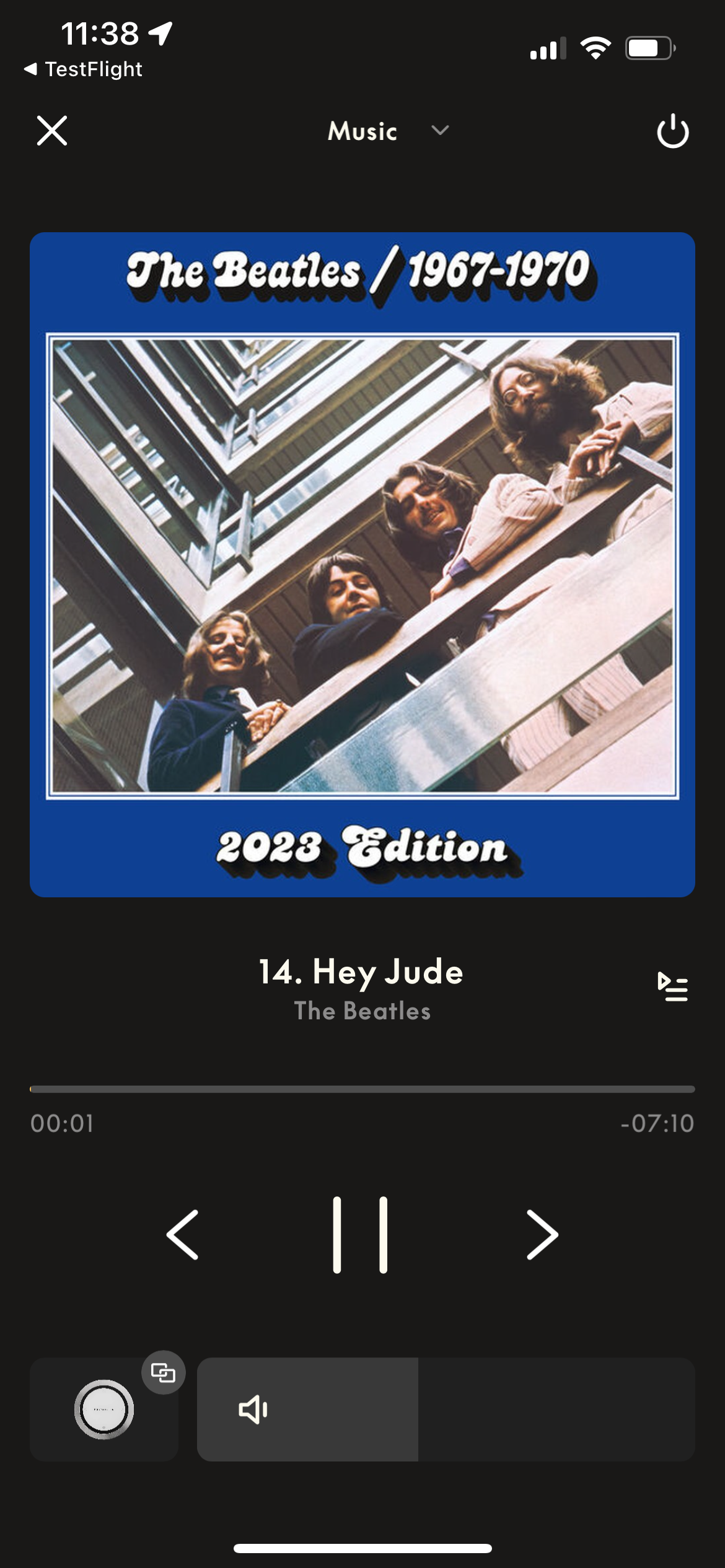
What an immense difference …….. with in my opinion more objective pictures. It shows an evolution in three generations of the B&o app. To me the latest UI is the easiest to operate……whereas the first is the most complex but very nice even after all these years.
I get your point – the second one looks nice when playing. My ‘problem’ – maybe – is that I hardly ever see the app on my iPhone. I was talking about an app, that – like mine on iPads – can represent a missing display for the actual devices. I do not use the app much for controlling….and do not carry my iPhone with me, when I am at home. And even if – I do not agree with you that the latest UI is the best for navigating….it is still too unfinished imo. I add/remove rooms with my BROnes respectively on the device. For me the multiroom section in the new app is way too present. Again – this might be just me and my use case. Others might carry their phone with them all the time and do not have/use a BROne. MM
Concerning the new iPad interface I do agree with you. The amount of info presented is way to much and the overall chosen colour pallet makes it worse.
Although the multi-room and playlist can be closed, it is annoying that both are opened when the player is selected. Also the previous and next Album covers shown make the iPad experience unpleasant.
The iPad version need for sure some sophistication!
19 November 2023 at 11:53 in reply to: 3 generations of the B&O app – which one would you prefer? #50536I sure know which one I prefer to look at in my rooms/home. MM


What an immense difference …….. with in my opinion more objective pictures. It shows an evolution in three generations of the B&o app.
To me the latest UI is the easiest to operate……whereas the first is the most complex but very nice even after all these years.14 November 2023 at 19:40 in reply to: beosound 9000 setup Beolink4 Beolink / Masterlink Gateway #50459I’m presume the setup was / is (please correct me if I’m wrong):
NL Beovision with speakers connected – Beolink NL/ML converter (BLC) – BS9000.
so the most obvious first thing to do: disconnect everything from the mains, wait a minute or two and reconnect everything.
If this doesn’t do the trick, tell us more about the BV and please post pictures of the BLC setting.
i would disconnect the BLC completely.
restart the BLC by only connecting the mains.
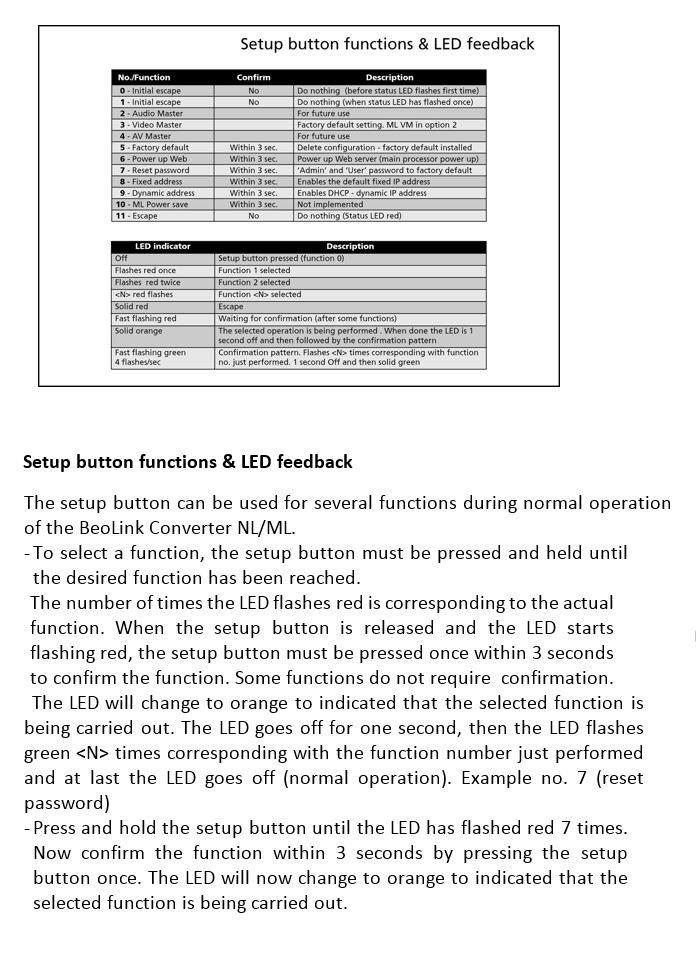
press the setup button as described.
Hello everyone, I just bought a second-hand beolink converter 1790 NL/ML, I’m afraid I got scammed and it’s broken despite being sold as working. When I plug it in, I can’t see it either on the setup app (iPhone), on my computer internet browser or on the computer network when it’s connected directly as stated in the documentation. The led is a solid green, and when pressing on the reset button nothing happens. When I plug it directly to a PC, sometimes I get a flashing green/red led but it doesn’t do much more and the reset button remains unresponsive. I also plugged it in my Masterlink network but not much happens. Does anyone out there have an idea of what I could try, or do I need to go directly to the shop? Thanks all!
first do a factory reset, then (re)connect the BLC to your network. Find the correct IP address of the BLC (Beolink NL-ML converter). Open your browser and connect to the IP of the BLC.

B&O, when it comes to control UIs, dont cater well for NAS stored music, so you’re right to look elsewhere for that part.
I can agree to some extend for the Moment. But on all other players (BS35, Essense, Shape, Harmony, Theatre, BL28, Balance) the control of NAS stored Music is heavily dependant of the DLNA server used and the ability to tweak the settings of this server.
Hi, Made the test too as release notes mentioned NL/ML Converter. I did not notice ANY improvement in ML sources availability. Back to 5.3 ! Yann.
same over here, still missing ML sources (A.Tape and Phono).
But I can still access them using my Halo’s with the BLI programmed button(s).So not back to 5.3, just getting to learn the latest build some more (and I still like to use the volume sliders (especial those of the multiroom); more accurate).
No discussion – in this case choose the BV11
Maybe I missed it, but can the Bluesound work over a network and not wifi and with a Synology DiskStation NAS? I am trying to find a ‘simple’ approach as the whole B+O Moment was a nightmare in so many ways and a product dead on arrival– although aesthetically lovely. Thanks
did you start the Synology DLNA music server already OR did you install and started a DLNA music server on your NAS already?
if this is running a Node or a WiiM or the Moment is capable to pick up the DLNA server if it runs on the same network as your NAS (undependably on WiFi or on cabled connections)
Why not just connect the Note/the WiiM to the line-in of the Moment? I suppose that the Moment has auto sense there just like other newer products. MM
or to the line-in (A.Aux) of the BS9000 or BC2 (and skip the Moment, Hockey44 doesn’t seems to be enthusiastic about the Moment (sarcasm))
note: my LAN connected Moment just does fine as DLNA music streamer (with time to time an odd failure of the Jukebox though)
Hello, I am trying to find a method to link a large NAS (16tb) with my existing system: Beolab5; Beolab 9; Beosound 9000; BeoCenter 2 and Moment Ideally have the NAS remote and the speakers on a network and work “like Sonos” with App or similar to select music and location. Moment is I think useless and never seemed to work. What options can I pursue as I am building a new house and now is the time to specify wiring for cabling speakers, network etc. My dream would be to have 9000 in same room with Beolab 5 to play cd’s and Beocenter2 in room with Beolab 9. Ideally link tv sound to Beolab 9 as well. Big dreams– any guidance greatly appreciated. So far no support from BO. I am moving south of Lisbon so if any one has a good contact to help, please let me know. thanks again
- can you listen on your ML-sytem to something playing on the Moment?
- if YES; the Moment is quite essential to your wishes.
- install a DLNA music server on your NAS (maybe it already has even software available; I would recommend Minimserver)
- chose “add your content” then “DLNA” in the Moment. Select your NAS DLNA server and let the Moment “rebuild” its database.
- if finished, you should be capable to play this Music; your NAS music on your ML-system
Another idea that will work best for video sources…..
same type idea, but you were somewhat quicker
Hello Johan, yes, the Beosystem 3 manages the HDMI inputs (Streamer, Blu-Ray…).
What if:
BC6 (option 4) DVI connected to BSys3; command Link-PC to start PC source on BC6.
BC2 (option 0) and BSys3 (option 2) ML connected and Scart connected; the BSys3 then is the ML leader; BC6 is solemnly the monitor.Now the only thing: what about sound coming from the BC6 speakers, maybe a cable from Steve; PL to RCA will do the trick
Dear all, It has taken me sometime, but was chuffed that I managed to control various automated actions in my home using my verbal instructions to Alexa that using IFTTT and connection to my BLI that did all sorts of useful things. Saying “Good Night” I could turn all my ambient lighting off as well as my Beovision and head up the wooden hill to Bedfordshire. Since 31st October Alexa and IFTTT went their separate ways I have lost that functionality. https://help.ifttt.com/hc/en-us/articles/19823288619419-An-important-update-to-the-Alexa-IFTTT-service This is a real shame. I guess there will be a work around and was looking for advice for a solution. Rather than go off and try and find a solution, there are cleverer people than me out there that will already have got this sorted. If someone could send me off in the right direction, that would be most helpful. All advice welcomed Cheers, Gary
Presumably “Home Assistant” will do the trick of combining Lights, Alexa, BLI and B&o.
EDIT: There may be a conflict due to having two ML audiomasters (the Beolink converter acts as one, plus the BC2)
This is the cause of the issue.
Presumably the BC9500 won’t accept option 5 or 6, so try with your BC2 in option 6.note: the BC2 becomes a local device and can’t be distributed to other rooms. The BC9500 becomes the audio master. The sources of the BC9500 can be distributed to other rooms.
Guessing you are not a Theatre owner? (forgive me if I am wrong) All the settings are done through the app, nothing on the TV itself. So within the app, once you have paired a BR1 to your Theatre, the separate settings section on Sources allows you to pick and order your Remote List – both under the BR1 TV and Music buttons. It then syncs to the physical BR1, and works well, with changes made in the app reflected quickly on the handheld remote.
Actually I own a Theatre. But I never thought of and noticed this feature and I was thinking of the Harmony while writing my response. So I learned something today .
Relating back to my previous thread comments re this beta, the new app design should aim for the drop down source list ( at least for the Theatre) mirroring the Remote Lists that you have set in the app and are sync’d to the BR1, as a minimum starting point.
Fair enough
-
AuthorPosts