Forum Replies Created
-
AuthorPosts
-
 GOLD Member
It could be the battery is failing. Try swapping the battery from the working phone to see if this one registers.
When the batteries began to go on my phone’s all sorts of strange things happened, including seeming not to register to the base. Put a new battery in and it worked as if nothing had happened and was still registered.
Stoobie
That worked. Thank you so much.
Stoobie
My BS3 was bought with my LG OLED in mind as I’m heavily Masterlink reliant. I moved from a Beovision 5. I did look at a new B&O TV but would have to move to the new system using NL/ML converter and they wanted almost £1000 for the converter alone.
Connected to my BS3 is a B&O DVD-2, Amazon Fire-TV, and a Humax HDR-2000T, 2 Beolab 3s and 2 Beolab 12-3s.
The BS3 is connected to the LG via the DVI out. For sound, the LG is connected to the BS3 by a cable from the headphone socket to a scart converter. The DVD-2 is connected via scart and HDMI to the BS3 (scart required for control). The Fire-TV is connected via HDMI (and has a FLIRC USB receiver programmed to receive Apple codes as that was in my PUC list). Most apps on the Fire-TV are replucted on TV. I use it mostly for non 4K media. The Humax is connected via scart to the BS3 and HDMI to the LG and controlled by the PUC (connected by scart to allow me to use the DVD-2 to record from it and make DVDs for friends overseas). I also have a Lintronic IR converter. More about that later. When I watch the TV, I watch the LG via its own tuner, with sound through the BS3.
When I first set up the TV I experimented with my Beo5 controlling the TV. I used the configuration tool and a Philips Pronto learning remote to get the LG codes on to the remote. It worked quite well but we had to take the whole system down to re-model the living room.
I have set it all up again and am experimenting with the Beo5 and/or the Lintronic box and Beo4.
Unfortunately for you, I don’t think it is as simple as swapping out the screen and still use your Beo5 as before, unless you are happy for the new TV to be a screen that just shows the HD picture as opposed to what it is capable of. Also, I’m not sure if the TV will default to the correct input every time.
I’m experimenting with the Lintronic because I’m happy with it and my Beo4, but will set up the “foolproof” Beo5 for my partner.
Between Tignum and me, we can probably get your BS3 and screen working at 4K but I think your Beo5 will need to be re-programmed. I can help with that, but it is a steep learning curve and there will be a lot of trial and error. And as I’ve said before, unless you can get your original Beo5 XML file, you will need to start from scratch.
It will assist to say what you have connected currently.Stoobie
It is possible Graham. I have a LG OLED with mine.
I can try to help explain the connections I have. I think your biggest problem might be the Beo5 control. Especially if the TV does not default to the correct input.
I’ll do a more detailed response this evening.
Stoobie
18 February 2023 at 12:31 in reply to: Beovision 7 40 mk6 and Master Link – Strange behaviour – Volume levels #43651I know you discounted my suggestion, but even the older linked systems were quite advanced.
The TV is capable of outputting different volume levels to connected speakers. The Beolink Converter is a very “powerful” piece of kit and I would say it might be reading those volume signals.
The user manual for your TV says that if you get SPEAKER up on the Beo4 and then choose 1 to 5 you will get differently speaker combinations playing (not all presets will work depending on your set up).
I can’t see any harm in trying it to see if any if the make a difference.
Stoobie.
I also want to thank Lee and Keith for all the work they do to keep this site going.
I have flipped between a gold and silver member over the years. For the last 3 to 4 years I’ve stuck with gold as I wanted to support the site. I have not been too worried about the Prize Draw in making the decision and would be happy for it to be bi annual or just at Christmas. I have had a win and that was really exciting.
I have to admit, I nearly gave up when the forums changed. I am used to it and happy now that it has become more familiar to me. On the old forums, I’d pop in for a look just about every day. When the new one came along, things were slow to begin with and I went on once or twice a week. Now I’m back almost every day as there is usually something new to see. I try to pass on anything I can to to help members although it is usually with the older Masterlink Products. I have noticed that it seems to take longer for someone to try to help than it used to, and that is probably due to a drop in members.
It is hard to say what is the best way forward because those who are happy to pay, usually do, and those who aren’t, won’t. It is the big proportion in the middle who are on the fence, that you need to encourage and I really don’t know how you do that.
You could try something like every 20th gold member that signs up gets an extra year’s membership and have that as a regular/permanent promotion (if the figures would add up for you). It would need to be somewhere prominent and also on the sign up page.
I wish you the best of luck.
Stoobie
So, I bought the Beosystem 3 (without any screen) and then the LG OLED. I needed the BS3 to connect with all my Masterlink products.
This site was great with help setting it all up. I figured the Beo5 stuff myself, but connections were mostly explained on here.
Stoobie
I believe any dealer should be able to put your Beo5 on to a Configuration Tool and it should bring up your XML file that they can give you. It’s just finding that helpful dealer.
Stoobie
I don’t know why but I know that town 🙂
My setup is currently being controlled by a Beo4 as I’m still getting it all working smoothly. I did run the TV for a few weeks with the Beo5 to try and it worked well but the whole system has been in storage for 3 months while the living room was re-modelled and the Beo5 needs updating. I actually still use my Humax PVR as the main tuner and the TV is really just a direct replacement for the screen on the Beosystem.
If you were happy taking the Beo5 apart, I’m sure you could swap out the TV with help from everyone on here. I can certainly assist with programming the remote. But the danger is, if you cannot get the original file (XML file), you have to start from scratch and will lose what is on there.
It is a steep learning curve to use the configuration tool, but once you get the hang of it it is great fun experimenting and getting it “just right”.
If you take the plunge, you’ll find everyone really helpful.
PS. Is the other Beo5 useable to test things with? You could practice with that one!
Stoobie
Unfortunately I don’t know anyone who can help with the installation.
Where are you based as that might assist with others making suggestions.
One you have the setup, I could possibly help with the Beo5 programming. Do you have a copy if your original setup file for the Beo5 ( or can you get one from the dealer)? You cannot download what is on the remote already.
I set up my own LG 65″ OLED with my Beosystem 3. Took lots of fiddling about and its almost working 100%, just needs tweaking when I get a bit of time. Just a standard wall bracket.
Stoobie
Great to hear that. I love my Beo5 and Beo6.
I have them set up to turn on lights, open/close curtains, etc with a Lintronic converter. I have also designed my own buttons and channel logos. Makes it easy for my partner (or guests) to use.
Stoobie


 11 February 2023 at 14:33 in reply to: Beovision 7 40 mk6 and Master Link – Strange behaviour – Volume levels #43644
Could it be the speaker settings in the TV? If you are playing a video source without the TV on, is it playing stereo, and when you put the TV on, is it playing surround sound so automatically adjusting speaker sound levels?
I recently had to change my set up on my Beosystem 3 and really struggled to get the speakers working correctly. When the TV/BS3 was on, all speakers worked. When I played my Beosound 9000, only 2 would come on. It turns out I had to add SPEAKER to list on the Beo4 and fiddling with that got them working. I think I got SPEAKER up on the Beo4 and pressed 1, 2 or 3.
Stoobie
The clicking sound is made by a speaker, which I believe is built into the screen section. (That’s where the clicking seems to come from on mine) Could be that the ribbon is not connected fully.
My Beo5 and Beo6 click when you scroll the wheel or press any screen button, but not the hard buttons. The hard buttons make a different ‘mechanical” real click.
Stoobie
I had an MX1500 and just to warn you, don’t get a Beo4. Mine could not be controlled with a Beo4.
Stoobie.
I think there was something in the old forums saying there was something specific you had to do to install the drivers correctly.
Try searching Beo5 and Windows 7. I’m sure it was Keith who made the post.
Stoobie
You need to use a 32bit PC for a Beo5.
You can install a virtual machine on to your 64bit PC and run it as a 32bit machine.
Stoobie
28 November 2022 at 11:11 in reply to: Problem programming Beo4 remote to IR repeater/blaster #41136Guy is right, your phone is very unlikely to have an IR emitter suitable to learn or send B&O IR codes. Do you know if the app can import Pronto Hex codes? If it can, there are some B&O codes on the LIRC page here
There are codes there that imitate the BEO4 you can try but it may not work.
Good luck
Stoobie
How did you delete it? If you were in File Explorer it might be in your Recycle Bin and can be restored from there.
But if you deleted it using the delete button in the tool, I don’t think you can recover it.
Stoobie
I love to make it work for my installation (i am quircky indusrial designer ;)) so laove to see how it works (never got it setup since i acquired it second hand). Nils
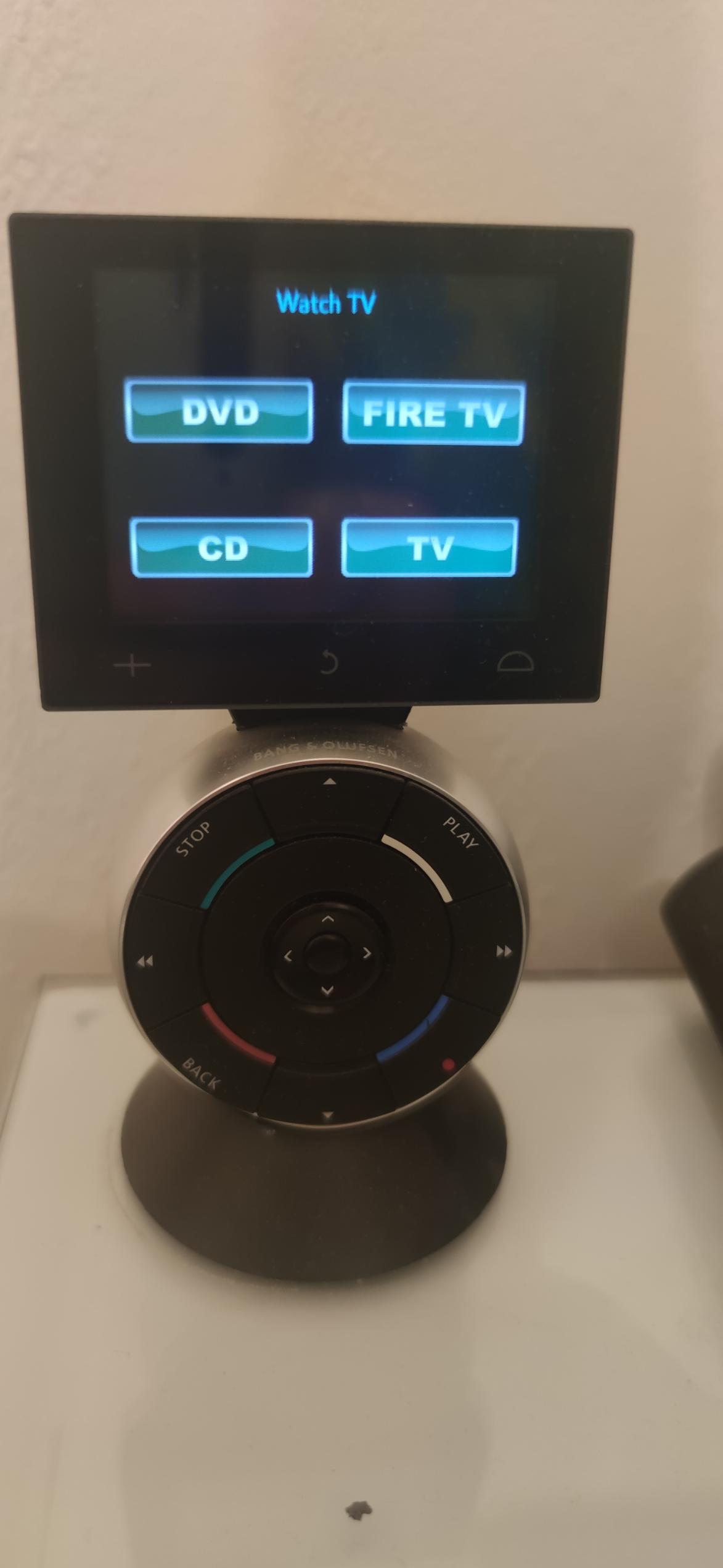
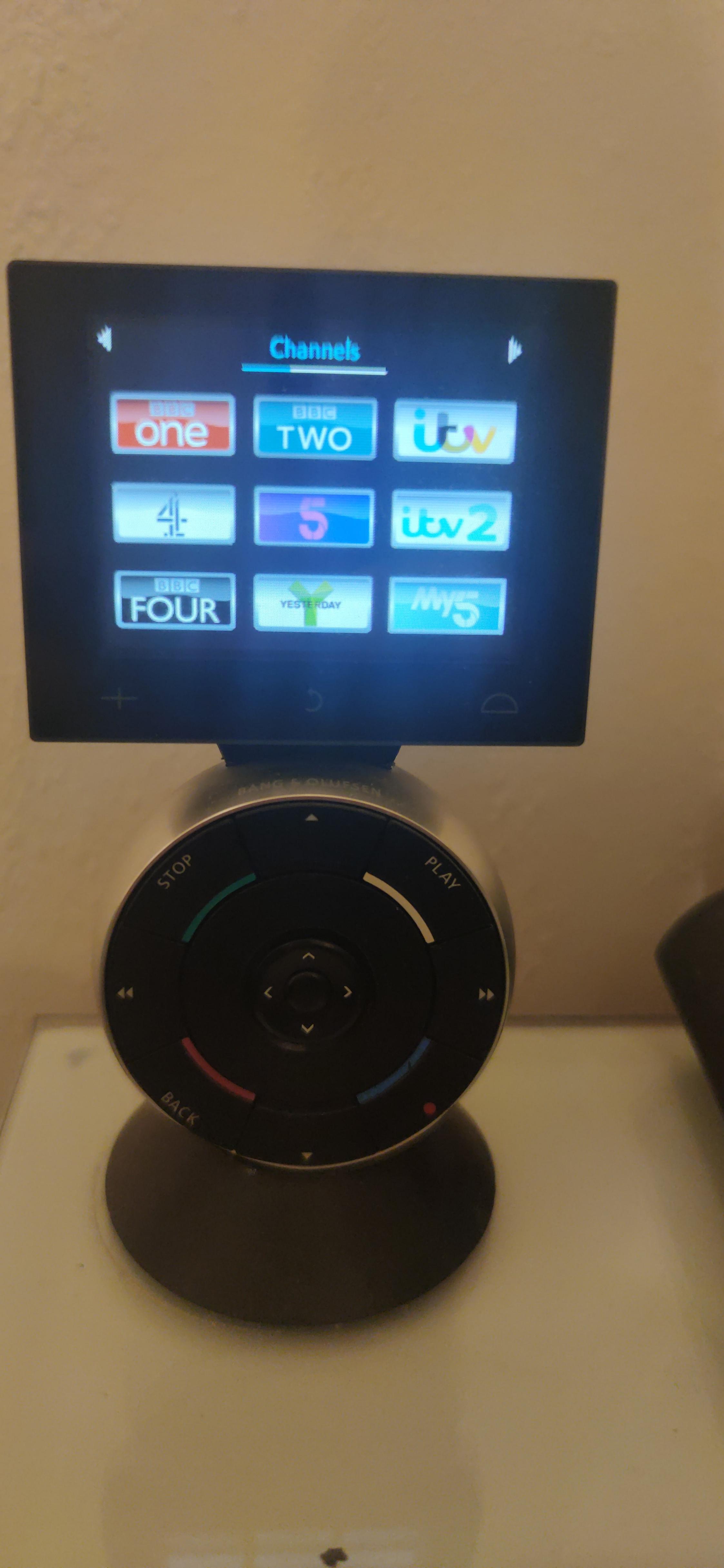
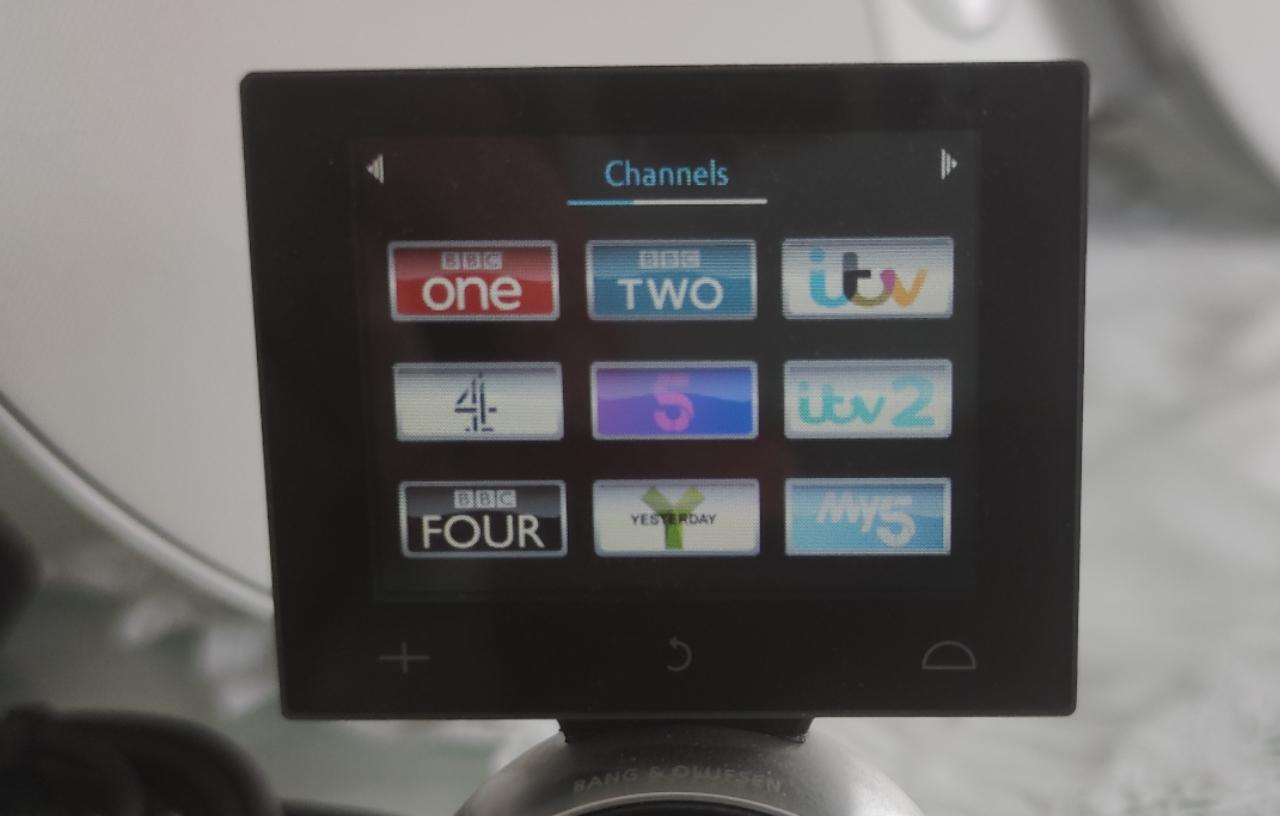
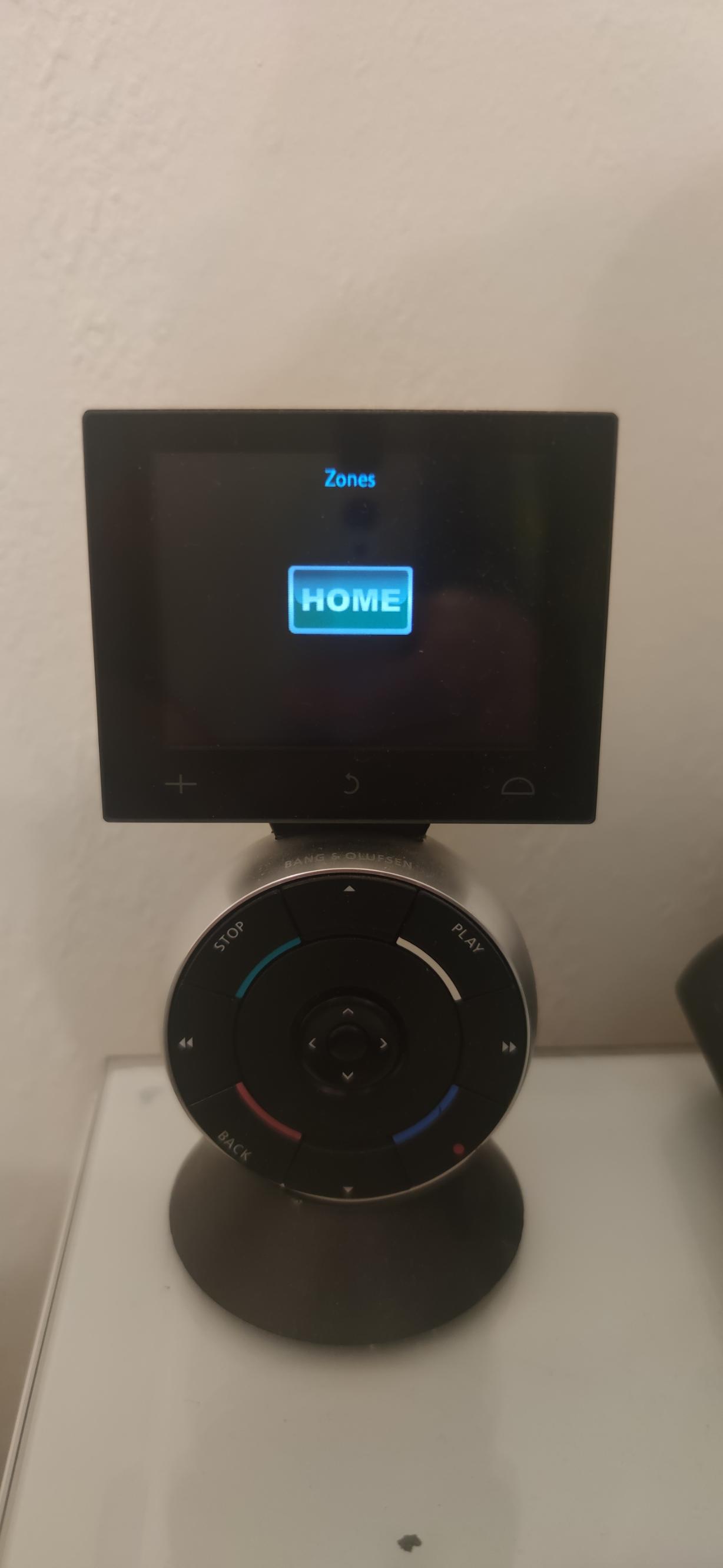
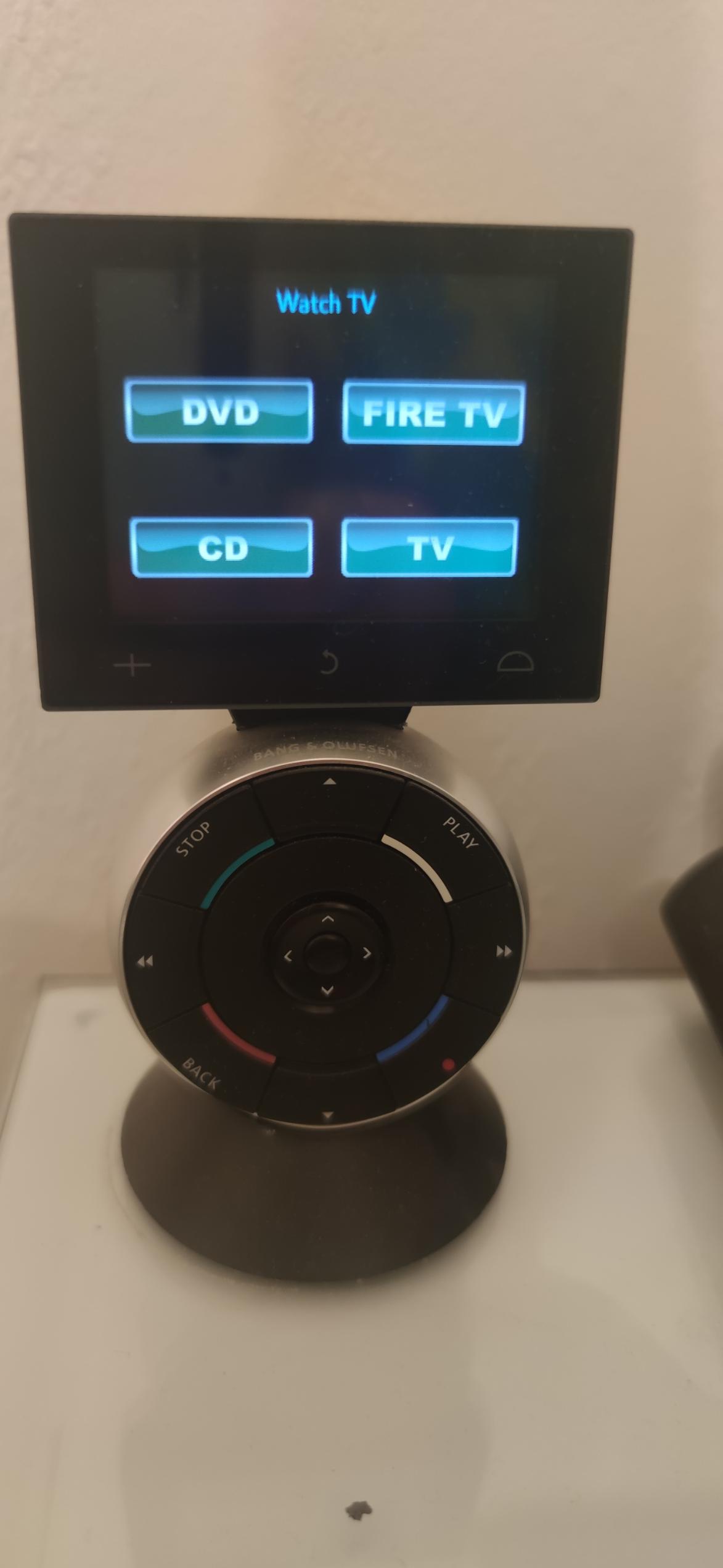
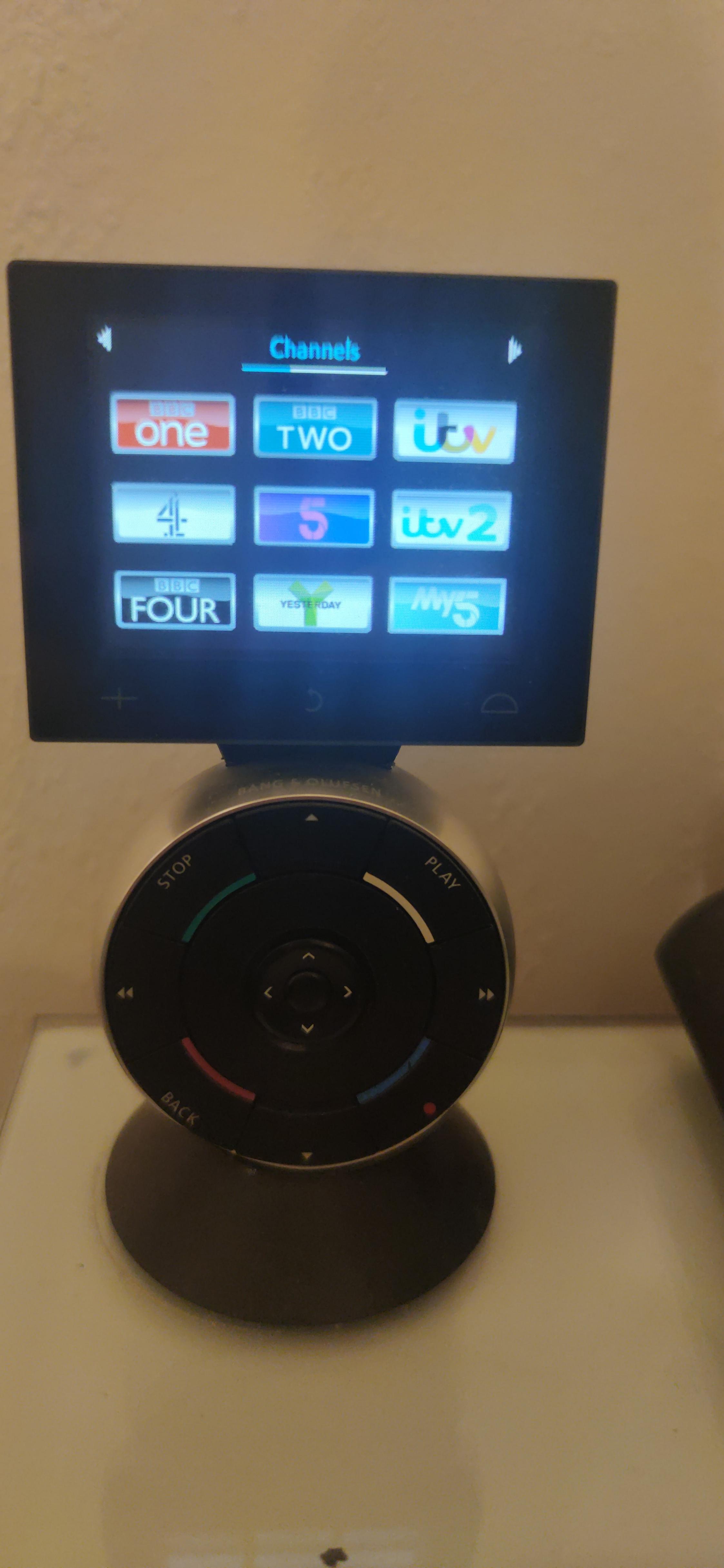
I enjoy designing things and made buttons for my Beo5 /Beo6. Here are some photos. They look far better in real life than in the pictures.
Good luck and enjoy programming.
Stoobie

-
AuthorPosts