Forum Replies Created
-
AuthorPosts
-
 BRONZE Member
And no, all my devices are uptodate (of course) – it probably is because I did not configure Deezer, since I don’t use it. MM
I did use Deezer once for one year. Hereafter never again, still I never saw a red dot in the app because of it.
(at least on my iPad).
It’s a iPad thing, as you mentioned. On a iPhone everything looks just fine.
note: you’re discussing a beta version of the app.
Mishaps happens, so report them. Then it can be resolved in next (beta) versions.
note: I did find the new font “refreshing” though. Further on I noticed today, because of MM post, a same, but lesser, effect on the latest official release (but than on the grey letters).
@MM, one of your devices seems the be in for a sw update
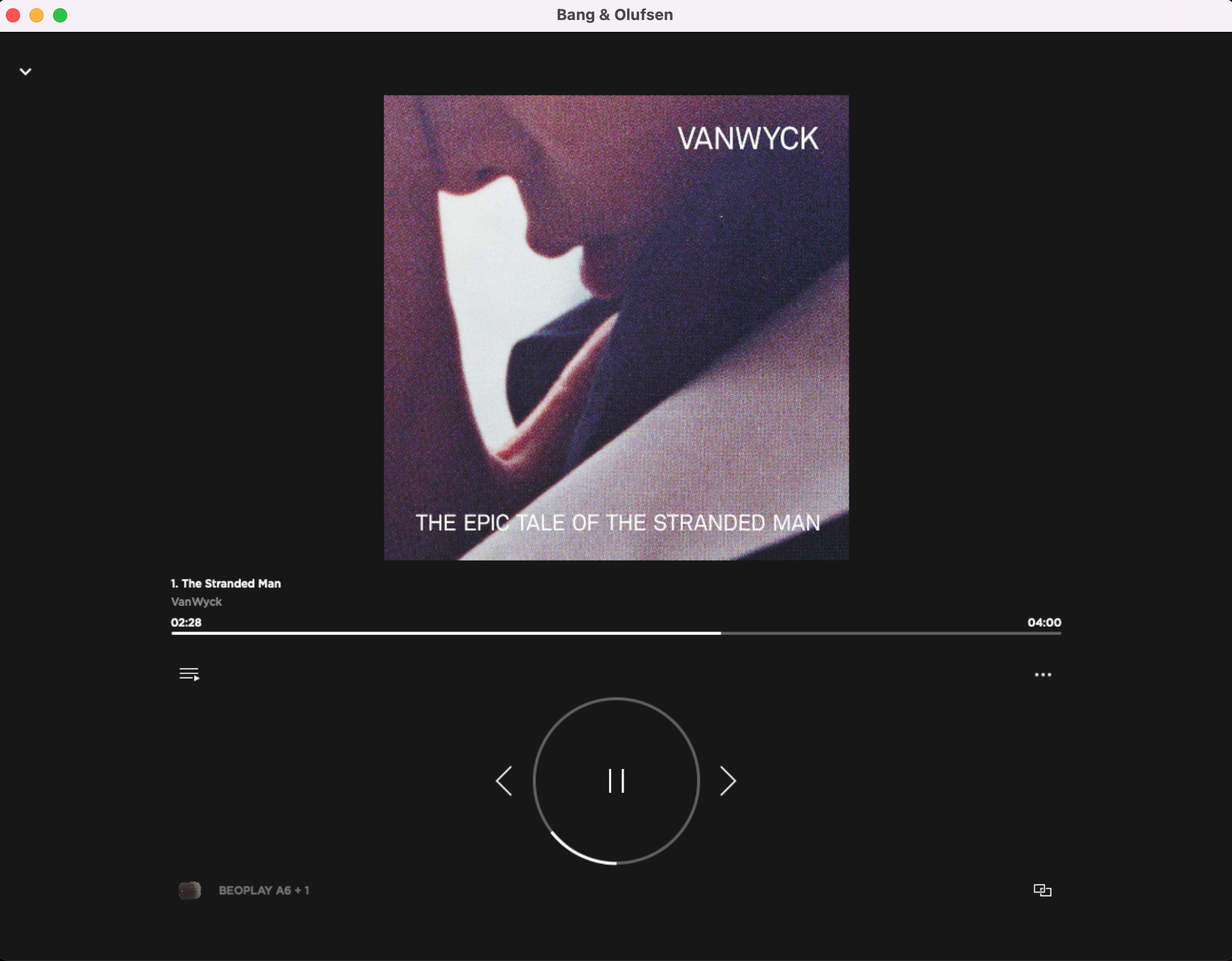
But I prefer to use the Apple Music app and Airplay to speakers from there but this is not working. Please help.
Did you checked the box “Multiroom for Airplay” in the Core settings?

In the Netherlands nothing yet….
By switching of the auto-update and toggling from-to the software page, the update appeared. The first Halo is updating at the moment. (location NL)
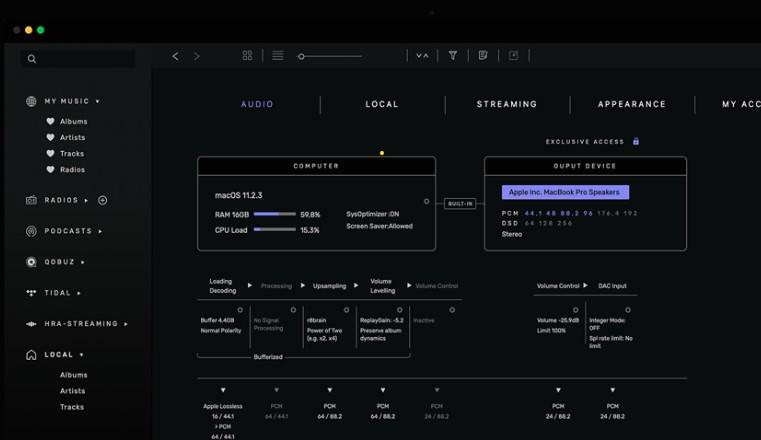
As I understand it yes you can send to AirPlay 2 devices from Audirvana, however to do that you have to select those devices as the output on that Mac.
that may be correct, but try send the stream directly to the BL28 by setting so.

so change the output (blue in the picture) to BL28.
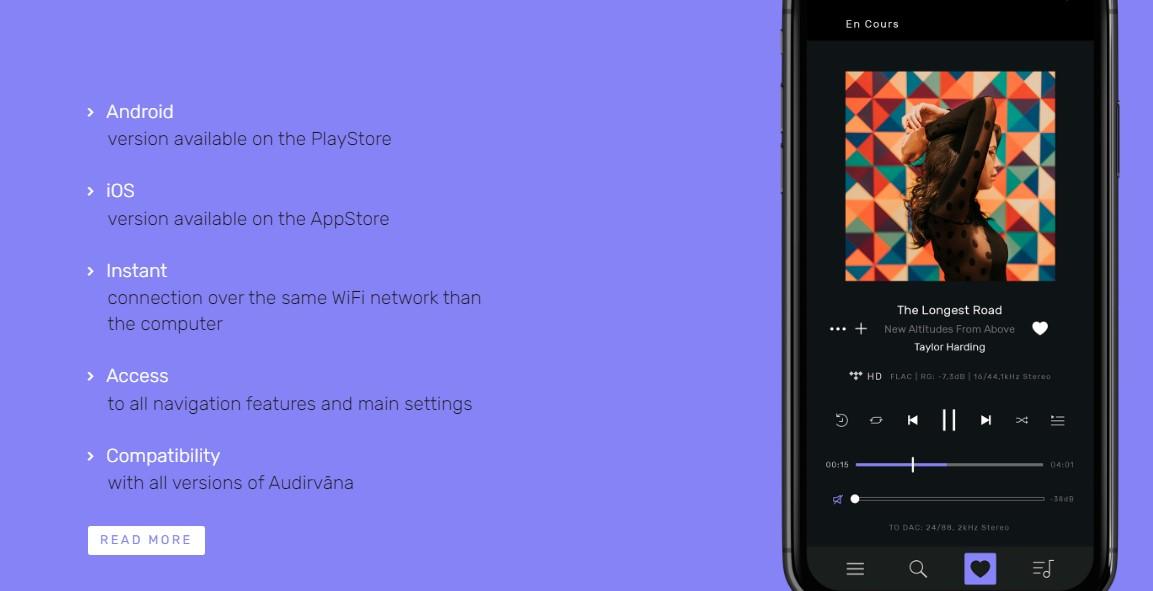
And try the Audirvana remote, see

My view is that B&O as we know it now will be gone for good in 6 to 12 months.
…….
Sorry I cannot foresee a better outcome to all.
On the previous forum there were several forecasts of the diminishing of B&o in near futures, but until now it still exists. You could be right that B&o as we know will be gone though.
But does this mean, by all means to be negative?
Hello perhaps I do not understand your “problem” but I think it is really easy. I assume your recorded CD’s are in your iTunes account. In this case you can just connect your iTunes account with the B&O app. In case you have the CD’s not in your iTunes account, just install a DLNA server (like plex). Now you can add this DLNA server in your B&O app. Both solutions work like a charm on by Beosound 28 (an other B&O sound systems)
Thought Police is using Audirvana.
Audirvana is in itself a Music server already.
But despite my calls to try to use Audirvana as a DLNA streamer and the Audirvana app as DLNA controller, he seams to get stuck in his own thoughts that he must Airplay to the BL28.note: my reply to his post from April 5, 2022 at 8:39 pm has never appeared on the forum (to his excuse)
So, I can then use Audirvana as the source for the music.
Did you ever try using the Audirvana remote app to control your collection and/or Qobuz/Tidal music? You should try.
If the BL28 and your Mac mini or Laptop are on the same network, you are able to stream directly to the BL28 (just a case of right the settings, maybe some trail and error, but the BL28 must be set as output)
To me the Beosound Shape is the most appealing B&o design in their portfolio.
It has a hugh WOW factor, sounds great and most new visitors do not understand what it is (for). The concept is so far off everything else in the audio business.
Do you use Audirvana Studio or Audirvana 3.5?
note: both can stream directly to the BL28.
And you can change the stream-to-device in the Audirvana remote app also. So you do not have to change the setting in your Mac every time.

Note: you can stream from Audirvana to your Beolab 28 directly also.
Just set the BL28 as output.
you need:
- Beoliving blackbox + sw upgrade to Pro (see website of Khimo)
- Halo (of course)
this will open doors to extended home automation
for the interested………
I got similar Macros for Link/Join devices and for setting devices to Standby.Let it know and I will make them accessible.
You didn’t setup your network correctly, I would say.
I have an access point and the router itself. Both Wifi senders/receivers are on. Both have a different name. But both are with all B&o devices in the same subnetwork. All must be in the same (sub)network to work correctly.If I connect my iPhone to the AP or to the Router, the accessibility to all B&o devices stay the same.
Did you create different subnetworks one for every AP?
-
AuthorPosts