






Home › Forums › Product Discussion & Questions › BeoMaster › Master Control Panel (MCP) 5500 Micro Switch
- This topic has 8 replies, 3 voices, and was last updated 6 months ago by
 Greg Steinlicht.

-
AuthorPosts
-
21 April 2026 at 18:21 #123346
 Greg SteinlichtBRONZE Member
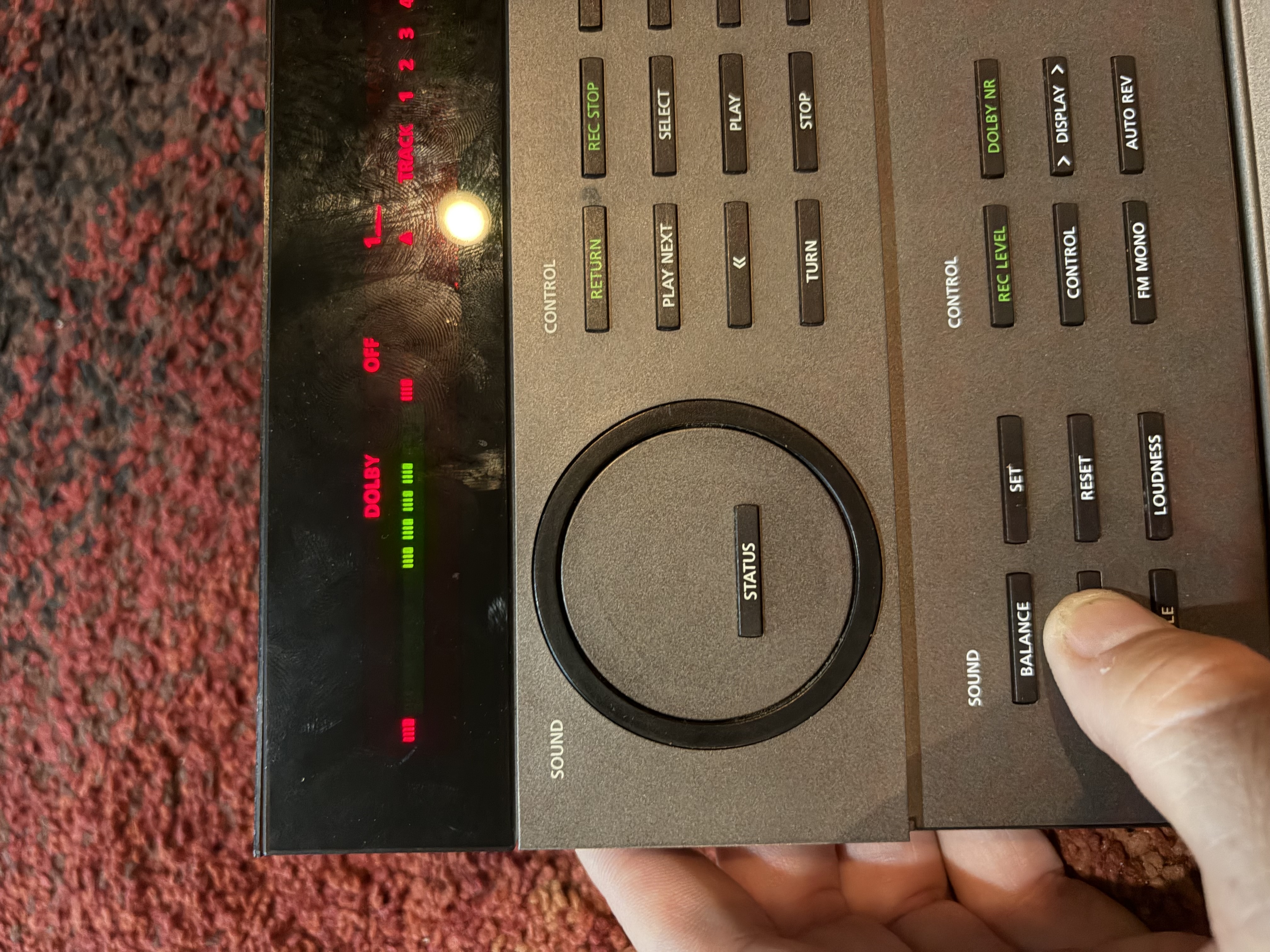
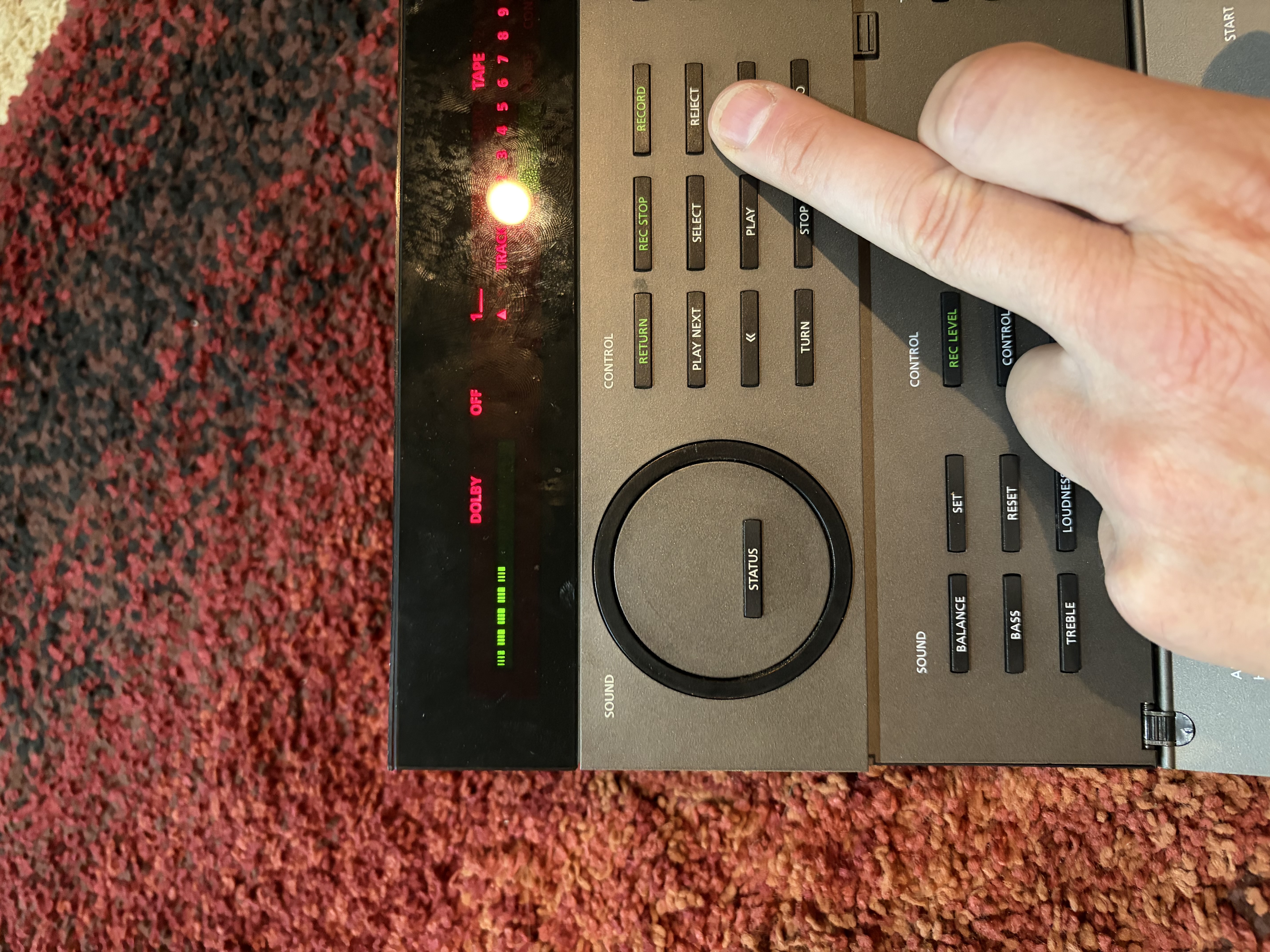
Proud owner of a Beomaster 5500 system. Everything appears to be working well except the Master Control Panelvolume wheel and radio station Up and Down buttons not functioning.
When wheel is turned, nothing lights up on display. When radio buttons pressed, no stations are presented.
Based on research, my understanding is that I need a Micro Switch to fix the wheel.
DOES ANYONE KNOW WHERE I CAN FIND ONE OF THESE?
I looked online but have found nothing. For the radio buttons, it appears I may need to clean the contacts.
Any support that can be provided is greatly appreciated !
-
This topic was modified 6 months, 1 week ago by Greg Steinlicht.
23 April 2026 at 21:48 #123362 Moderator
Hi Greg and welcome to Beoworld!
You could first try cleaning the contacts of the existing microswitch – carefully with contact cleaner. I would think that a replacement switch can only be removed from another MCP5500.
You could try shorting the contacts of the microswitch while turning the wheel, just to prove that this is the problem. (If the opto-coupler had failed then the system would light up but no changes would be registered)
I hope this helps – it’s a very long time since I worked on an MCP5500!
Location: Warwickshire, UK
My B&O Icons:
 23 April 2026 at 22:16 #123364Greg SteinlichtBRONZE Member
Guy, thanks for your response. I have already cleaned the microswitch, with contact cleaner, but it did not have any effect.
When you say “shorten the contacts”, does this mean squeeze in the contacts inward while turning the wheel or something else?
23 April 2026 at 22:20 #123365Greg SteinlichtBRONZE MemberI tested the micro switch with a DMM. When the wheel is turned and the metal bar in the middle makes contact with either side contact, there is continuity. So at least that part of the switch appears to function.
-
This reply was modified 6 months, 1 week ago by Greg Steinlicht.
24 April 2026 at 11:29 #123367When you say “shorten the contacts”, does this mean squeeze in the contacts inward while turning the wheel or something else?
I meant to connect something metal across them (eg screwdriver blade) to simulate the contacts closing.
I tested the micro switch with a DMM. When the wheel is turned and the metal bar in the middle makes contact with either side contact, there is continuity. So at least that part of the switch appears to function.
I am guessing but perhaps the opto coupler is faulty – you can get a replacement here: https://www.dksoundparts.com/product/wheel-opto-reader-for-master-control-panel-5500-6500/
Location: Warwickshire, UK
My B&O Icons:
24 April 2026 at 15:42 #123369Greg SteinlichtBRONZE MemberThe opto coupler was the next potential issue I was going to look at after ruling out the micro switch. I guess at this point it makes sense to rule out the opto coupler. Looks like a simple repair, unsolder and resolder three pins.
Any chance if you know if there is a certain polarity to the opto coupler pins? I want to avoid installing it incorrectly.
25 April 2026 at 09:28 #123370Any chance if you know if there is a certain polarity to the opto coupler pins? I want to avoid installing it incorrectly.
The one sold by DKsoundparts does have a polarity, but it is probably very easy to work out by comparison with the removed coupler (and looking at the circuit diagram, if you have it). I would think that most (all?) opto-couplers do because they will use an LED to transmit the signal which then is received by the sensor part. If buying from DKSoundParts ask them for advice – theirs comes with an extra resistor to slightly increase the supply current, so that should have instructions how to fit also.
Location: Warwickshire, UK
My B&O Icons:
27 April 2026 at 07:39 #123380TKBRONZE MemberDo the two red LEDs on the volume bar light up when you turn the knob, and you just don’t see any green volume level indicators? Or do you truly see nothing at all – including the two red LEDs – when you turn the volume knob.
What if you play a tape, and hit the FF button – do you see the lights strobe in one direction?
What if you try to set the bass level – anything light up then?
The volume knob has two inputs, as you have discovered. The micro switch’s role is to simply let the processor know that the knob is being turned, and which way it’s turning. This alone would trigger the two red LEDs. The green LEDs signifying level are controlled by the optic sensor.
If the LEDs dont illuminate when you hit FF (or bass or status), then Id venture to say that your issue does not lie with the wheel sensors, but elsewhere in the circuitry.
If they otherwise light up given the inputs above, but you are not even getting any red LEDs when you turn the knob, I’d take that to mean that the CPU is for some reason not being told that the knob is turning via the microswitch, and then you would likely not get any green level LEDs displayed anyways. The microswitch basically facilitates a pull-down of the pin to ground, and that is fed directly into the CPU, so if it has continuity then there’s not a whole lot that can go wrong, apart from the possibility that its not grounded properly.
If the two red LEDs do illuminate, but you are not able to adjust the level, then that point to the opticoupler circuit,which contains a few transistors and an opamp in addition to the opticoupler, which can also be a possible failure piont..
27 April 2026 at 15:01 #123384Greg SteinlichtBRONZE MemberTurning the wheel has no impact on the display. No red volume lights appear nor does any green light appear, absolutely nothing happens.
Using the MCP, if I press FF the green “moving” light (indicating the tape is being fast forwarded) shows up on the MCP display.
If I adjust the bass, the MCP display first shows red lights at the far end of the left and right sides (of the adjustment spectrum) with a single green dot in the middle. This quickly goes away and then the display shows the bass level.
Do these symptoms possibly point toward a faulty opto coupler?
BTW – thank you for the very detailed explanation!
-
This reply was modified 6 months ago by Greg Steinlicht.
-
This reply was modified 6 months ago by Greg Steinlicht.
-
This topic was modified 6 months, 1 week ago by
-
AuthorPosts


- You must be logged in to reply to this topic.