Forum Replies Created
-
AuthorPosts
-
 GOLD Member
No progress this afternoon, my neighbour visited for a chat, hopefully tomorrow!!
Thanks for that, just tried it, menu go, menu 0 0 go list , 2 items, monitor and tv tunr, tried pressing the red arrow then go, just got the normal ttv tuner list ie choice of country etc
tried again , pressing red arrow and go together , nothing
I have no idea as to the model number, no labels visible, but as previously said, it is probably 20ish years old, with an analogue tuner!
No BtB setting on the main menu tried others, its not there!
Tried the DVI > Hdmi lead on the 7-32 works fine so that has irradicated cable probs
Reset to default the 6-26, now I cannot access the tv using pc > go on the beo4. I have reassigned the scart inputs, they both work, so confirms I think it’s a tv programming prob!
Yes, found the fuses, 5 of them, checked with continuity facilty on multimeter all ok, however 2 x connectors from the power board to the adjacent were a little loose, just about to reconstruct the beast to give it another go, hopefully it will be fine — that should just about see the afternoon out!
The system tells me the ideal resolution is 1024×768 convinced its the 6-26!
Tried various resolutions, had to use the scart input to change them them transfer lead to dvi, non worked — rapidly coming to the conclusion its programming need in the 6-26!
Thanks for splitting the topic!
Ok, looked at the link, in actual fact i had found them yesterday!
The only sockets I have are
AV1 , AV2, IR in, masterlink, A1, A2, AV3 sound input L&R, and the 5 sockets for surround sound.
DVI socket, with connection to an HDMI socket on the pc, pressing menu gives a screen showing state of brilliance, contrast, colour, and sound , no screen showing pc output, perhaps that part of the tv programming is inactive, can it be activated? if so, how? and by me?
Yeap, thanks!
Have tried the DVI to HDMI cable to link the pc and tv , my Beo4 is one without joystick, it is prog’d with pc, pressinggo after selecting pc generates a black screen,pressing menu gives a screen for setting up the picture and volume but nothing else, then menu 0 0 go gives nothing, on the 2 x scart inputs, gives access to the 2 setup menus, but can’t find any ref to the dvi socket.
I will follow your link tomorrow, but not hopeful, i think the tv was produced to a bare minimum unit with no or few whistles and flutes!
Back to it tomorrow!
Ok, new belts fitted, and, it works, well, there’s a minor victory!!!
Now to clean up the case and reconstruct etc!
No , nothing in the package, however, found a youtube piece which is longwinded but the guy got there in the end, so, tomorrow’s work now sorted!
I will mail beoparts later to see if they have an instruction sheet, or even a link to one.
Ok, bought the belts, opened up the beast, strangely the tape belt drive, the long/wide one was perished broken, no idea why! So has anyone out there got a sketch /picture of the way the belt is mounted before I start backside scratching etc?
Have cleaned the scotch off the glass panels, used IPA without probs!
Thanks in advance!
The Finisterian
Brilliant, thanks both, the renovation can now begin!!
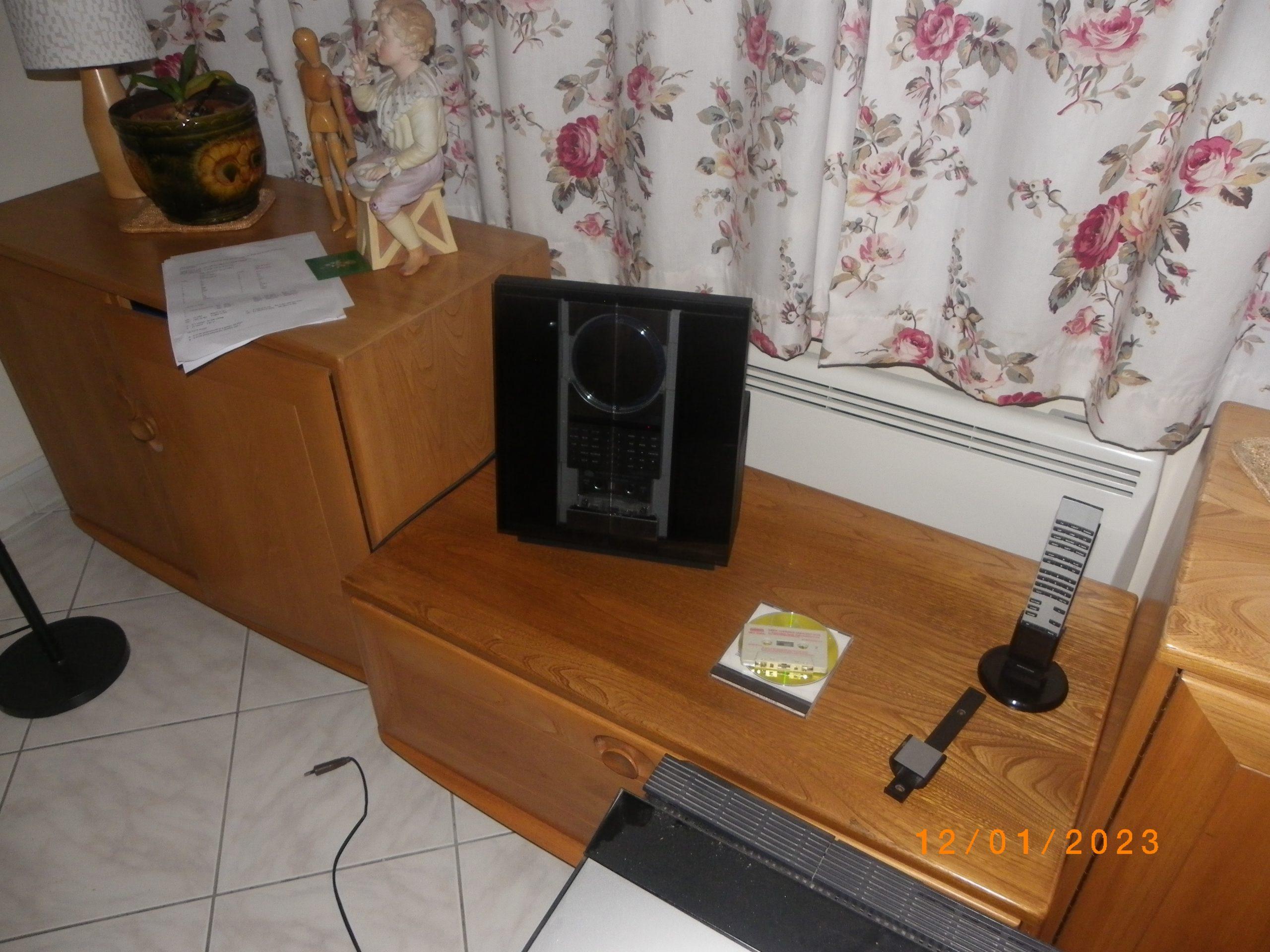
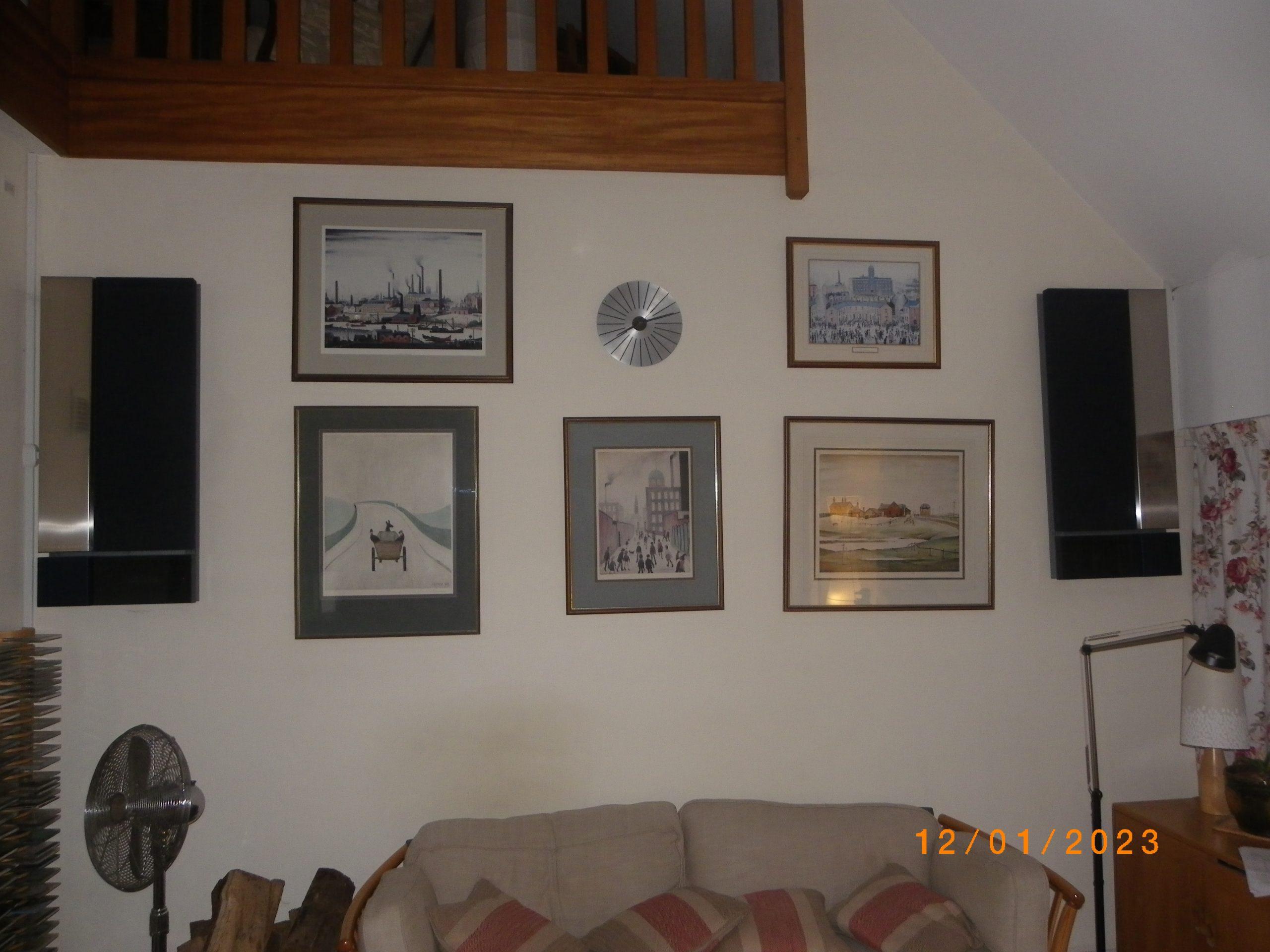
Been listening to Red Cardell Running in Paris, track Mandolino, on cd thro’ ouverture and Beolab 6000’s, they are a local band here in Finistere – regularly go to see/watch over the summer months, brilliant shows!
Mandolino is about the singer’s lady, a well played / used instrument just like his mandolin!
Back to some early Yardbirds later, they will be on tape tho’ again via the ouverture etc, will also try to get some photos later!

^ Thanks for the info, I feel a shipping order coming on!!
yeap , know about that!
So have re prog’d the tv and BS 4, still no sound from the 4000’s, so, tried ’em with my ouverture which is working fine, prog’d as a standalone, booted the system – still no sound from the 4000’s.
I assume there is a switching relay inside each speaker, is it mechanical or electronic, if the former may be accessible to squirt some cleaner on the contacts etc if the covers are demountable.
I await access to the manuals section for more info on the 4000’s!
Doohhh Mr Stupid here!!
Ok thanks for that!
I’m now off to put my head in a brown paper bag, it may work better in there!! :-()
Ok, so the dot button I assume is the off button on a Beo 4 — am i correct?
I have a crib sheet somewhere, but I cannot lay my hands on it at the moment!
Have done a little work, speaker options are 3 fold, vid on 2 aud on 3 (the 4000’s), It all used to work fine, but now the speakers do not fire up so to speak — i have got the various sources working and producing sound when prog’d to option 1 , the tv speakers.
I have now found some pl cables, will try the 4000’s with my ouverture later!
-
AuthorPosts