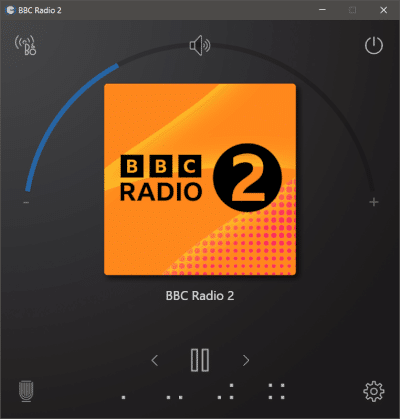
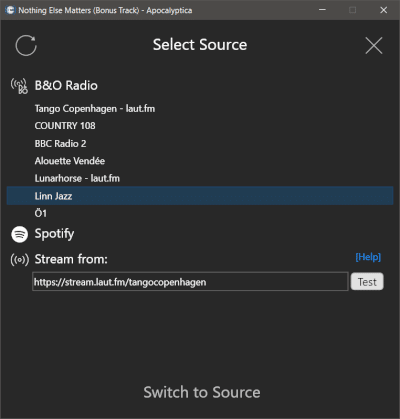
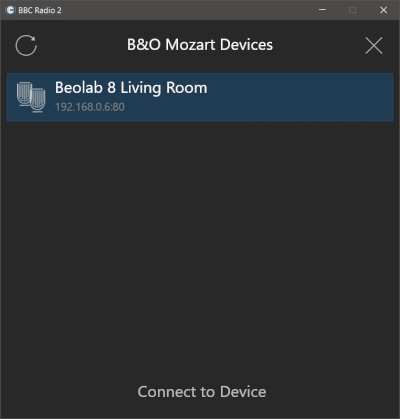
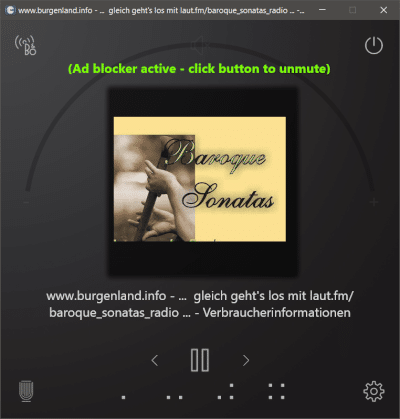
I have been working with the B&O Mozart API to control my Beolab 8 speakers from my Windows computer. At first just out of interest, then to have an additional control point. It is more convenient to change volume/source or skip a track from my desktop PC than pulling out the phone every time.
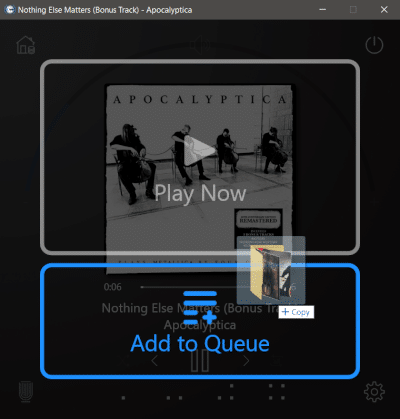
The app is not a replacement for the B&O app, but plays in sync with all the connected remotes. Plus, it has a few extra features. Most notably an internet radio ad blocker, that mutes the speakers during ads. And the option to play any audio stream: exotic radios, podcasts, or files from the local PC, simply by drag & drop.
What started as a little hobby project is working nicely in the meantime.
If you find a Windows companion app useful, too, here is the link: