






Home › Forums › General Discussion & Questions › General Discussion & Questions › Latest on Beoliving?
- This topic has 8 replies, 5 voices, and was last updated 2 months, 1 week ago by
 beojeff.

-
AuthorPosts
-
30 December 2025 at 08:12 #72190
 steve1977BRONZE Member
I am considering to start to build a smart home. Home Assistant seems to be the most developed and allows to connect with all kind of protocols and devices.
Beoliving also still seems to be developed, but I am curious what’s the latest status. Is anyone using Beoliving together with Home Assistant? Can share experiences?
30 December 2025 at 10:06 #72191NQVHNWIBRONZE MemberHi,
I have connected my entire Tuya/Zigbee Home Automation devices (over 200 I think?) into Beoliving Pro. Once you have a token…its fairly easy to do.
I have also Home Assistant which pulls everything on BLI and Tuya etc.. together also. My ambition once I get time is to start working out how it all integrates and automates is to improve the lot of the Halo with the Tuya gear and to get Tuya off the Cloud and go local Tuya on HA.
So I think it is all doable….just the time and the inclination to get on with it.
Edit, the Tuya Developers portal is fairly basic for free users and very expensive on a professional level (Beoliving Pro is extraordinarily cheap by comparison). Thus in the long run, you want to localise Tuya devices to HA and do everything from there to BLI.
30 December 2025 at 17:02 #72217steve1977BRONZE MemberThanks for your quick response. Seems you have done and plan to do exactly what I have in mind. Just what I am doing will be at a far smaller scale. Nothing close to 200 decvices planned.
Don’t plan to do anything cloudbased, so doing via HA seems the way to go. In this case, I would not even need Tuya, right? I could use HA and connect devices via Zigbee.
How now does Beoliving come into play? Do I need BLI to use the app or can the app control any other hub? If I need the BLI, do I need to go with the Pro version?
It seems I can get all my B&O devices directly connected with HA. What is the benefit of having both HA and BLI?
31 December 2025 at 14:29 #72230NQVHNWIBRONZE MemberHi,
Tuya make/licence a whole heap of iot devices. They can be controlled via wifi (consumes your home wifi resource), zigbee (a tuya protocol using discrete wifi bands reporting to a hub (saves home wifi bandwidth but tends to be cloud based) and bluetooth. I have about 120-150 down lightbulbs taking up most of of the inventory, plus switches, power meters, curtain drawers and sensors.
If i am correct you first need a tuya account, app (or smartlife app), then via a token you can pull ot to HA for local control, eitherway, the BLI pro can collect and gove simple control. You can write scene macros as required.
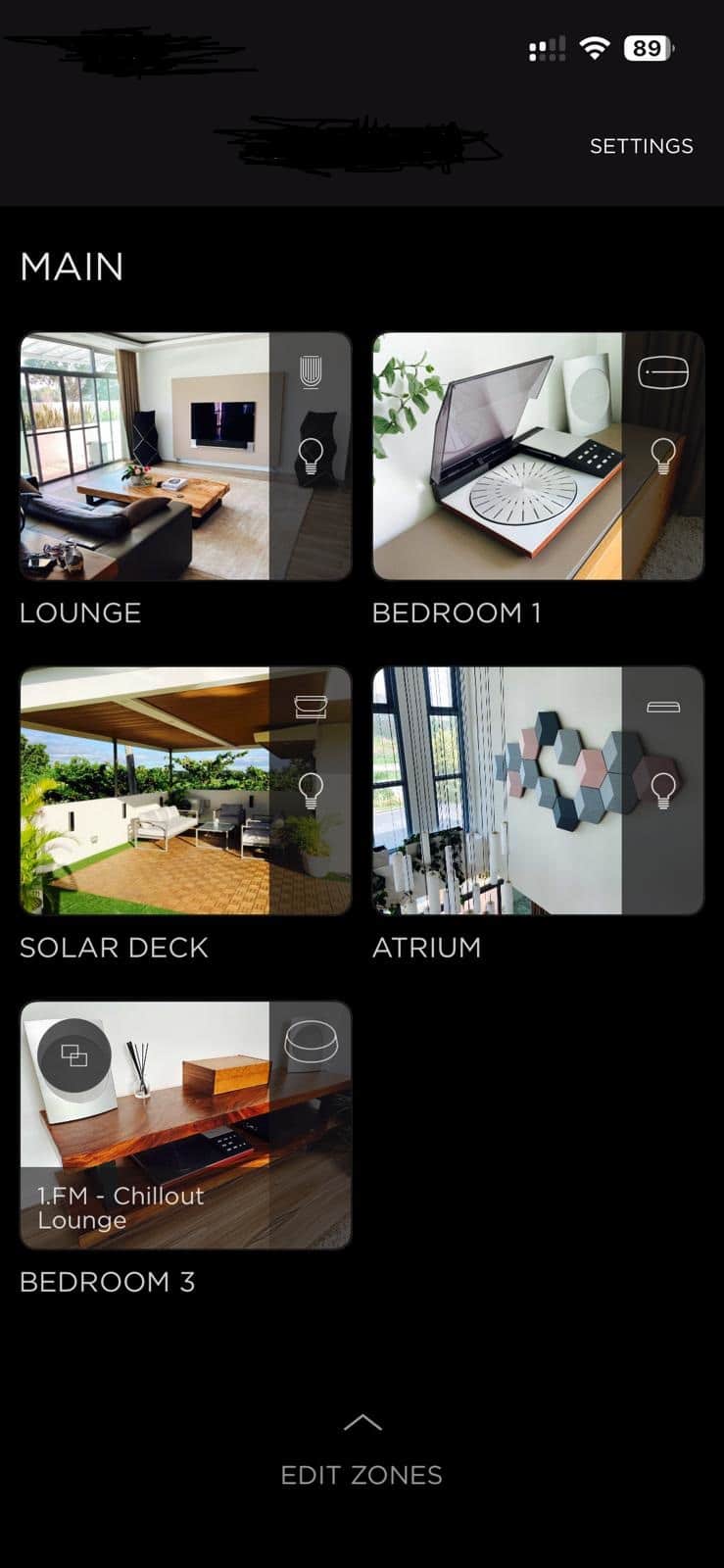
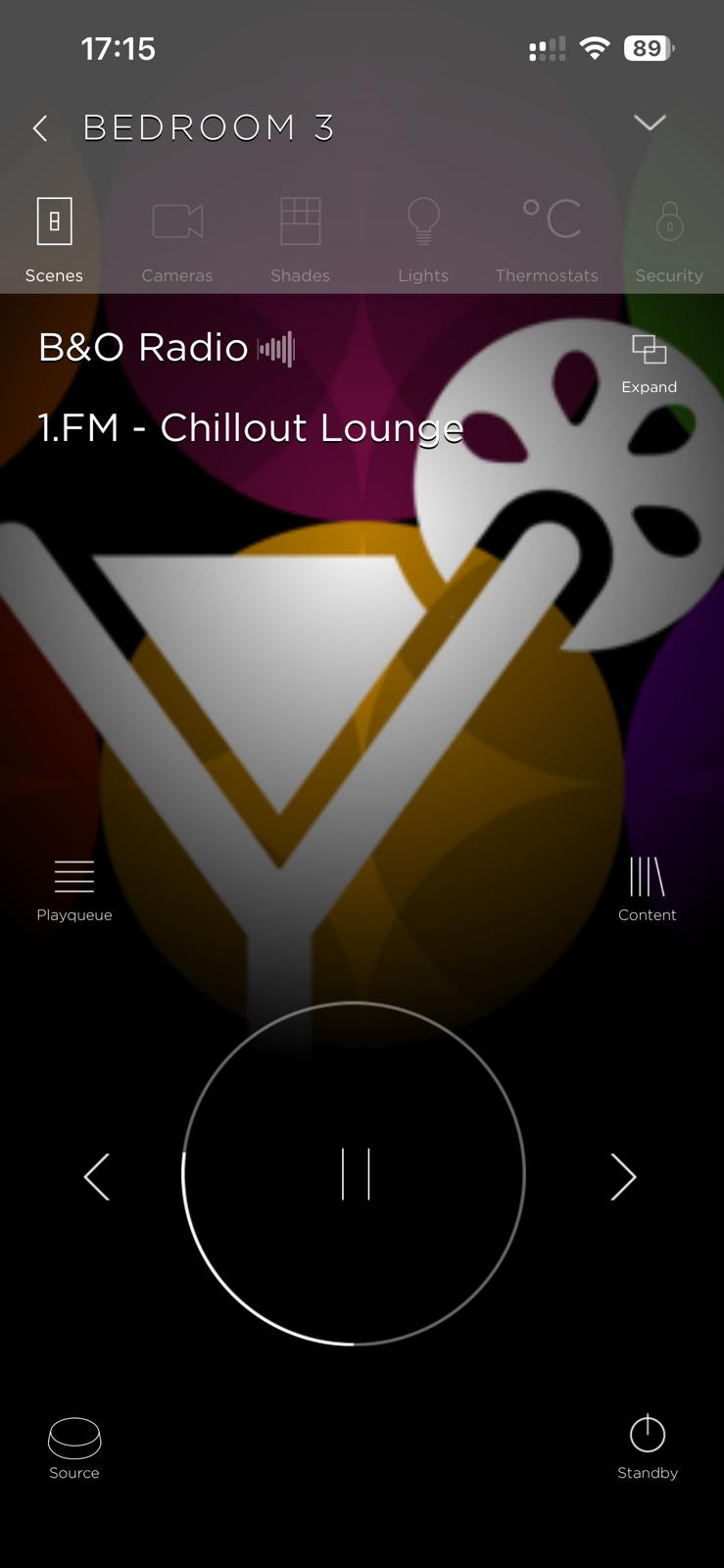
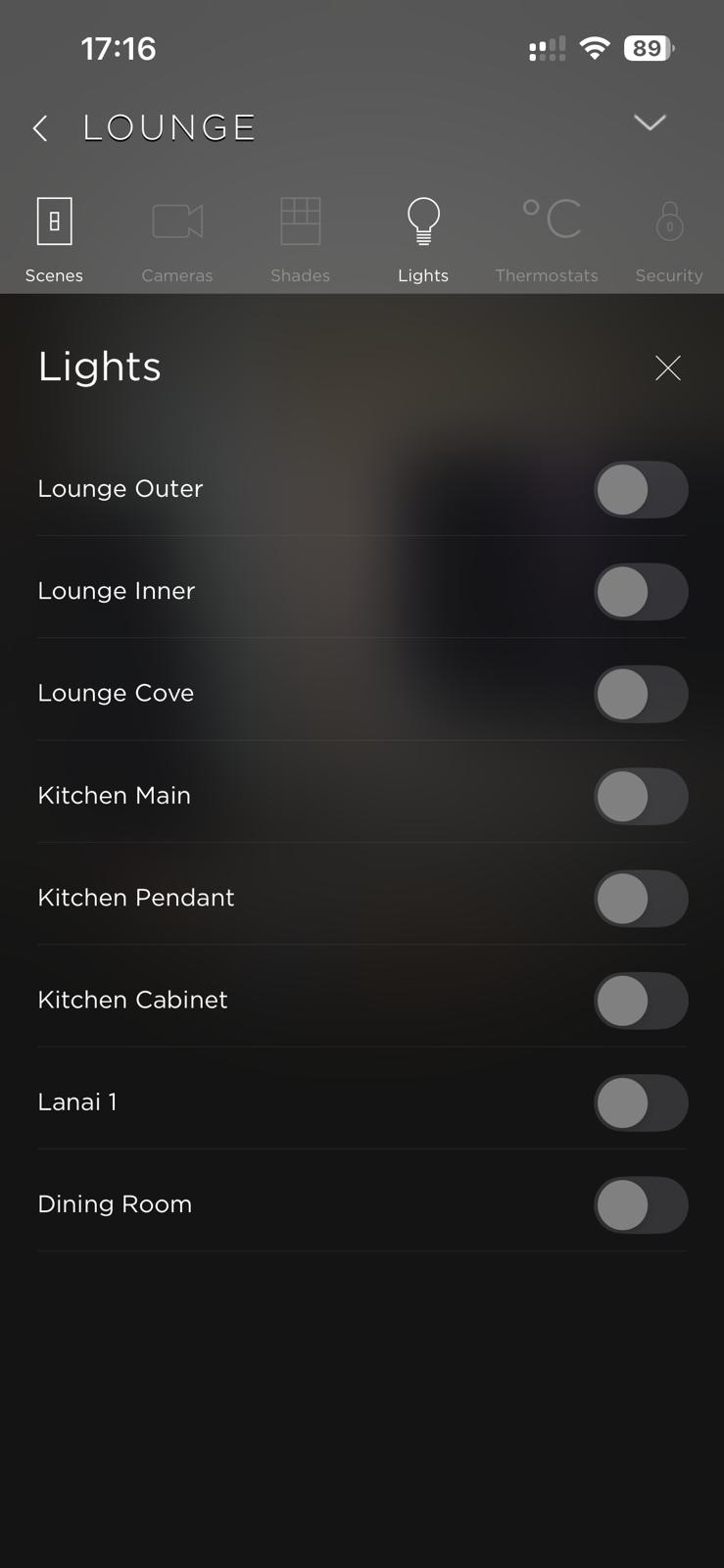
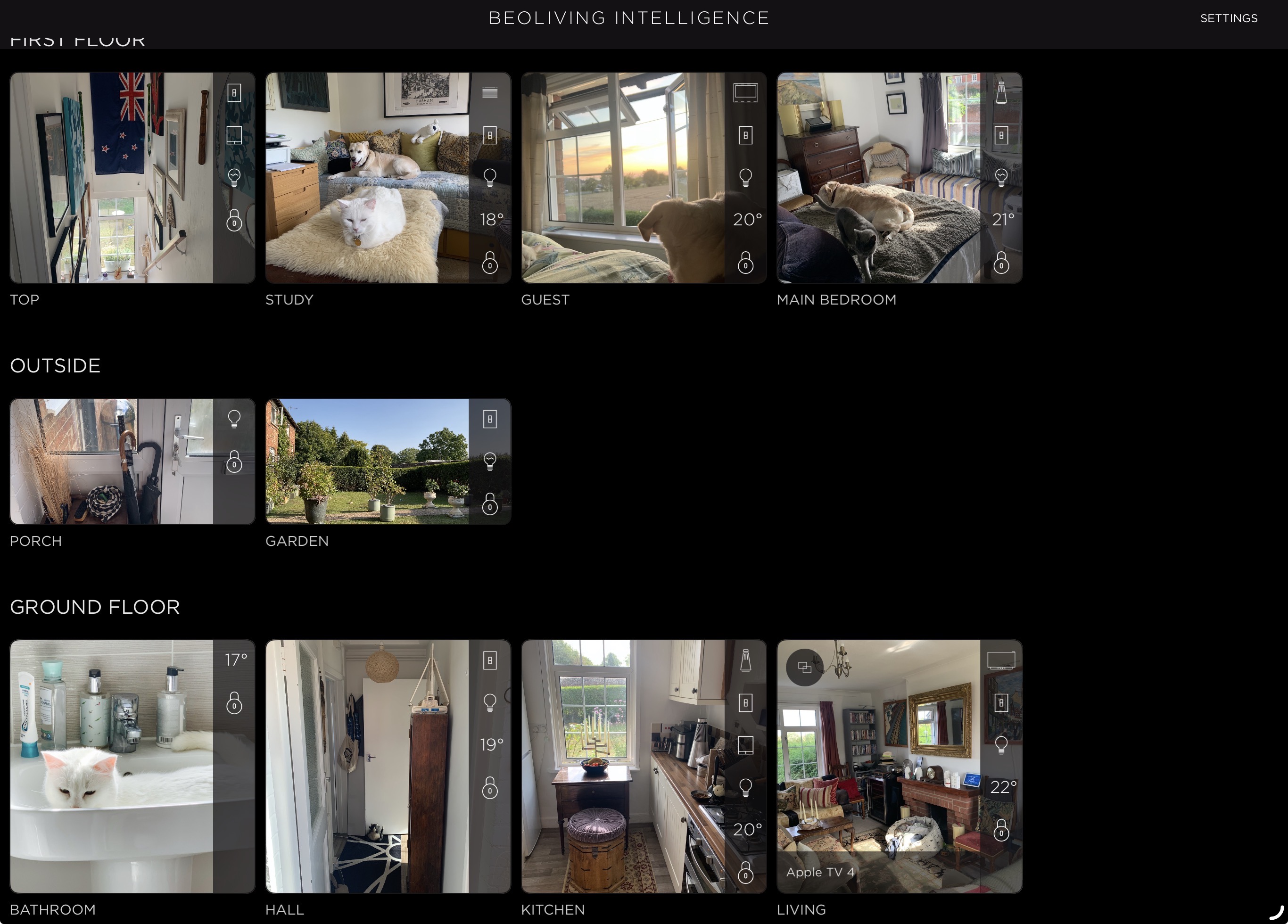
4 January 2026 at 12:17 #72321steve1977BRONZE MemberThanks. Will the Beoliving APP be able to replace the B&O App to select sources and join speakers? If so, any screenshot how such screens in the Beoliving APP look like?
9 January 2026 at 09:35 #72451NQVHNWIBRONZE MemberIm not 100% certain. I have still to develop my BLI and do something useful with the Halo.What I can say is that I can pull all my home automation devices into zones and control curtains and lights directly. I’m sure I can also (with Tuya/Smartlife) pull in existing Tuya scenes (but this wont control B&O) or write a macro to control B&O and Tuya in BLI Pro.I would say that the BLI is more of a staging/setup device for macros and greater house control. I dont think it is a direct replacement for the BeoApp (though there is no reason to suggest it cant be drilled into and settings extracted). It will control (with the right links/setup), cameras, curtains, security, heating, cooling etc if you are so inclined and talented to setup. Its not obvious on how to do it (like Home Assistant automations I guess), but the links between Tuya, BLI and HA are all there and they seem like they will be able to talk to each other. Finally, as previously indicated like HA, it can augment the Halo better that out of the factory/BeoApp setup is currently. 11 January 2026 at 07:39 #72488benjnzBRONZE Member
It depends on what you want to do. If you’re happy with Home Assistant and using your phone you can go with that.
I use BLI (pro) and have Home Assistant on a Raspberry Pi that hooks the other items that don’t have BLI native integration, such as Aqara Blinds/Curtains and Tado for the heating. These are then on BLI.
I’ve got enough macros in BLI depending on summer/winter/weather that it can operate lights, override heating, work blinds etc, that I never have to think much about the home controls. The only extras I have is with the Halos in the bedrooms and using it for bedroom lights, heating overrides, and getting up and going to bed, macros.
The other advantage is using the BLI overlay on the Beovisions (Home Control). Essentially what I’m trying to say is yes I find BLI is useful over other systems if you want to ironically NOT use your phone/BLI app for home control. I’ve also found the macros easy enough to set-up and never went down that road at all with HA, also prefer the app look of BLI over HA.
B&O do have an ok training/overview you may want to skim through – https://rise.articulate.com/share/tLKzK6yv60sTjCUvhZstA-_vusQrFsPa#/lessons/YOmgzjzz7T3bIjIGPshVVjtIeo8adTxe
My B&O Icons:
11 January 2026 at 12:19 #72493Thank you for pointing to this great tutorial ✔️
Location: Flensborg————Danmark
14 January 2026 at 13:19 #72542beojeffBRONZE MemberI don’t use the Beoliving app. I find myself mostly using Lutron wall and tabletop keypads or Light/Control commands on the Beoremote One. The BLI is amazing at bridging various home systems. For example, Lutron RadioRa2, RadioRa3, and Philips Hue. With it, my Kaleidescape automatically dims and raises Hue and RadioRa2 lights via RadioRa3 through BLI using cues that are built into the Kaleidescape movie files.
-
AuthorPosts


- You must be logged in to reply to this topic.