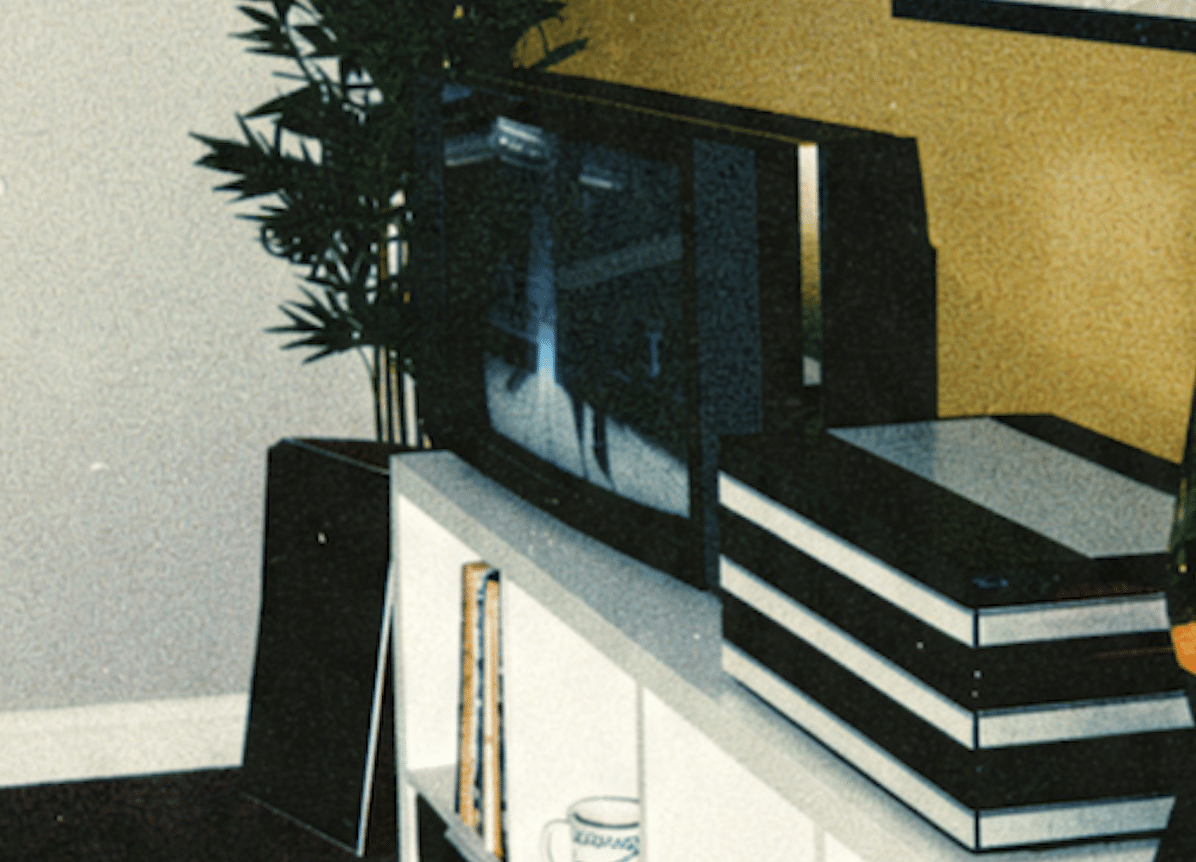
o I got my BV 4500 this evening, and so far it’s working really well!
There are just a couple of little niggles, which are to be expected from a TV of this age. Still, for £75 for a working one, I really can’t complain at all!
The speakers need re-foaming. I did a pair of CX50s many years ago, so I’m fairly comfortable doing the job. Does anyone know of a suitable re-foam kit that will work with the drivers in the LX4500? Keeping the volume moderate, they actually still sound very good atm tho.
The internal memory battery is definitely dead as well, so I’d like to replace that. I had some success changing the battery in my MX2000 a long long time ago, and that worked for several years before the TV itself finally gave up the ghost in 2022.
Lastly, is there anything I need to be aware of when removing the contrast screen? I’d like to give it a proper clean and remove the dust that’s accumulated behind it, but obviously I don’t want to break anything. From what I’ve seen online, it appears to be clipped on, but mine seems to have some kind of foam gasket visible around the outer edge. I wasn’t sure if this was actually double-sided adhesive, like the tape used to secure the glass on quite a few other B&O products of the era or not?
I’ve also got the little wheeled floor stand for it. I can’t decide whether to put the LX4500 back on that or turn the stand into a little table instead perhaps fitting a painted top to it and use it for the DVD 1 and V8000 instead?
I do quite like how it looks next to my 5000 stack system, quite a lot of adjustments to still do its not even fully wired in yet tbh.
Attachments:
You must be
logged in to view attached files.