Home › Forums › Product Discussion & Questions › BeoSystem › Beosystem 3 from Beovision 9 still thinks monitor from BV9 is connected
- This topic has 1 reply, 2 voices, and was last updated 33 minutes ago by
Tignum.
-
AuthorPosts
-
15 August 2026 at 12:40 #124995
ethuijs
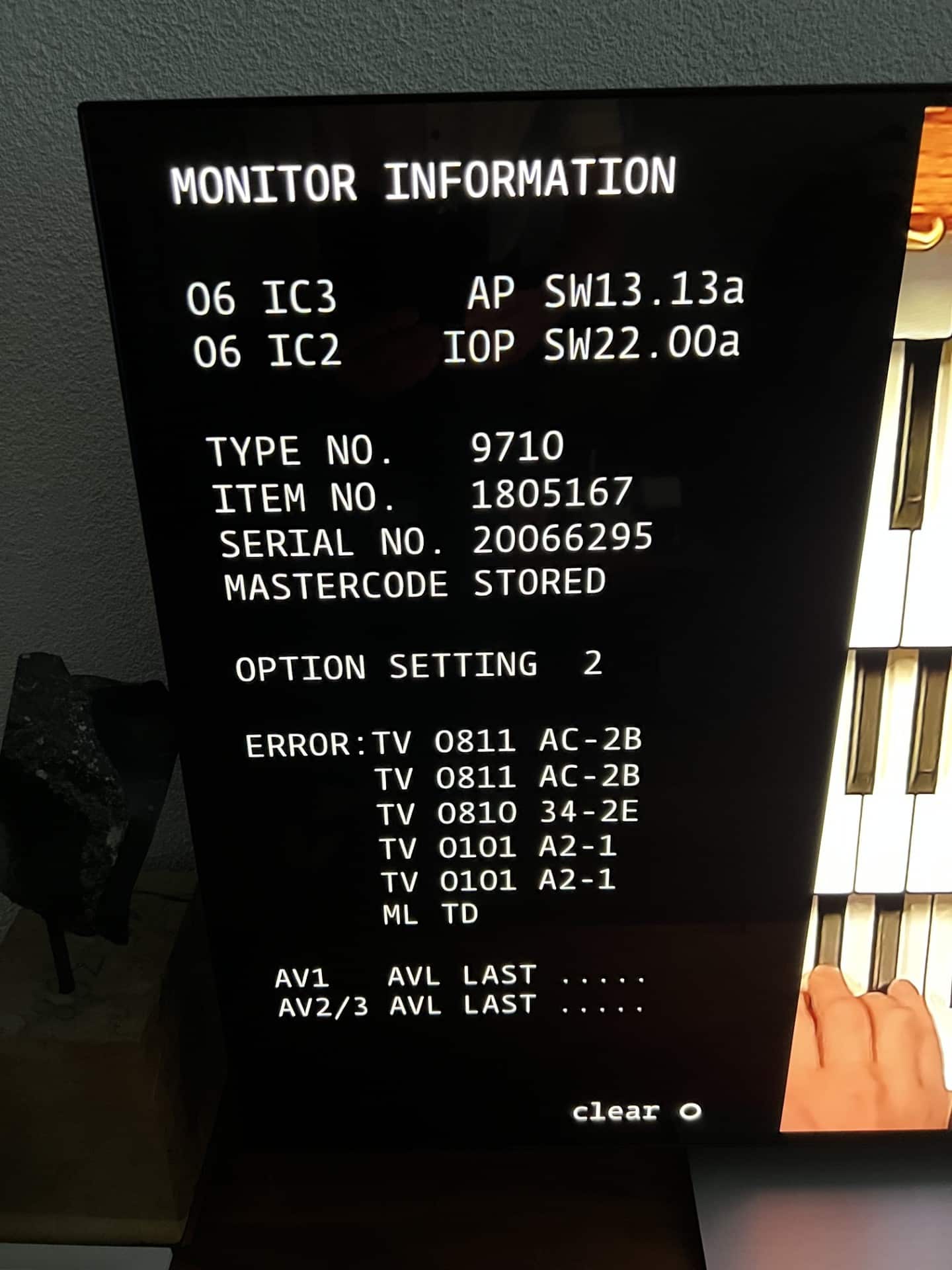
BRONZE MemberIk have a Beosystem 3 from a Beovision 9 type 9600 item 8150010. I got it partly working with my new LG G9 only the digital sound is still a problem.
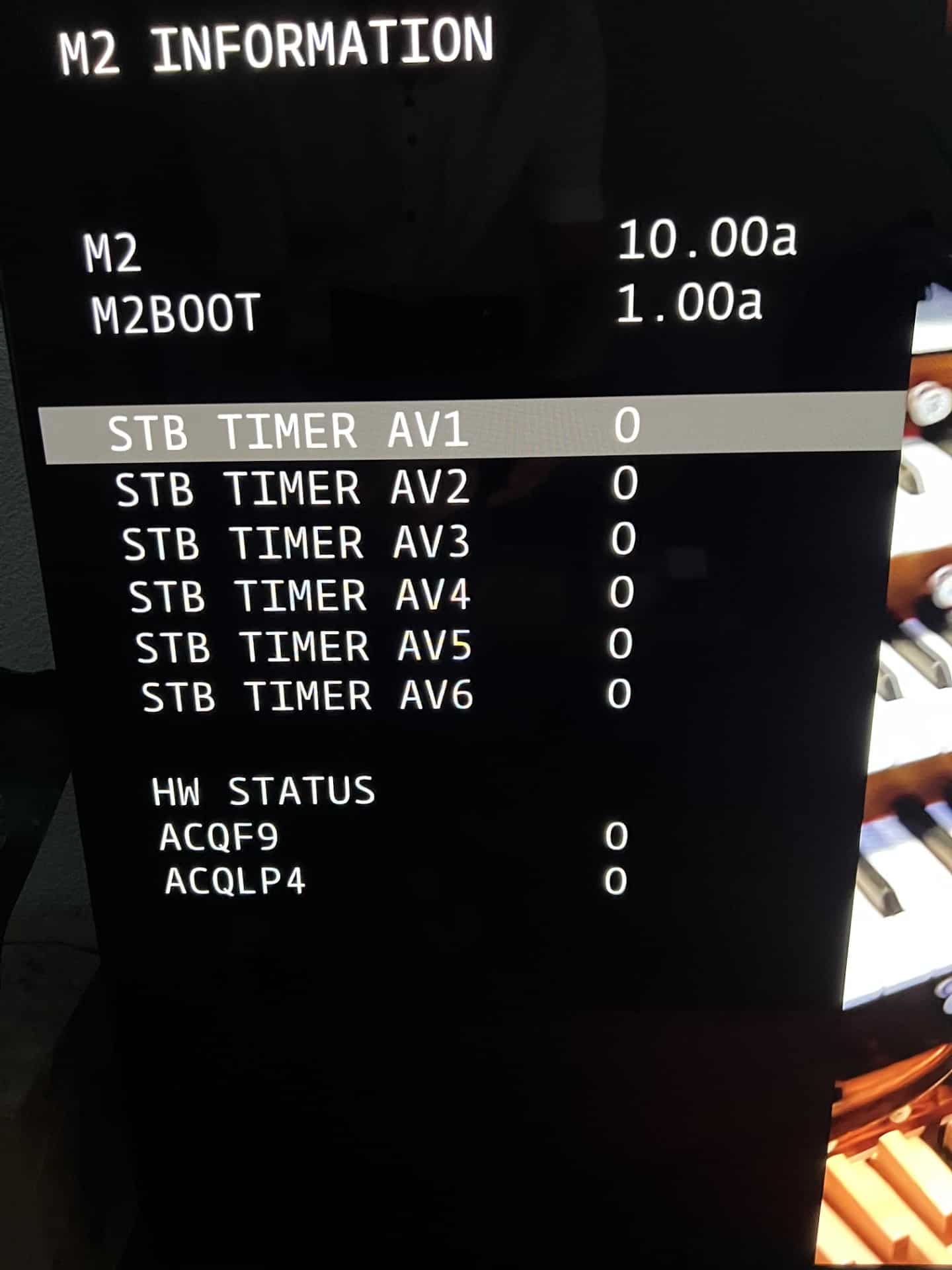
Is there a way to reset the BS3 to clear the monitor information from the BV9. Under display connection 1 (DVI 1) it sees that an LG monitor is connected.
The Reset when going to the system menu with Menu 0 0 Go dit not clear monitor information. Selecting Configuration stays empty.
-
This topic was modified 8 hours, 27 minutes ago by
ethuijs.
My B&O Icons:
15 August 2026 at 20:35 #125000 Tignum
GOLD MemberHi ethuijs, maybe explore the customer service menu?
‘Access to Customer Service Menu:
Press the MENU button on Beo4 to get into the “Set-up Menu”.
Place the cursor on ´OPTION´. Press the RED button and within 3 seconds press GO.
When you leave the service menu (ordinary menu operation), the unit returns to
its normal state.’
In there: ‘MONITOR AUTO DETECT can be enabled/disabled’.
Maybe this can help you further?
Keep us posted. Regards,
Johan
Location: Netherlands
My B&O Icons:
-
This topic was modified 8 hours, 27 minutes ago by
-
AuthorPosts
- You must be logged in to reply to this topic.