I recently bought one of these gadgets to play around with the new IR proxy feature in Home Assistant. Place it in the area you want to use IR control, connect it to wifi, and it automatically shows up under devices in HA. Could not be any easier. https://www.athom.tech/blank-1/esphome-rf433-ir-remote-controller
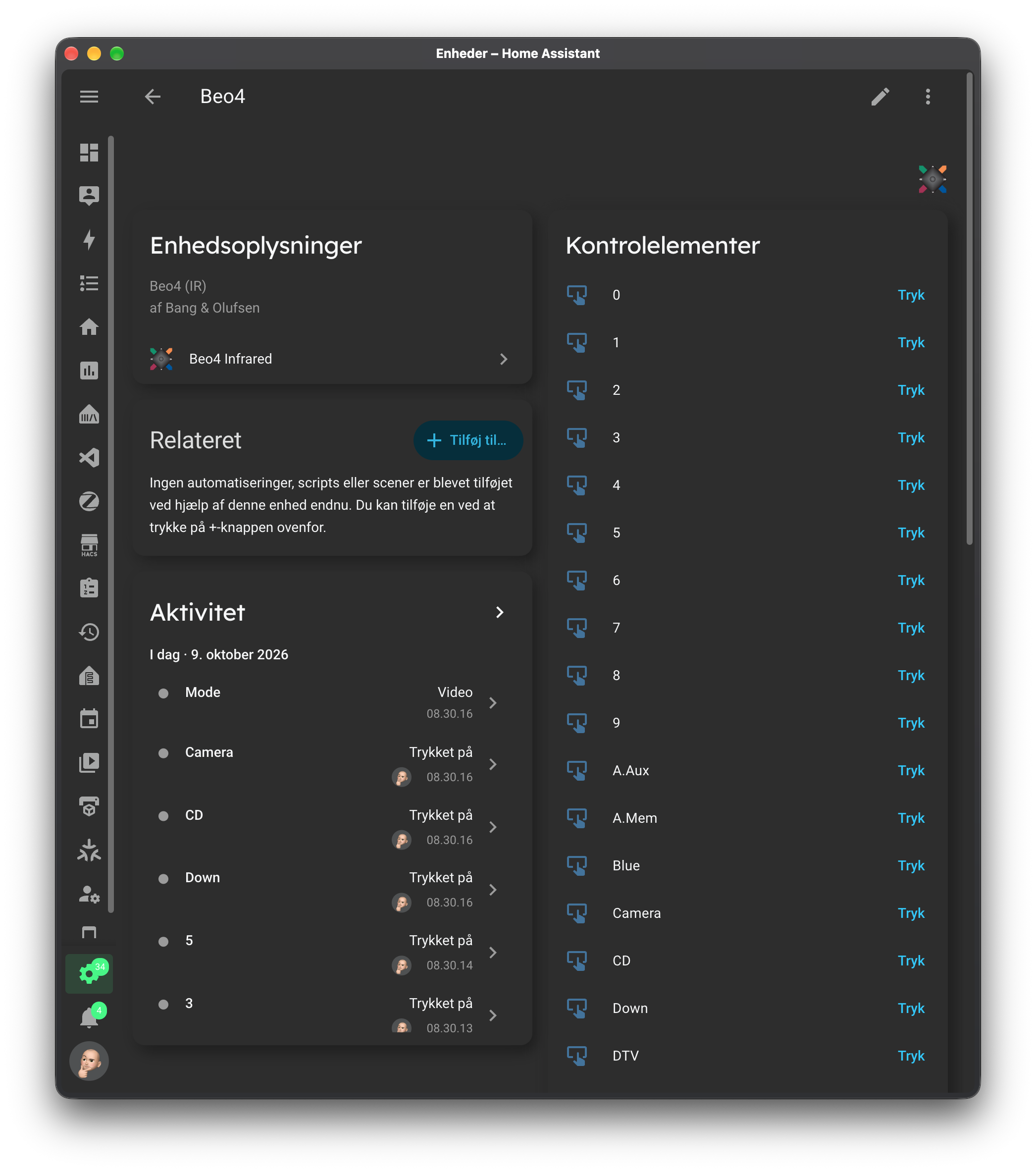
Turns out it’s also really good at sending Beo4 commands. So my “French buddy” and I have put together a custom integration that makes the most common Beo4 commands available as buttons in Home Assistant. When you press a button, the command is sent over the network to the IR gadget above, which then sends out the IR command. In terms of range, I can confirm it works perfectly at 5m range, but since I have already stuck if under a shelf with 3M tape, I can’t test how much further it goes 🙂
It’s one-way control of course, but it opens up some interesting possibilities. For example, if you have an Audio Master connected to the line-in of a Core, you can have it turn on when line-in is selected.
 .
.







 .
.