Generic selectors
Exact matches only
Search in title
Search in content
Post Type Selectors

Home › Forums › Product Discussion & Questions › BeoGram › Replacing incandescent lamp on Beogram 4000

Tagged: ,

Viewing 5 posts - 1 through 5 (of 5 total)
  • Author
    Posts
  • #125591
    etype76
    BRONZE Member

    The sensor arm lamp on my Beogram 4000 gave up recently. I can see the filament has blown. I have a replacement. Can someone provide any tips or procedure to solder the new lamp in place? I can pull out the black plastic front of the sensor arm but there is resistance before I can get to the solder points. I don’t want to stress any of the wires. Any advice from people who have accomplished this “‘surgery’ is welcome.

    Attachments:
    You must be logged in to view attached files.
    #125594
    Nebojsa Jankovic
    BRONZE Member

    take a look at this, as it may help you, as the instructional video shows position of the old incadenscent lamp and its wire connections, around time of 14:20 onwards

    https://beolover.blogspot.com/2022/05/beogram-Replacing-sensor-arm-bulb-with-led.html


    Location: Eindhoven, NL

    Favourite Product: Beogram 4002/04, Beocenter 7007, Beosound 6000/02

    #125613
    etype76
    BRONZE Member

    Thanks for the link. Yes, I’ve made use of Beolover’s excellent videos from time to time, although he does make it look easy 😀

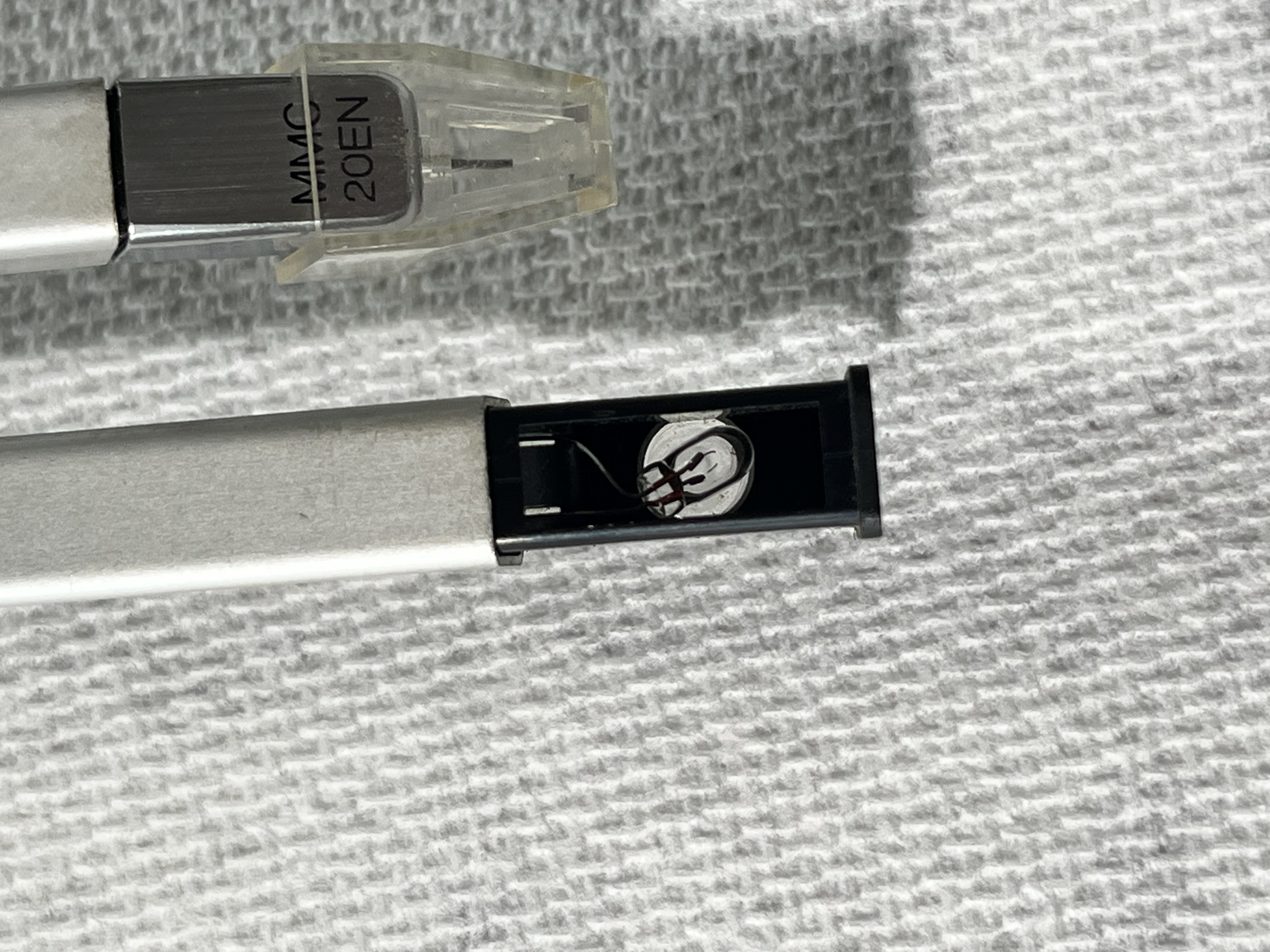
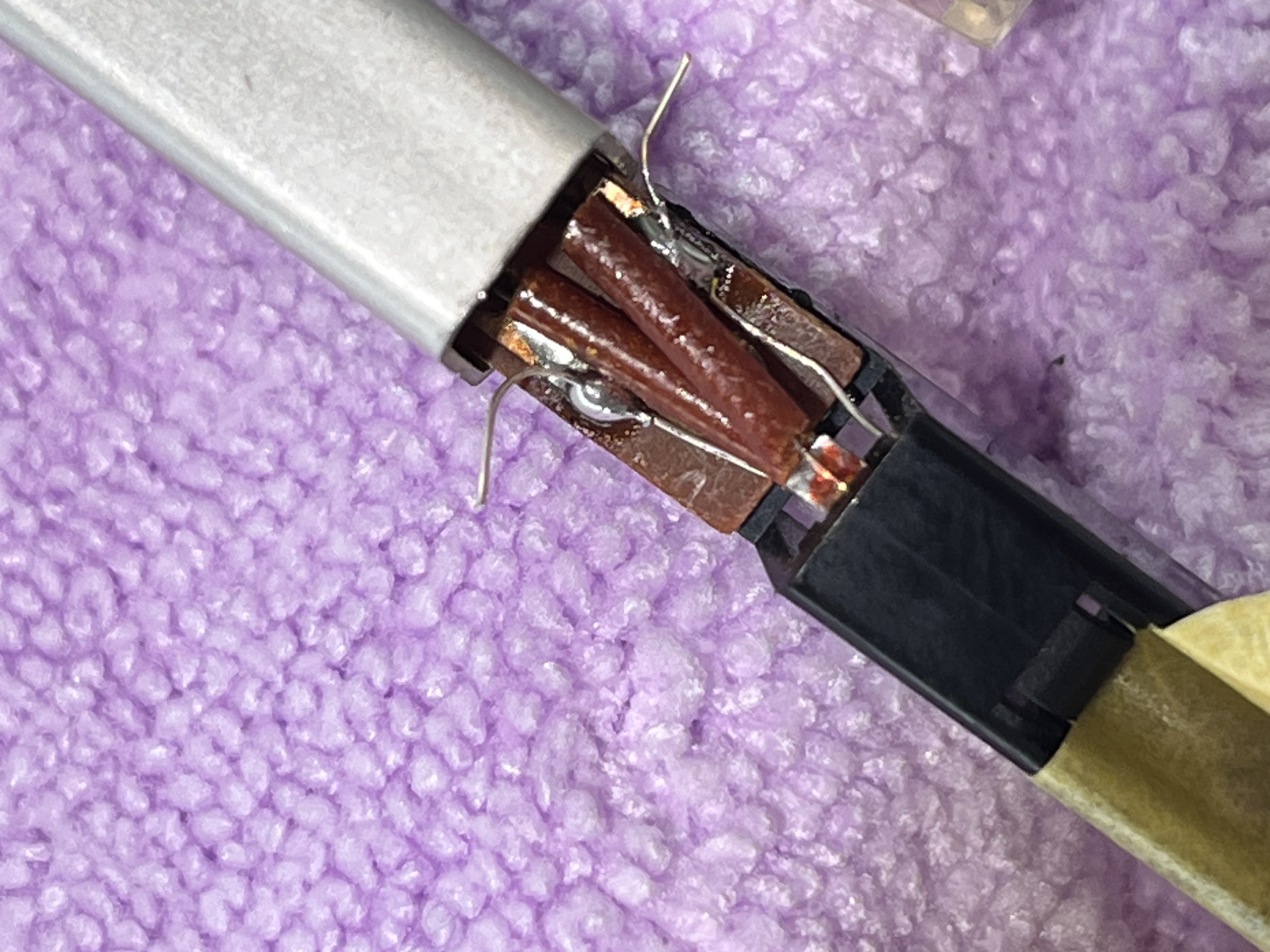
    I managed to install a new incandescent lamp. The BG4000 is working great again now. The bulb was trying to ride high so I placed a piece of masking tape to hold it down while I did the soldering. I also slackened and fed the green wire at the back of the arm a mm or 2 so I could get access.

    the first pic shows the blown lamp and the second the solder points.


    • This reply was modified 2 weeks, 3 days ago by etype76.
    #125678
    matador
    Moderator

    Hi.

    Great you managed to make it work again.

    it would be helpful to everybody here if you could give details about the bulb you use as replacement.

    Thanks.

    Location: Paris France

    #125783
    Dillen
    Moderator

    Here.

    Martin

Viewing 5 posts - 1 through 5 (of 5 total)
  • You must be logged in to reply to this topic.






