






Home › Forums › Product Discussion & Questions › BeoRemote › Beo5 & Beo6 › Beo5/6 Full screen images
- This topic has 4 replies, 3 voices, and was last updated 6 months, 3 weeks ago by


-
AuthorPosts
-
12 March 2026 at 18:39 #77256
 FilipSwe03BRONZE Member
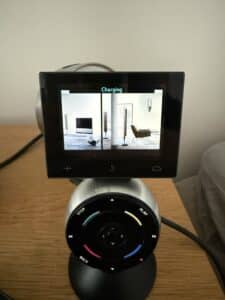
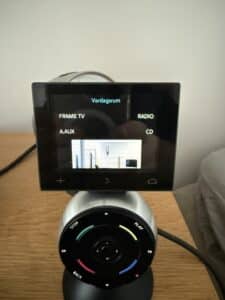
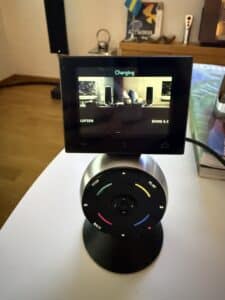
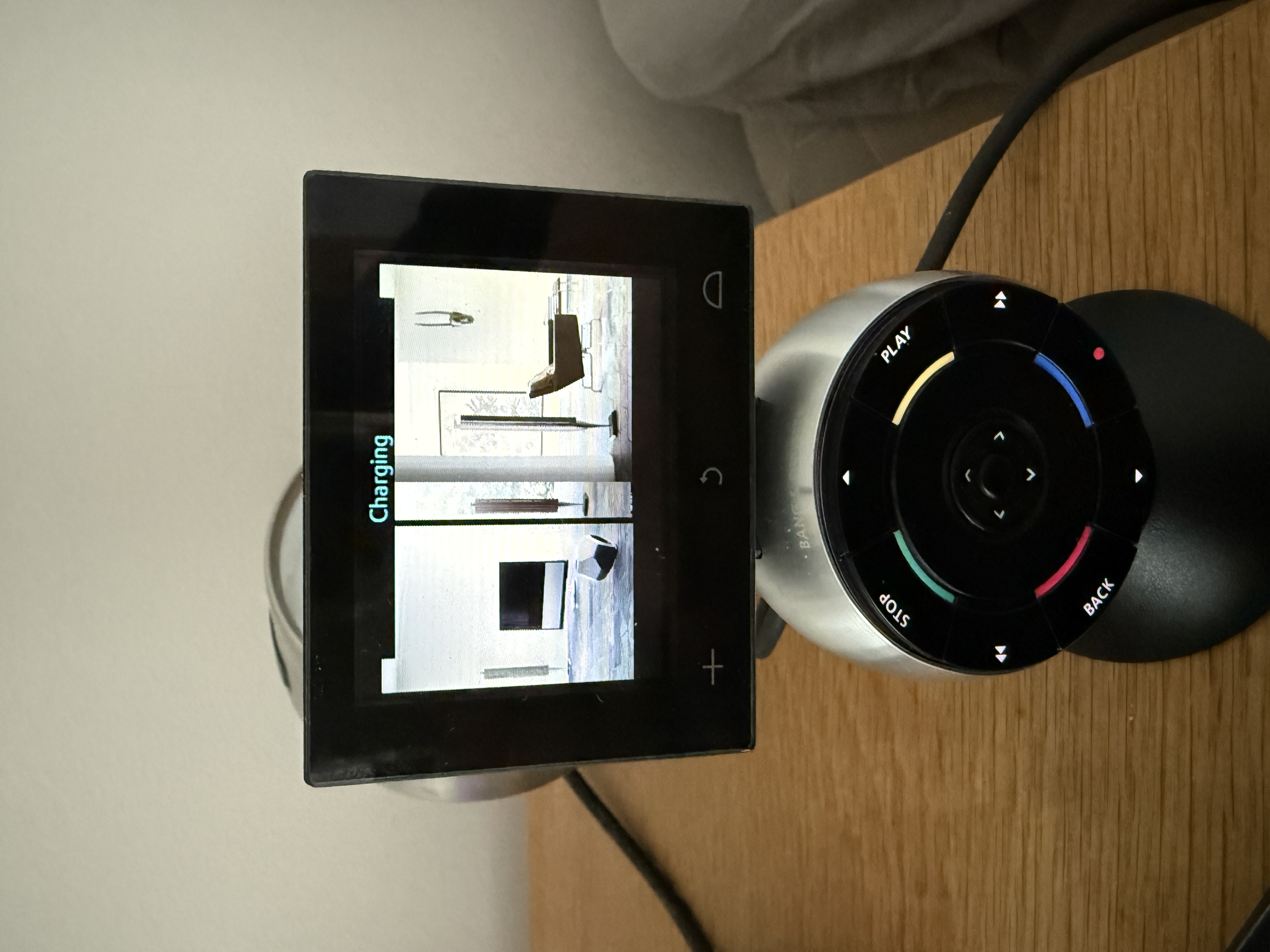
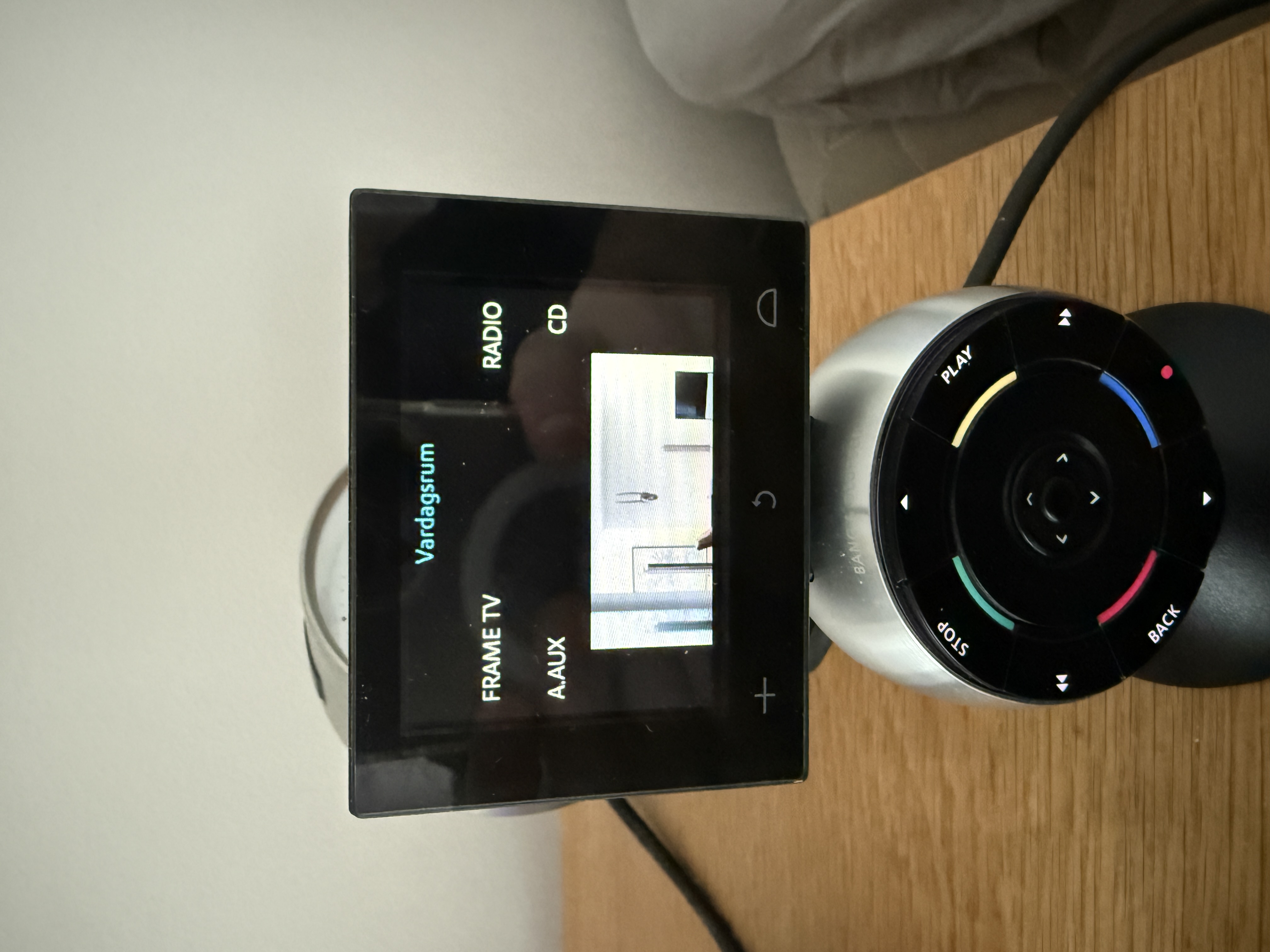
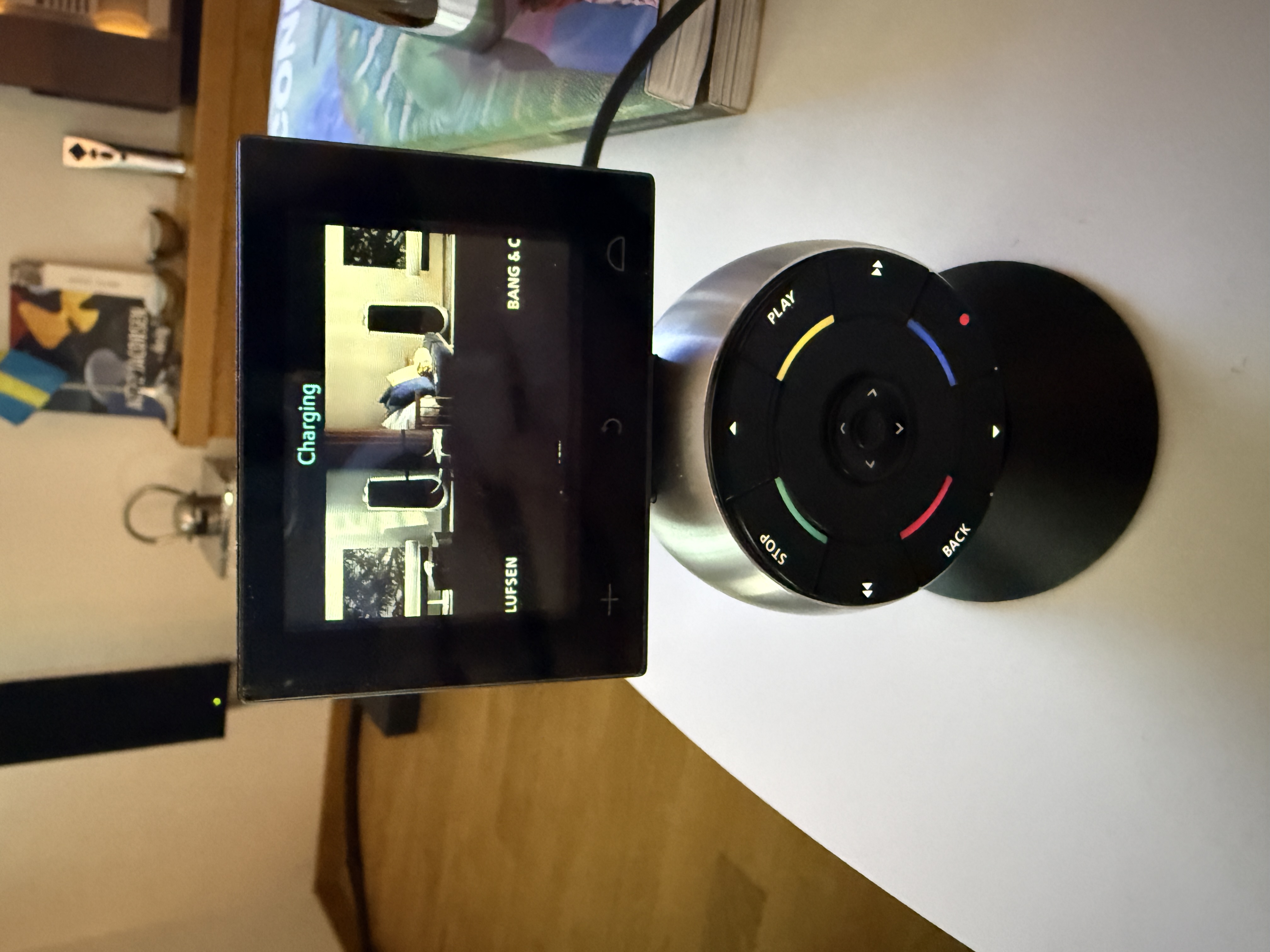
@matador. Im so impressed by your background designs and images. I’ve been trying like a madman to do it correctly. But everything the configurator either cuts my pictures in half or the dimensions are completely off. What dimensions do you use?
Location: Sweden
Favourite Product: Beolab 8000
12 March 2026 at 19:58 #77303 GOLD Member
Hi,
I didn’t find the FAQ made by Keith in the old forum.
Here is what I found using AI.
Hope it will help.
Here is the information on recommended wallpaper dimensions for the Beo5 and Beo6 remotes.
Beo5 and Beo6 — shared screen resolution: 320 × 240 pixels
Both remotes use the same resolution. The Beo6 features a larger 2.8-inch screen compared to the Beo5’s 2.4-inch screen, but both share a resolution of 320 × 240 pixels.
This resolution is therefore the reference for any wallpaper or background image used in the configuration.
Recommended dimensions summary:
Full-screen wallpaper 320 × 240 px
Logo / standard icon 92 × 44 px (max)Square icon 72 × 72 px or 92 × 92 px
Image in 3-column layout ~120 px wide × proportional height
Format: BMP or JPG is recommended, ideally with a black background to match the dark theme of the remote’s display.
Location: Brittany, France
My B&O Icons:


 13 March 2026 at 08:09 #77413
Hi Filip,
Thank you for your kind words.
Here is a link to the complete topic I did when I was experimenting:
https://archivedforum2.beoworld.org/forums/p/37669/286902.aspx
Bottom line is:
The solution is a picture size of 105×49 px with one line of pixels overlapping at the bottom meaning each picture should be 105×48 px border to border and add at the bottom the first line of pixels of the button below.No such thing for the side to side button: 105 px wide makes them just line up fine.
If you’re comfortable with Photoshop, I’ve attached a little droplet that will split a full picture of 315×240 pixels into 12 tiny pictures that you must manually add to each button to have a full screen image without offset.
Please rename the .pdf into .zip and extract the archive. The droplet was made on Mac but I beleive it should run on PC.Hope this helps.
NB: I’ve moved your question to a new topic to keep things neat since it is not battery related.
Attachments:
You must be logged in to view attached files.Location: Paris France
13 March 2026 at 13:39 #77634FilipSwe03BRONZE MemberHi again, thanks for answering so fast. I did what you said. worked great until I transferred the 12 buttons with images to the remote. the remote crashes now when I open the Zone Livingrom where ive put these images. I started troubleshooting and realised quickly when I removed all buttons but one with image that it still wasn’t working so it has to do with the size (kb) and format of image. its too much for my beo5 remote to handle. any tips? ChatGPT says images this small are supposed to be around 5-6kb big. but my images are 21kb large each. any ideas?
Location: Sweden
Favourite Product: Beolab 8000
13 March 2026 at 16:52 #78119Buttons i’ve generated are either .jpg @ 10 kB or .png @ 4 kB.
They were then converted to .bmp @ 15 kB.
All plain RVB, no alpha channel.
Location: Paris France
-
AuthorPosts


- You must be logged in to reply to this topic.